
- Installs
- 100,000,000+
- Ratings
- 5,450,878
- Price
- Free
- Developer
- Amazon Mobile LLC
Screenshots


Overview
The Amazon Alexa Android app is the free hub you use to set up Echo speakers and displays, control compatible smart-home devices, and keep Alexa lists and music links in one place. It is worth installing if you own or plan to buy that hardware; it is not a replacement for Google Assistant or Siri as the assistant built into your phone.
Setting up an Echo and checking its connection
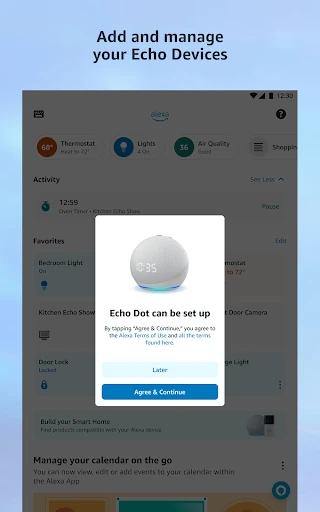
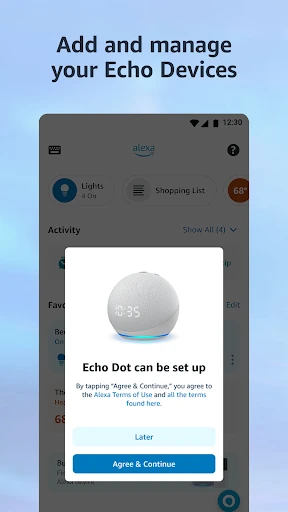
Before an Echo does anything useful, it has to be registered to an Amazon account, and the app is where that happens. Sign in, add the device, and the setup prompts carry you through Wi-Fi. Later, the device page is the practical place to check whether the Echo is online: a status panel shows Wi-Fi connectivity, which saves guessing when voice requests stop working. The app also lets you pair your phone by Bluetooth so audio from the phone plays through the Echo; after the first setup, that Bluetooth connection can work without Wi-Fi. Voice ID is optional, and setup asks you to repeat phrases if you want personalized messages and reminders tied to your voice.
Controlling lights, locks, and routines from Android
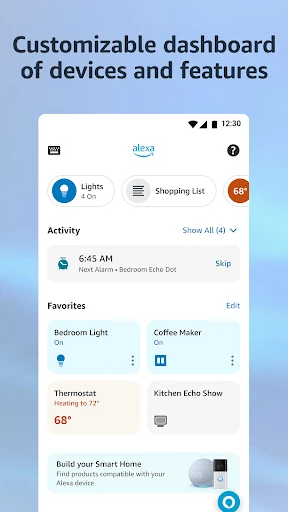
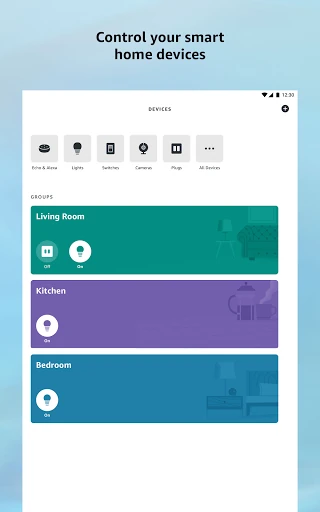
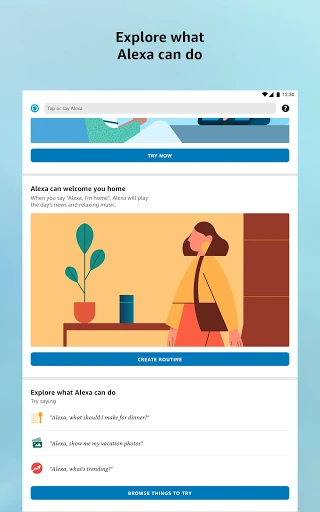
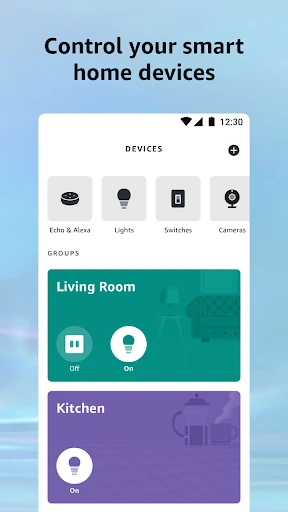
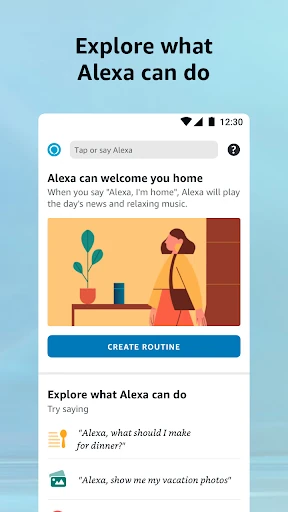
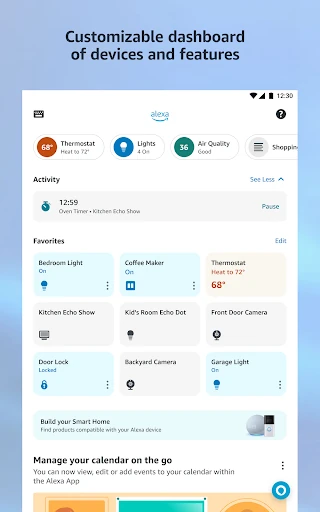
The smart-home controls are the strongest reason to keep the app on a phone even if you have not bought an Echo. After linking compatible lights, locks, and thermostats, you can check their status and switch or adjust them from Android, at home or away. The condition is device compatibility: installing the app alone does not make a light or lock work with Alexa. Routines go further by letting you automate those linked devices so a schedule handles them without a spoken command each time. That is useful for a lamp that should come on before you get home or a thermostat that should change at a set time. For someone with compatible smart-home gear but no Echo, this control layer is the part that earns the install.
Lists, linked music, and multi-room playback
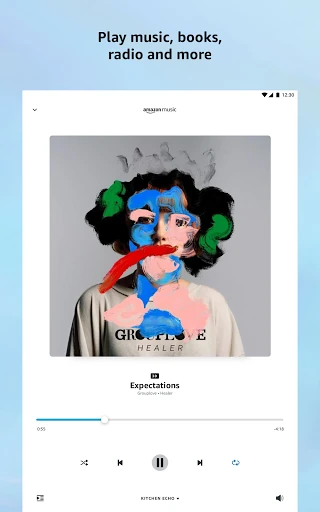
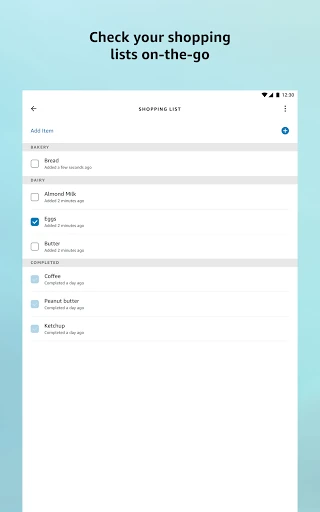
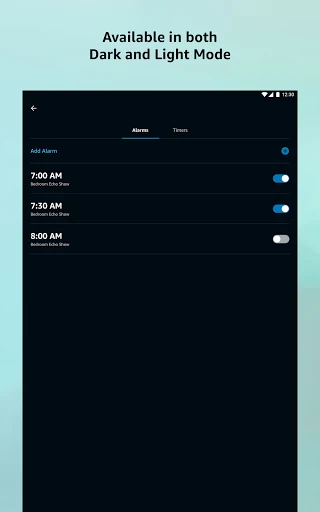
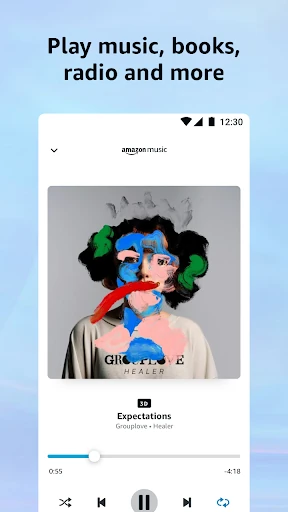
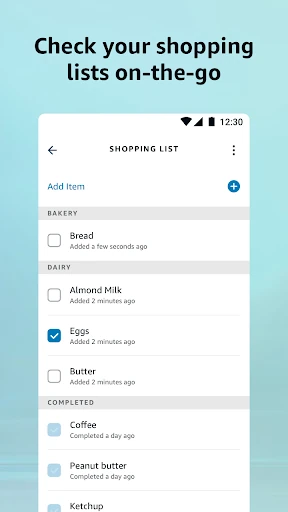
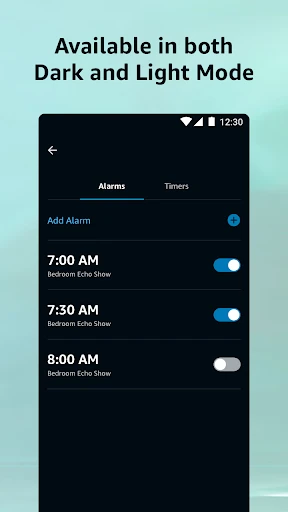
Shopping and to-do lists are the low-friction everyday feature: both are editable on the phone and stay with the Alexa account, so a list added at home is there when you are at the store. Timers and alarms can be managed in the app too, though they do not need the same attention here. Music takes an extra step: link a service such as Amazon Music or Spotify in the app's music settings, and have an eligible account or subscription where the service requires one. Speaker groups are only useful if you own more than one compatible Echo; they play audio across those speakers, and they do not turn a single phone into a multi-room system.
Drop In, calls, and household permissions
Drop In works as an intercom to a compatible Echo. When someone drops in, the Echo's light pulses green and the audio or video connection opens automatically, so it is a quick way to check a room or speak to someone near a device. The household details matter more than the feature list: group Drop In connects only one device from the group, and asking Alexa to drop in everywhere reaches supported devices that are not set to Do Not Disturb. Drop In with a contact needs both people to grant permission. Calls and messages to supported Alexa devices are free but depend on that hardware, so they make sense for reaching a home or household rather than replacing your phone's normal calling app.