- Installs
- 5,000,000+
- Ratings
- 24,760
- Price
- Free
- Developer
- iMediaStar
Screenshots
Overview
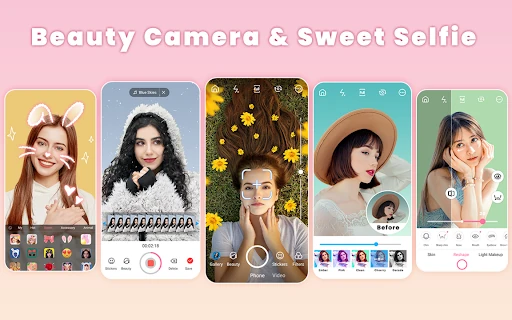
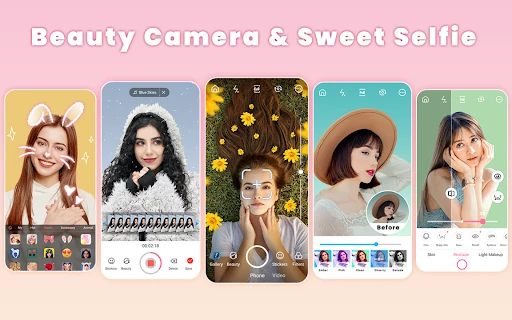
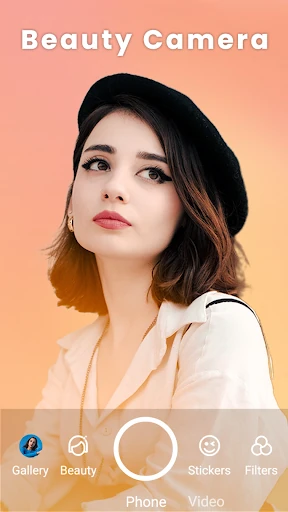
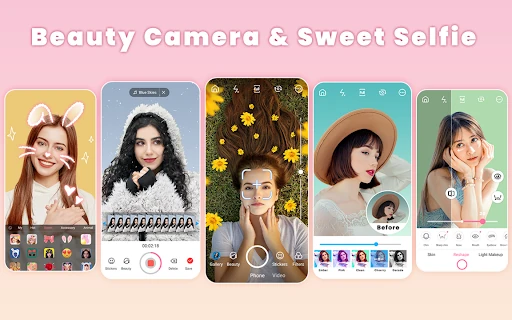
Beauty Camera - Sweet Camera is a free Android app for people who want the selfie and the finished edit in one place. You apply makeup, filters, and stickers while framing the shot, then keep working on the saved photo with retouching, collage, and short-video tools.
How the live selfie camera and one-tap beautify work
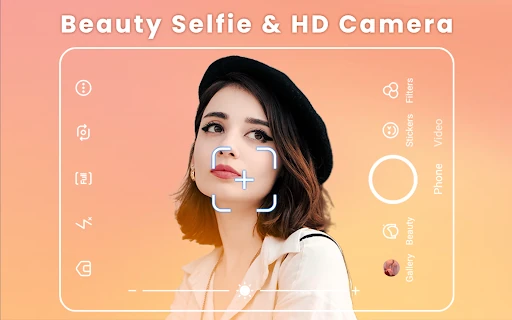
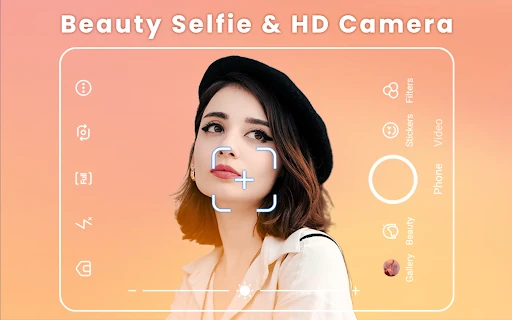
The core loop is short: open the camera, pick a look, shoot, and refine. In the live view you can choose lipstick, blush, eyebrow shape, and contour, and the app's face recognition is meant to place that makeup so it follows your features instead of sitting in a fixed spot. Hair colors and accessories such as sunglasses, hats, and jewelry work in the same preview, so you can test a look before committing to it.
One-tap beautify sits alongside those manual choices. Use it before you shoot for a quick lift, or after you shoot if the photo is otherwise fine. From there the saved image moves into the editor, which is where the app earns its keep for everyday posting: you can take a decent photo and finish it without passing it through two or three other apps.
Face, skin, and body retouching after the shot
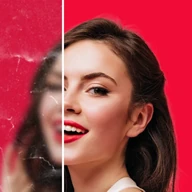
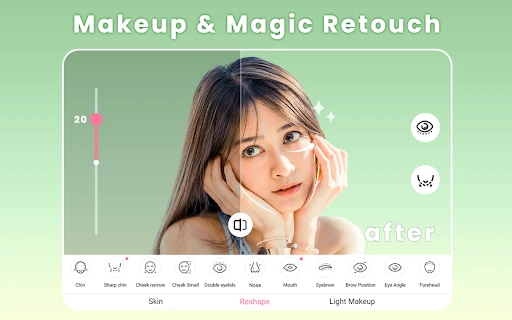
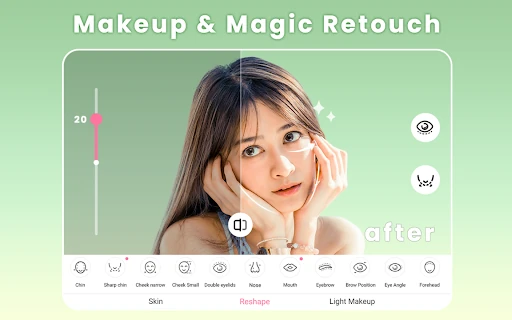
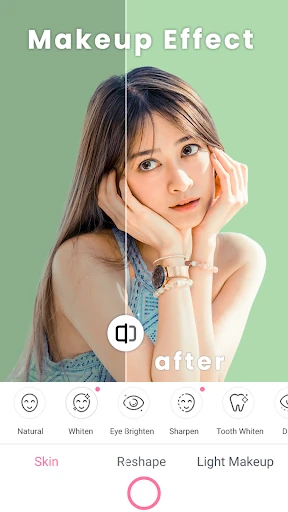
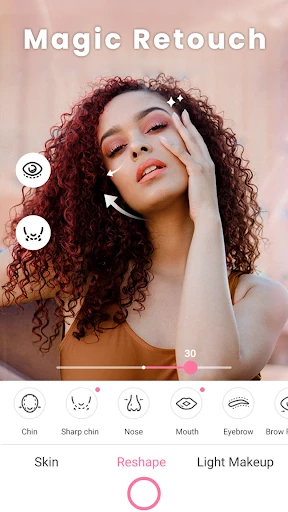
The editing controls are grouped by what they fix rather than dumped into a single slider set. Face shaping covers cheekbones, chin, jaw, and forehead. Skin tools handle smoothing, blemishes, acne, wrinkles, and dark circles. Eyes get brightening and red-eye removal, eyebrows can be adjusted for arch, thickness, position, and color, and teeth whitening handles smiles. Body reshaping covers arms, waist, and hips.
That grouping matters when one part of a photo is off and the rest is fine — a shadow under the eyes, a slightly uneven jawline — because you can correct that area instead of flattening the whole image with a filter. These are manual adjustments, and they respond to restraint; a light touch reads better than pushing each control to its limit.
Filters, stickers, and virtual accessories for themed looks
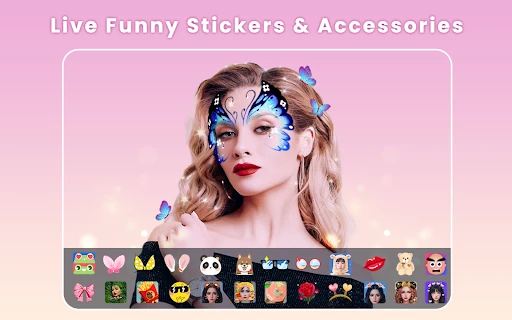
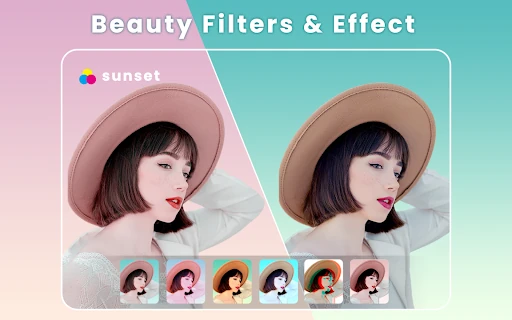
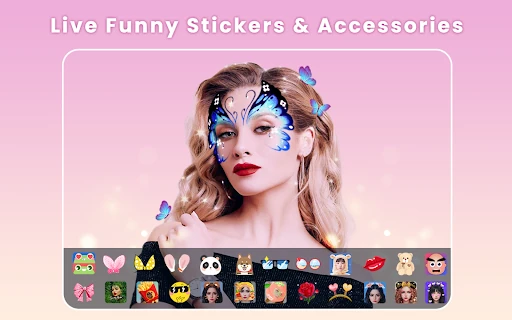
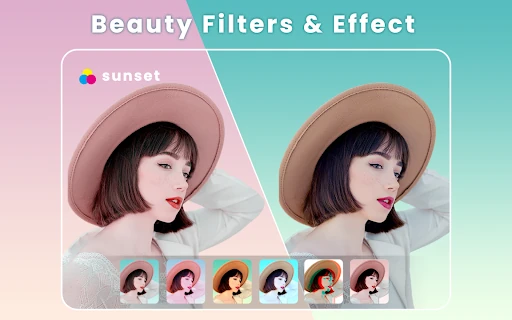
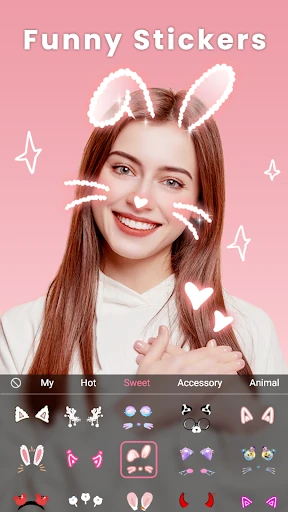
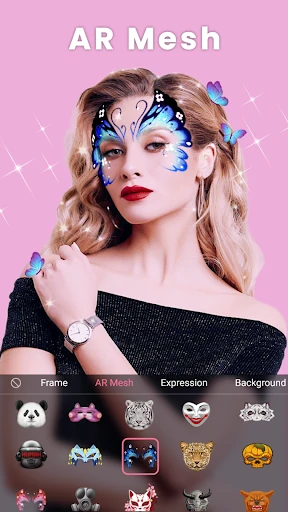
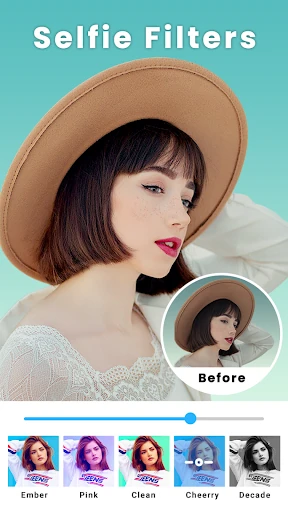
There are more than 300 themed filters, plus seasonal and AR effects, which is enough variety to give a set of photos a consistent mood. Stickers update daily and include motion versions, so a plain selfie can be dressed up for a holiday, a birthday, or a specific color scheme. The accessory and hair-color try-ons belong to the same idea: quick costume changes for playful shots rather than serious portraits.
Collage maker, music videos, and duet clips for sharing
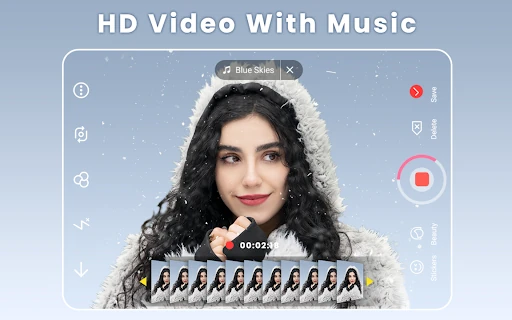
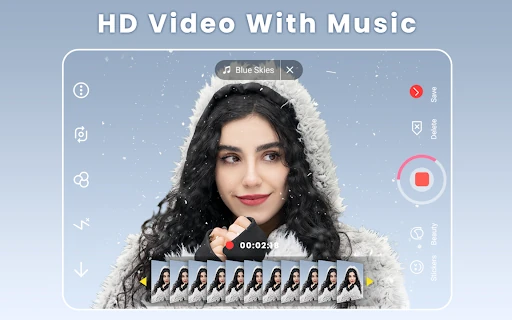
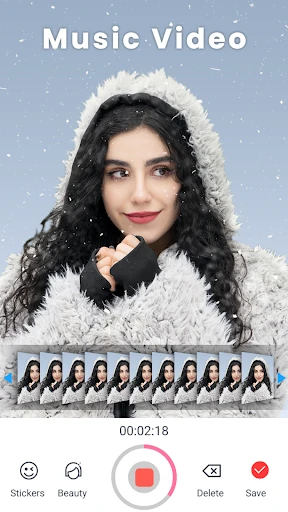
Beyond stills, the app includes collage templates and frames for combining several photos, a music-video mode for short clips, and duet recording for side-by-side reaction videos. You can also turn a clip into a GIF emoji, add text or drawings, and use basic trim, blur, rotate, and cutout tools. These are light social extras rather than a full video editor, but they mean a single selfie can become a grid post or a short clip without switching apps.
What the 4.82 rating and 5M+ installs tell you
The app is free, has more than 5 million installs, and holds a 4.82 score from roughly 24,760 ratings. That signals a large, generally satisfied user base, but popularity doesn't prove that live makeup or retouching will look natural on every face — that depends on your features and how much adjustment you apply.
The store listing doesn't spell out ad load, in-app purchase pricing, or permission details, so don't assume it's ad-free or entirely free of paid extras. Worth installing if you want live makeup, retouching, collages, and short clips in one free Android app; less compelling if you already have a photo editor you like and only need a camera.