- Installs
- 50,000,000+
- Ratings
- 960,107
- Price
- Free
- Developer
- GamoVation
Screenshots
Overview
Chess Club is a good fit if you want free, offline chess on Android against the computer at a chosen difficulty or against a friend on the same phone. It is a casual, ad-supported app, so the decision comes down to whether its difficulty ladder, local two-player mode, hints, undo and beginner lessons match how you want to play.
Playing the computer offline: difficulty levels and the solo loop
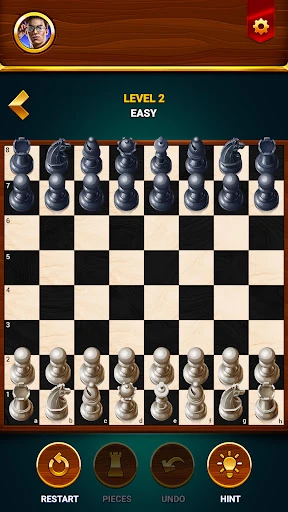
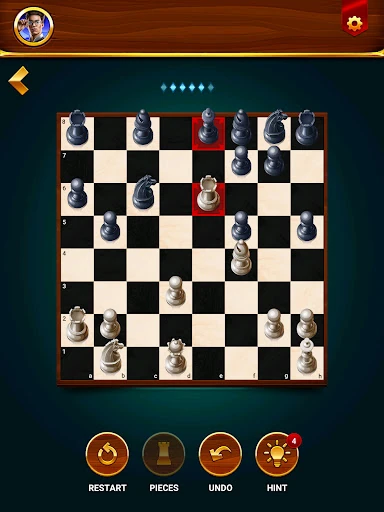
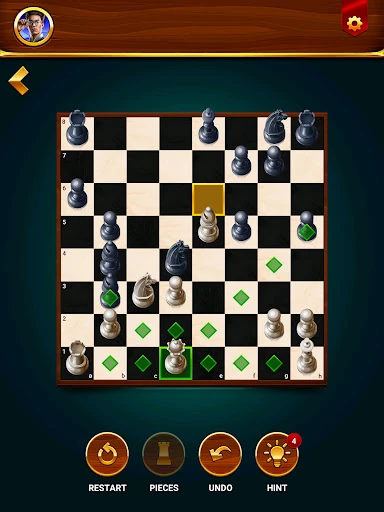
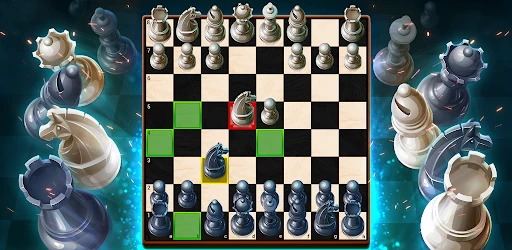
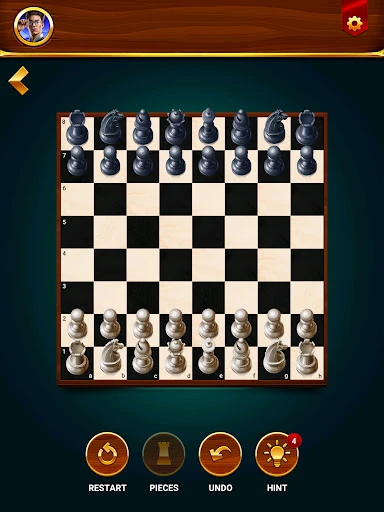
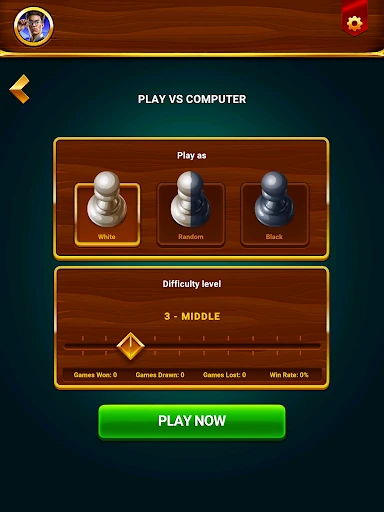
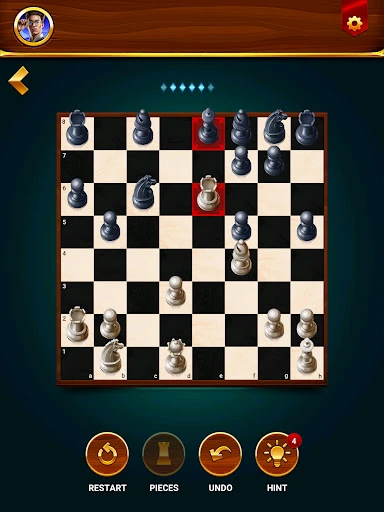
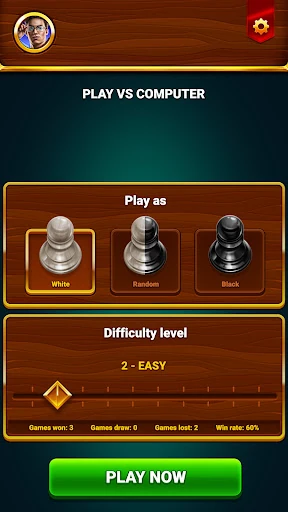
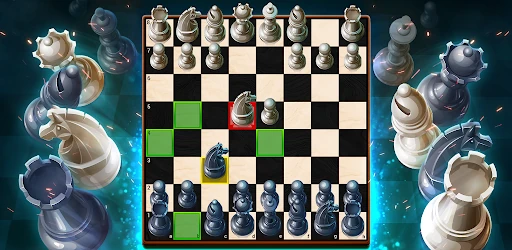
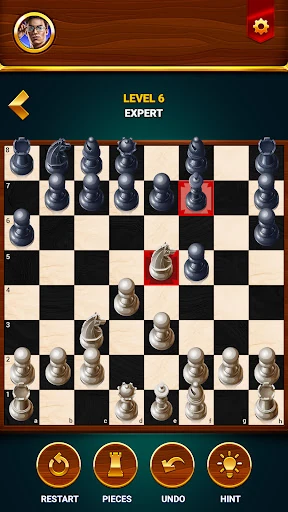
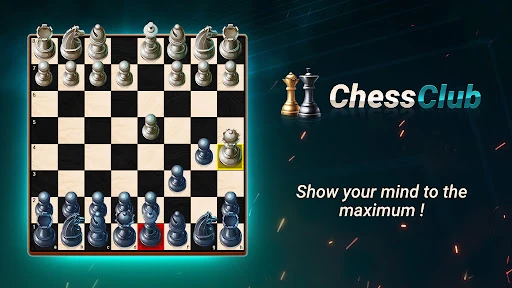
The solo loop is the core: pick a computer opponent from beginner up through advanced, expert and a grand master tier, then play without a connection. Those labels are difficulty settings, not a verified Elo rating, so use them to find a level that keeps games competitive rather than as a measure of tournament strength. You can switch between 2D and 3D boards, and the app keeps win, loss and draw statistics, which gives a light sense of progress over time. This is built for casual games anywhere—on a commute, a break, or a flight—not for an online rating climb or serious engine work.
Pass-and-play chess on one Android phone
Two-player mode is local pass-and-play: two people share the same Android phone and take turns. That suits a friend in the room, a quick game over coffee or a parent teaching a child. The screen is small for both players to read, so rotating the phone or keeping a physical board nearby can help each person see the position. It does not turn the app into a remote multiplayer service; the mode is for people playing together on one device.
What the lessons and one-move puzzles can teach
Lessons cover the rules and basic building blocks: how pieces move, checks, and special moves. The puzzle practice is narrower—one-move checkmate problems—so it trains pattern recognition for simple finishes rather than calculation across long variations. For a new player, that combination is useful: learn how the pieces work, then spot a mate in one. More experienced players will get through the teaching material quickly and should not expect opening theory, middlegame plans or engine analysis. The lessons are a starting point, not a full course.
Hints, undo and restart: helpful training wheels
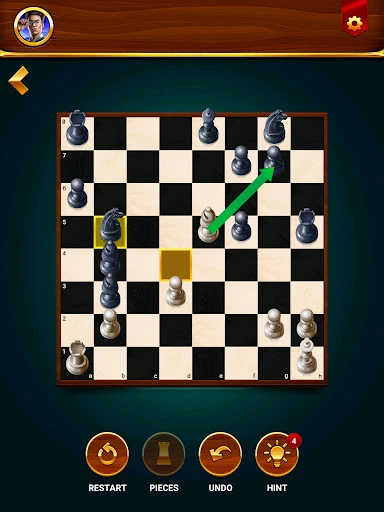
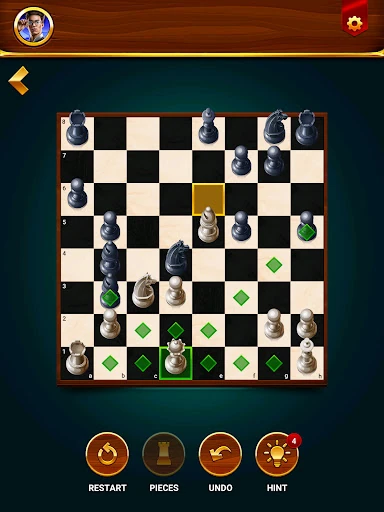
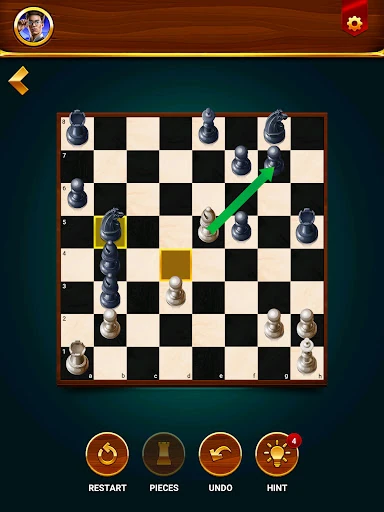
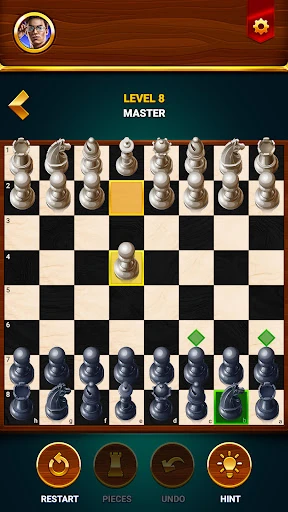
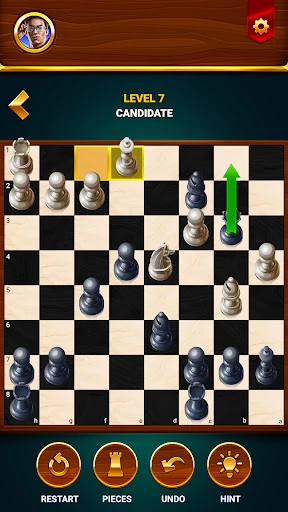
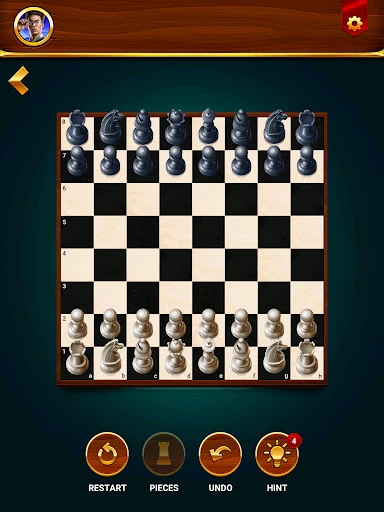
Hint shows a more advantageous move, while undo and restart let you take back a blunder or replay a position from the start. These are useful training wheels when you are learning or playing casually; they keep a game moving instead of ending it on one mistake. For a more serious session, agree to limit them. Otherwise the game can turn into trial and error, where you try moves until the app approves.
Ads, privacy and the one-time ad-free purchase
The free version is ad-supported, and there is a one-time purchase to remove ads. Whether that is worth it depends on how often you play and how much interruptions affect a game; someone who opens the app a few times a week may not care, while a daily player may prefer to pay once. The Play data-safety entry lists possible collection of location and personal information and sharing of financial information and app activity with third parties. It also says data is encrypted in transit and that deletion requests are supported. If you want a chess app with minimal data collection, that disclosure is worth weighing before installing. For casual offline games and local two-player matches, Chess Club covers the basics without requiring a connection.