
- Installs
- 100,000,000+
- Ratings
- 1,850,893
- Price
- Free
- Developer
- Airbnb
Screenshots
Overview
The Airbnb Android app is worth installing if you want a whole home rather than a hotel room and expect to add a local experience or an in-stay service to the same trip. It rewards travelers who read house rules and cancellation terms before booking; anyone who wants hotel-style consistency will spend more time comparing listings than they might like.
Stays, experiences, and services in one trip plan
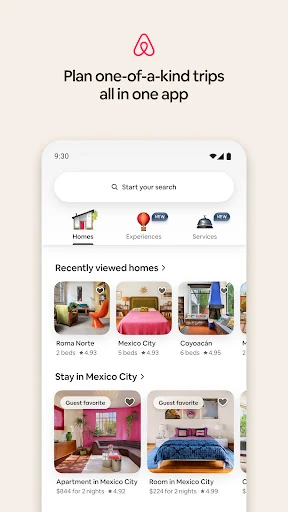
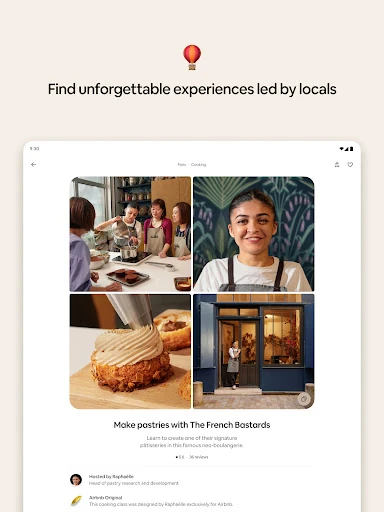
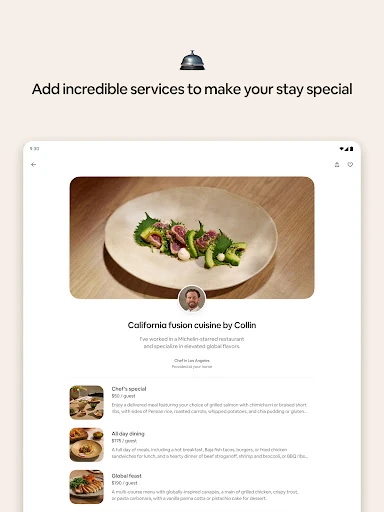
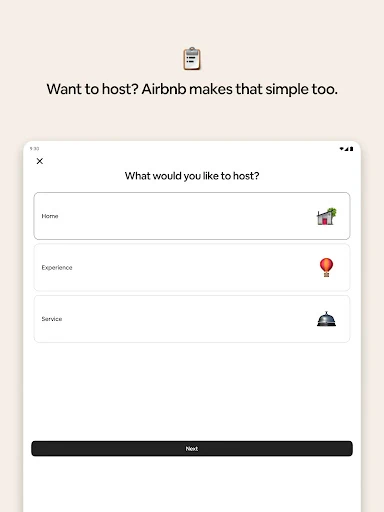
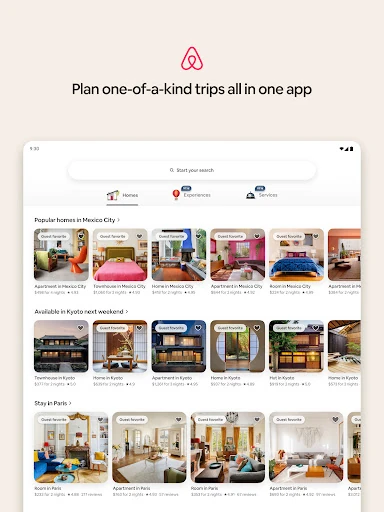
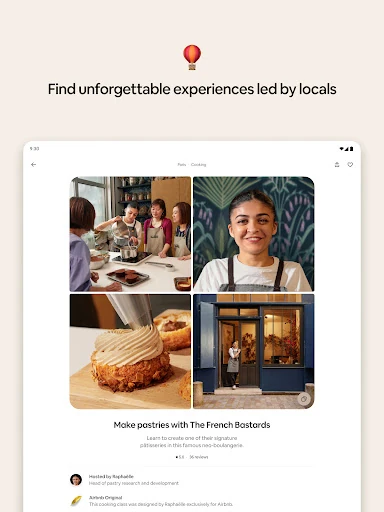
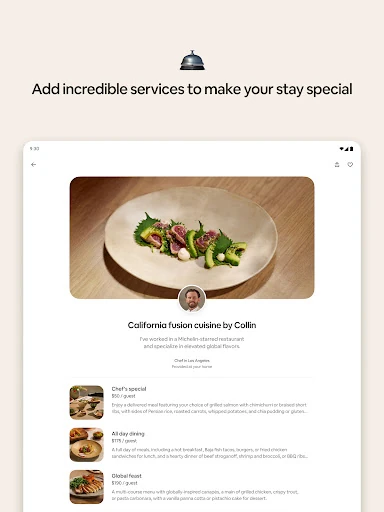
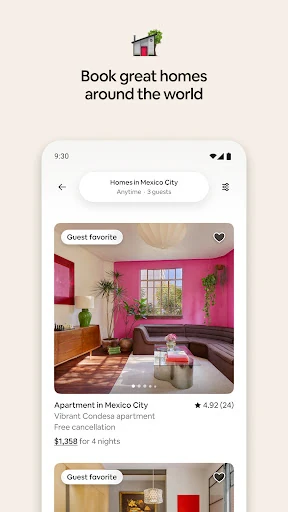
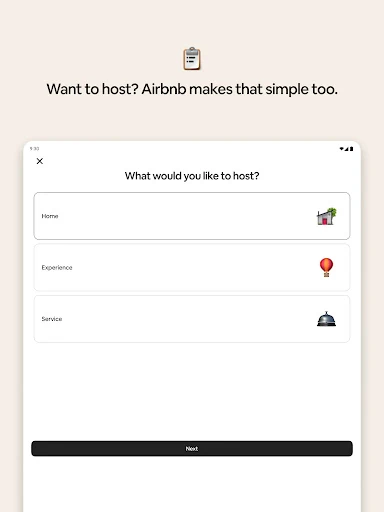
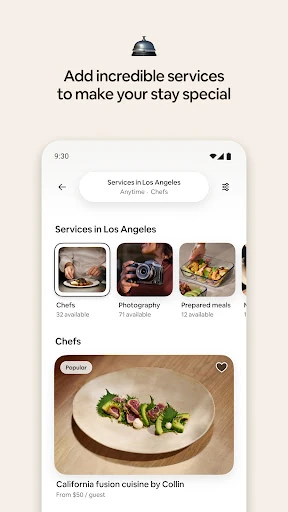
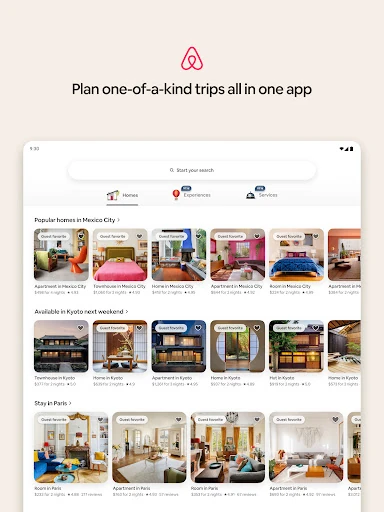
Airbnb works as three bookable layers. The first is rentals: millions of listings across more than 240 countries and regions, from a single room to a house for a group. The second is experiences hosted by locals, such as cooking classes, food tours, museum walks and workshops. The third is services — private chefs, massage, hair styling, personal training, photography — that can be booked to your accommodation or to your own home. That last layer is the one people miss: you don't need to be on a trip or staying in an Airbnb to schedule a service.
Finding a rental that fits your group and access needs
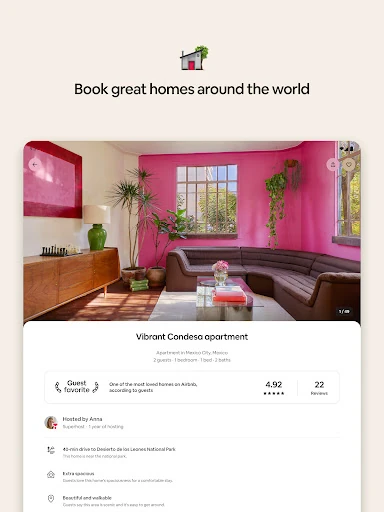
Enter your dates and guest count first, because that is what produces accurate pricing. From there, the filters do the real work: pool, kitchen, accessibility features such as step-free entry, and dozens of other options narrow a large result set to something workable. Each listing page gathers the photos, description, amenities, house rules and cancellation policy in one place, and guest reviews tell you how the place behaved in practice rather than how it photographs.
If you are traveling with others, save candidates to a wishlist and share it so the group can compare before anyone commits. This is a small feature that saves a lot of back-and-forth when four people have four different ideas about budget and neighborhood.
What happens before your first reservation is confirmed
A first booking requires identity verification, so expect to submit ID before anything is confirmed. After that, listings split into two types. Instant book confirms immediately. A request booking goes to the host, who has 24 hours to accept or decline, though many respond well inside that window. For a tight arrival date, instant book removes the uncertainty; a request is fine when you have slack and want the specific place.
Adding an experience or service to the trip
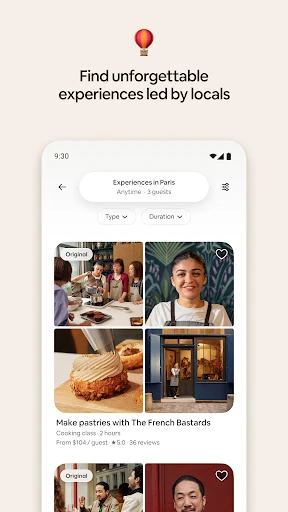
Browse experiences by city and date, and read the guest requirements before booking — not every experience suits every age group, and some call for particular skills or licenses. Custom dates or times can be requested for some of them.
Services inside a rental depend on the host. Some hosts allow all of them, some restrict certain types, and some allow none, in which case the service has to happen somewhere else. Check the house rules before you count on a chef in the kitchen. A Nearby option can show what is available around you, using a location permission you can change in Android settings at any time.
Check-in details, host chat, and offline access
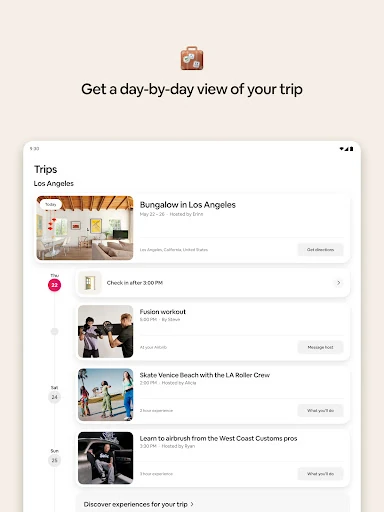
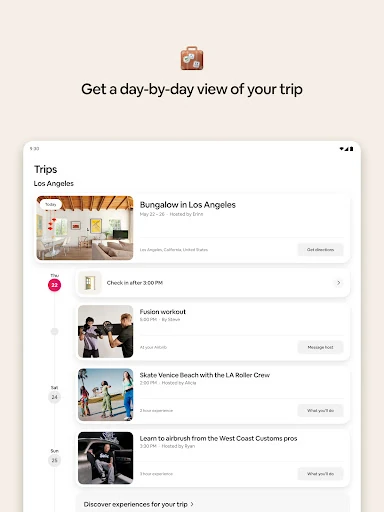
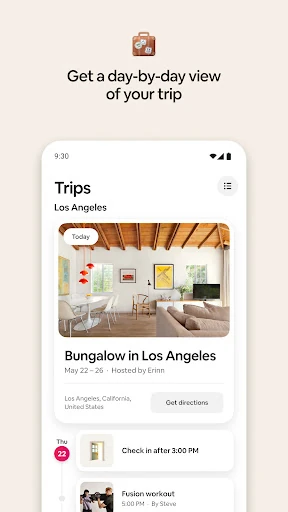
The Trips tab holds a day-by-day view of everything you booked, with check-in times, entry instructions and codes. For self check-in, the exact address and the lockbox combination or keypad code arrive by email and in-app message 48 hours before arrival, along with parking notes, the wifi password, house rules and host contact details; the same information sits in the reservation itself. Entry may instead mean meeting a host, co-host or neighbor in person, so read the instructions rather than assuming a keypad.
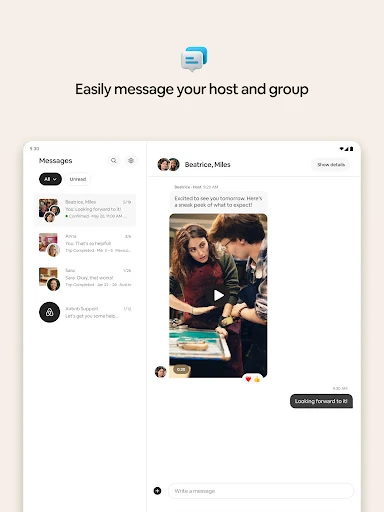
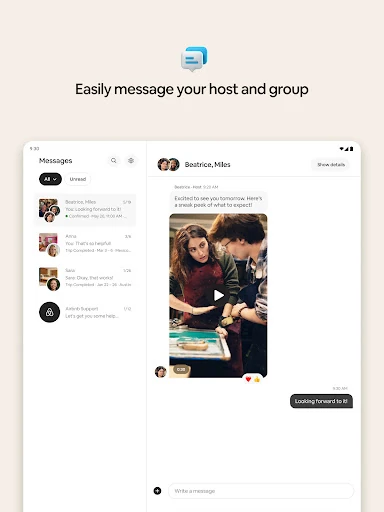
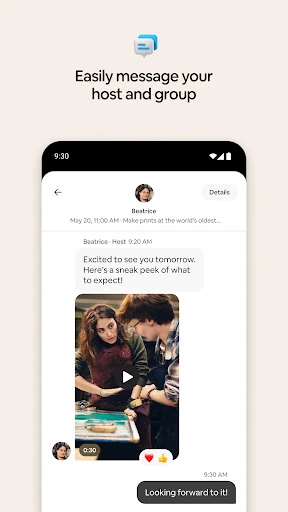
Messaging keeps every guest on the reservation in one thread with the host, which is useful for questions, arrival delays and last-minute updates. Because key reservation details can be opened offline, the app still works when you land without a data plan — a genuinely practical detail on arrival day.