- Installs
- 100,000,000+
- Ratings
- 2,254,038
- Price
- Free
- Developer
- agoda.com
Screenshots







Overview
The Agoda Android app is a booking tool for hotels, apartments, vacation rentals and flights, and it keeps your active reservation in the same place you searched. It suits a trip built around a stay you want to research and manage from your phone; the headline discount is a weaker reason to install it than the confirmation type and cancellation terms you accept at checkout.
Where hotel and flight search fits your trip
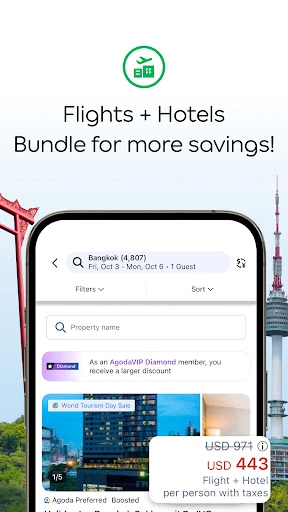
Accommodation search is the app's centre of gravity. You can filter a large inventory of stays by price, location and property type, look at photos, read traveler reviews, and switch to a map view when the neighbourhood matters more than the hotel brand. Homes and apartments are marked with a pink star in results, which helps when you are weighing a serviced apartment against a standard hotel room for a longer stay.
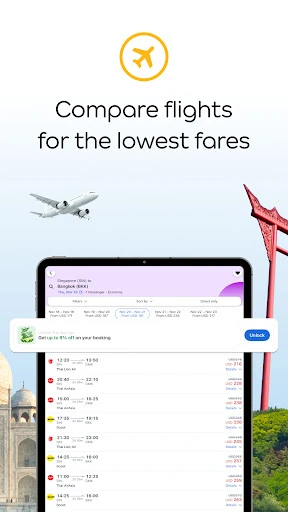
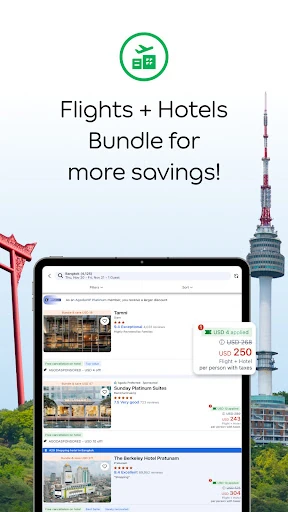
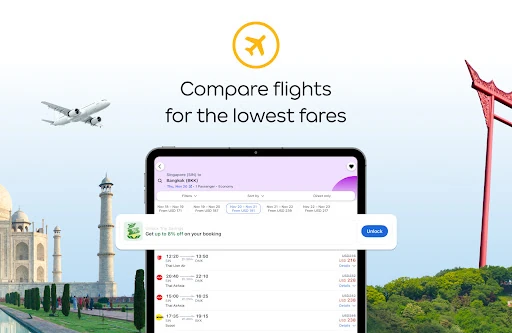
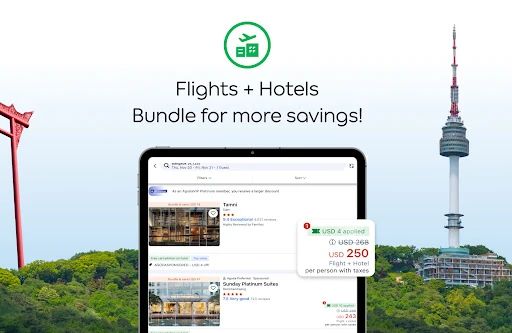
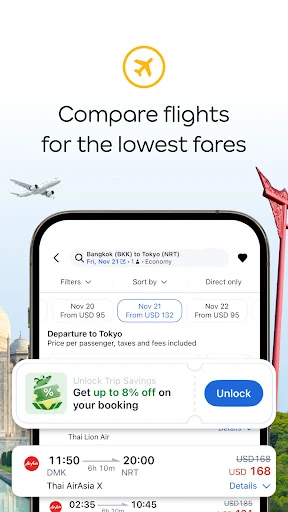
Flights from a wide range of airlines sit in the same booking flow, so a trip that starts with "where can we stay" can be finished without opening a second app. If the flight is the fixed part of your plan and the hotel is secondary, compare the route and fare on its own merits before assuming the app's combined view is the cheapest way to book it.
How member deals and payment choices change the final cost
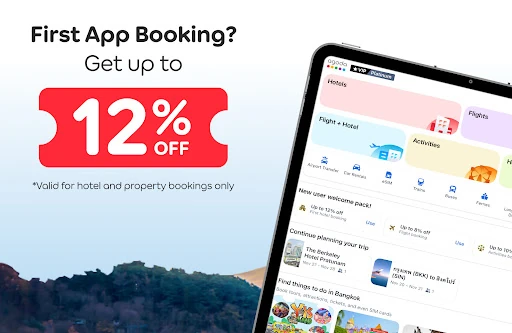
Member and Secret Deals, newly listed properties and last-minute offers are worth checking before you settle on a room, since they can apply to the same property you were already looking at. Treat the "up to 80%" figure as a marketing ceiling rather than a typical saving; the number that matters is the price shown against the same room and dates elsewhere.
AgodaCash and regional payment methods can shift the effective cost, but which options appear depends on your country and the specific booking. Scanning a card with the phone camera is a checkout convenience, not a reason to choose the app over the mobile site.
Before you rely on it: confirmation status, cancellation terms and refunds
This is where a booking can go wrong, and it deserves more attention than the search filters.
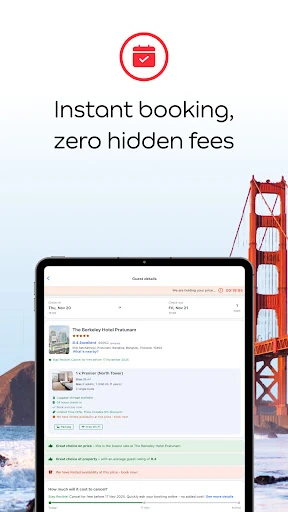
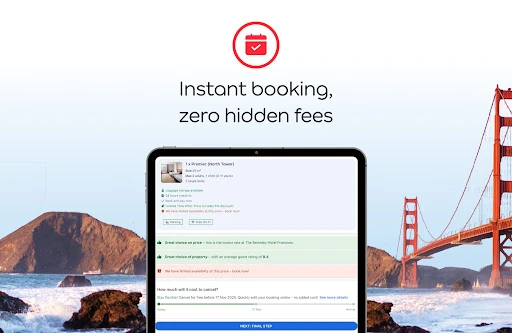
Some reservations are placed as booking requests that wait for the property to approve them, which can take up to 24 hours. Until that approval arrives, treat the room as unconfirmed and avoid committing to nonrefundable onward travel such as a flight or a ferry that depends on those dates.
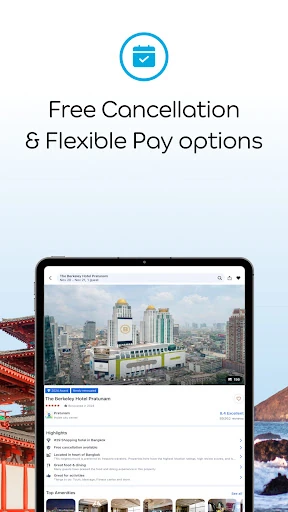
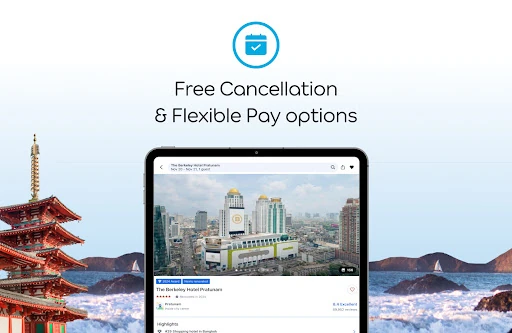
The cancellation policy attached to a confirmed booking cannot be changed afterwards. If your plans are uncertain, that makes the flexible rate worth pricing alongside the cheap one rather than something to sort out later. For eligible bookings you can request a cancellation-fee waiver from the booking details page, but the decision sits with the property and can take up to 48 hours to come back, so a last-minute change may not be resolved before your travel date.
Refunds go back only to the original payment method. Credit-card refunds can take up to 30 business days or land in the next billing cycle, debit-card refunds run 30–45 business days, and a released pre-authorization from a free-cancellation booking can take up to 30 business days to clear, occasionally into the following cycle. Unused AgodaCash is returned immediately. If you are booking close to your departure and need the money back quickly, that timing matters as much as the room rate.
What stays on your phone after you book
Your voucher, booking details and maps are saved on the device, so check-in does not depend on printing anything. In-app messaging lets you put questions to the property directly, and it is worth doing that before arrival if you need a late check-in or a specific room type. Keep the app installed for the length of the trip, since editing or managing the booking happens in the same place.