- Installs
- 1,000,000+
- Ratings
- 84,060
- Price
- Free
- Developer
- Apps LabDev
Screenshots
Overview
Car Launcher is worth installing if you want an Android phone or head unit to open into a driving-focused dashboard with large app shortcuts, speed readouts, and trip statistics. It is a weaker fit if you mainly want a prettier home screen. Before making it your default launcher, decide whether you will grant background location for the trip computer and whether you want the optional Accessibility Service for edge-swipe navigation.
What changes when Car Launcher becomes your home screen
It replaces your normal Android home screen. On a head unit, setting Car Launcher as the default is the step that makes the car interface appear when the device starts, rather than the manufacturer's launcher. On a phone, the change is more of a lifestyle swap: you get a dashboard built around driving controls, but you give up the usual phone home-screen setup.
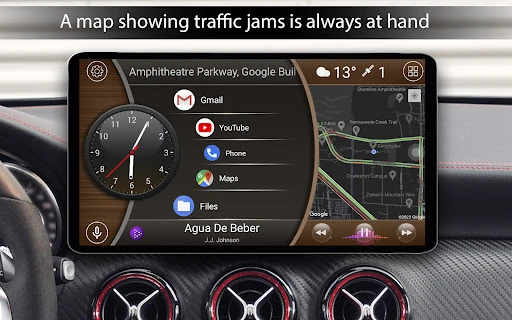
The app is designed around large shortcuts, folders, and quick access to apps, not deep phone navigation. That distinction matters. A phone user can still launch anything, but the layout feels more at home on a fixed dashboard where big touch targets and speed data are useful at a glance.
A driving dashboard: app shortcuts, speed, and trip data
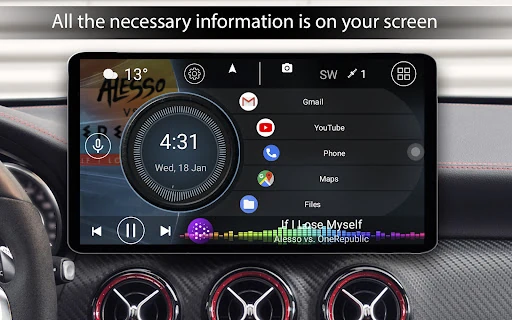
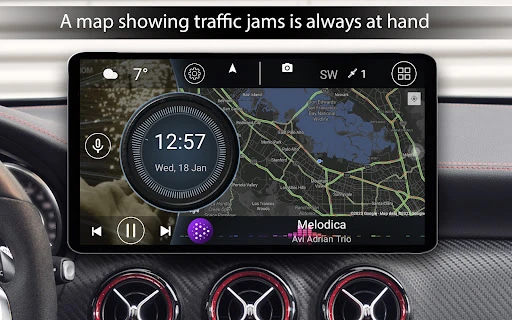
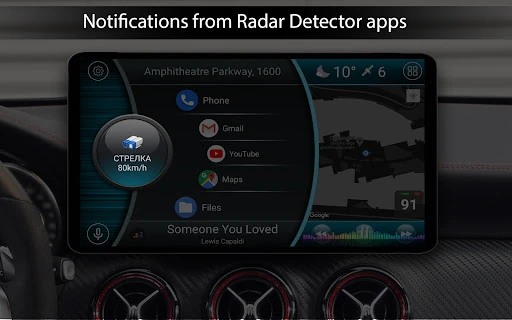
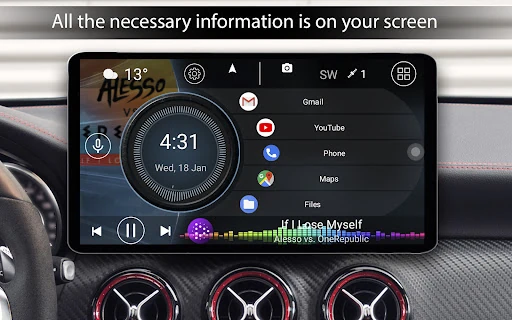
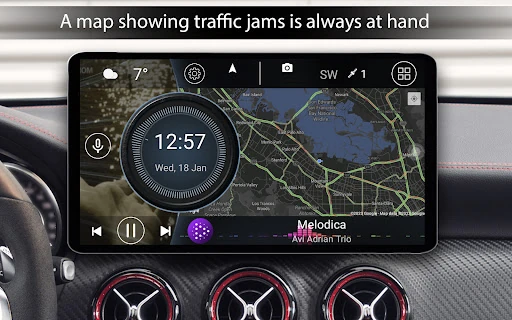
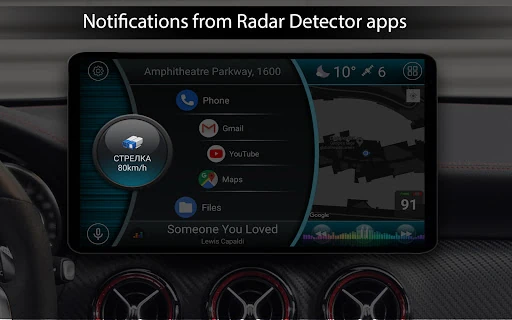
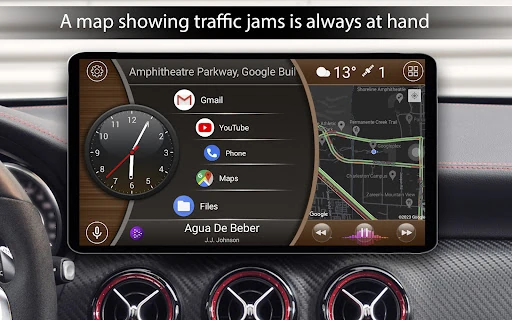
The main payoff is the home screen itself. You can add as many apps as you like, group them into folders, and open a quick app menu sorted for driving. Music player support includes album art, weather and location information can appear on the home screen, and current speed is displayed via GPS.
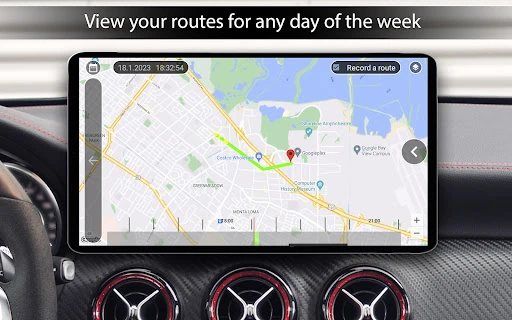
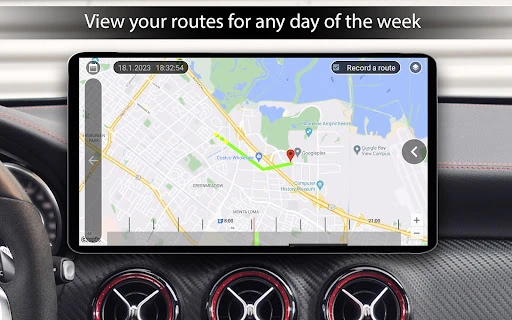
The slide-out trip computer is the more distinctive part. It opens with a button or swipe and can show current, average, and maximum speed, distance, total time, acceleration runs from 0–60, 0–100, and 0–150 km/h, and quarter-mile data. Statistics are split into current trip, today, week, month, and all time, with km/h and mph switching.
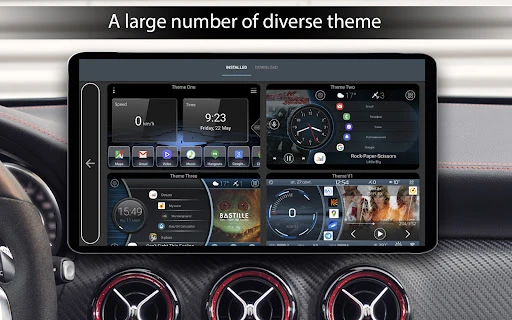
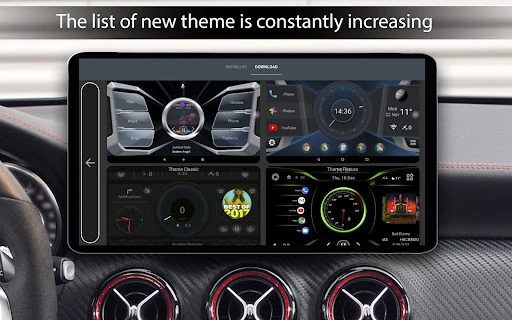
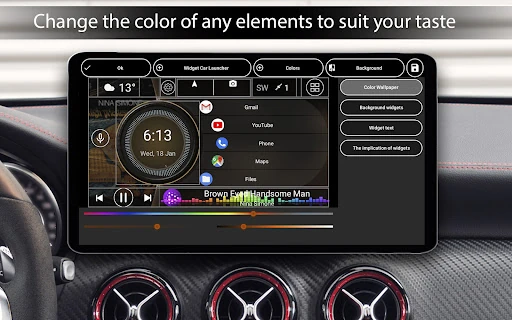
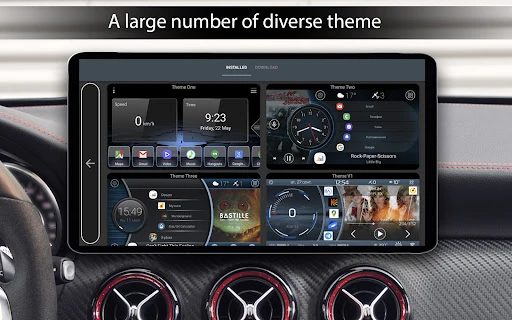
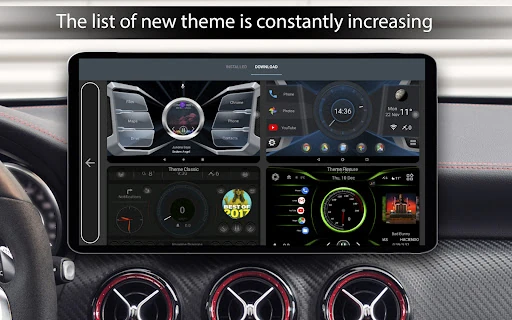
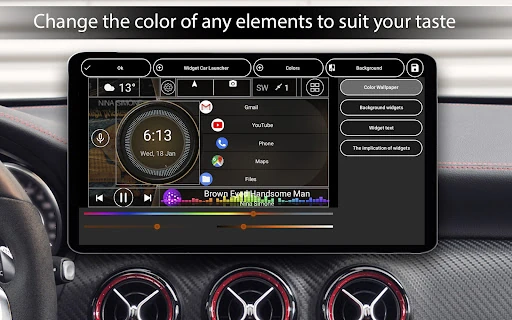
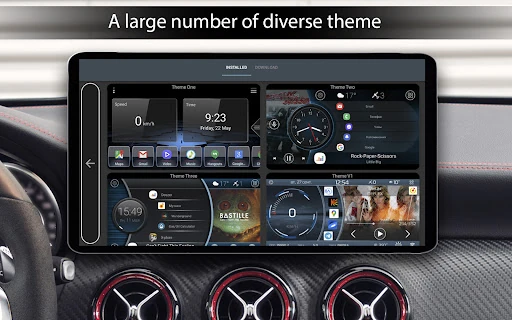
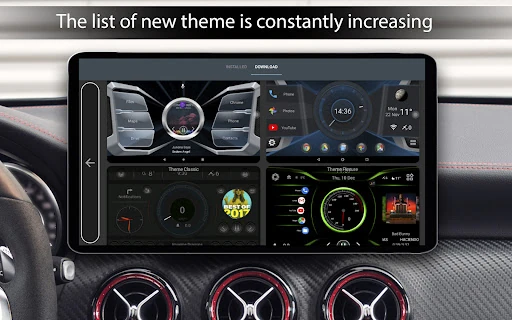
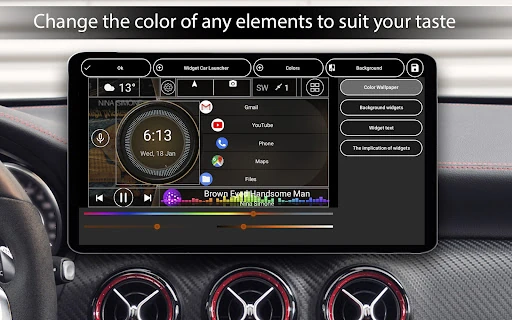
A commuting layout could put navigation, music, and a podcast app on the first screen, with the trip computer one swipe away for distance and speed. Themes, a customizable clock screensaver, automatic brightness by time of day, text colours, and wallpapers let you shape that dashboard, though the free themes may be enough unless you like rebuilding layouts.
Background location is what makes the trip computer work
Speed, distance, acceleration, and the weather and location displays depend on GPS, and journey tracking specifically needs background location permission. Without it, Car Launcher can still work as an app launcher, but the main reason to install it as a car dashboard largely disappears.
This is the first permission decision to make, and it is worth making before you commit to the default-launcher switch. If you only want bigger icons in the car, the location request may feel unnecessary; if you want trip stats, it is central to the app.
Do you need to enable the Accessibility Service for swipe gestures?
The Accessibility Service is optional. It exists to recognise edge swipes for Back, Home, and Recent Apps, which is useful on a head unit without navigation buttons. On first launch, a full-screen explanation asks you to agree or disagree. Agreeing takes you through gesture settings and then to Android's accessibility settings to activate it.
If you decline, the launcher still works without edge gestures, and it will not ask again until you enable them through the app's Settings → Gestures → Home gesture path. The app states that the service does not read screen content, typed text, or personal data, and that it does not access other apps' messages, calls, or photos. The practical question is whether swipe navigation on a buttonless dashboard is worth granting a sensitive permission. You can disable it later in Android Settings → Accessibility → Car Launcher.
Free vs PRO: which extras are worth paying for
The free download already includes the car home screen, trip computer, themes, weather, and music-player support. PRO adds system widgets—Google Maps and Spotify are the examples given—multiple home screens, a theme editor, extra widgets such as an analog speedometer and address display, advanced favourites-grid settings, your own logo, and deeper colour controls.
PRO is offered by subscription or one-time purchase, so check which payment model you are accepting before buying. If the free dashboard covers your main shortcuts and trip data, there is no need to pay; the PRO tier matters when you want system widgets or a layout you can rebuild in detail.