- Installs
- 500,000,000+
- Ratings
- 4,778,347
- Price
- Free
- Developer
- AxesInMotion Racing
Screenshots
Overview
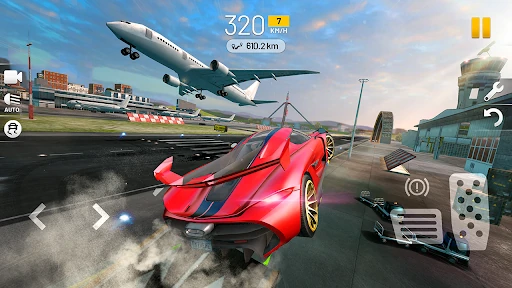
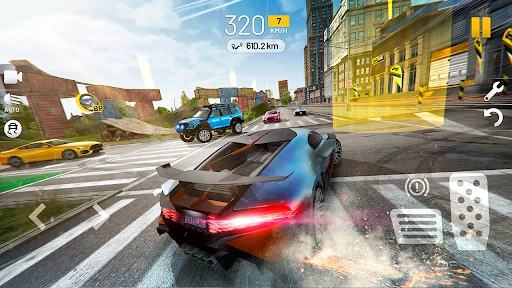
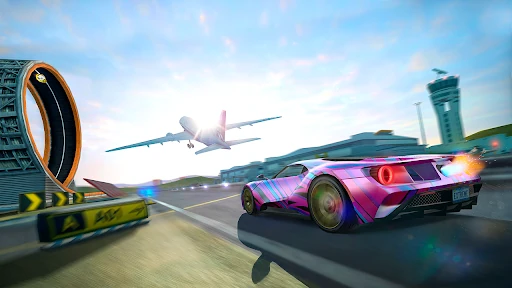
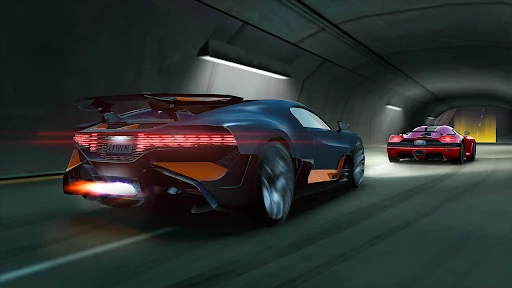
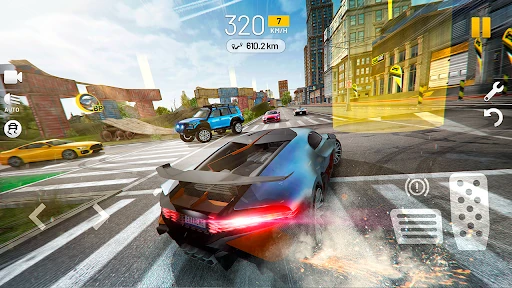
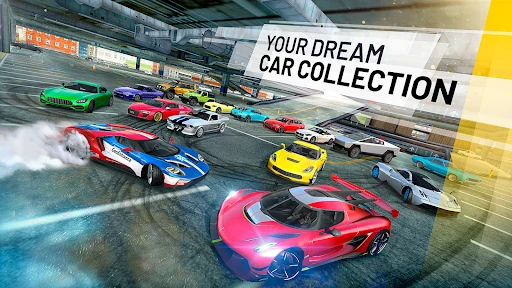
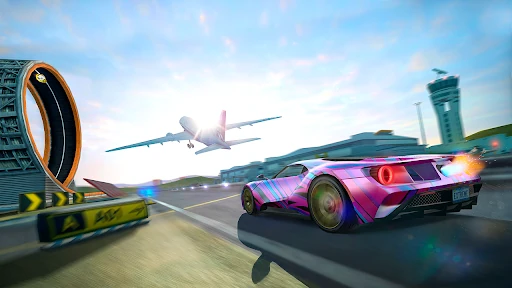
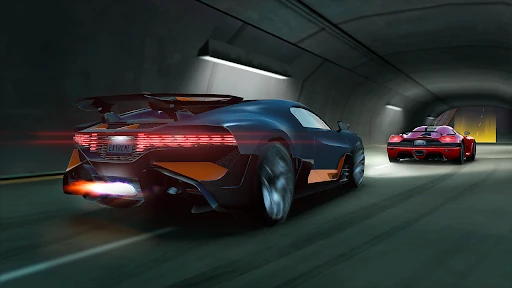
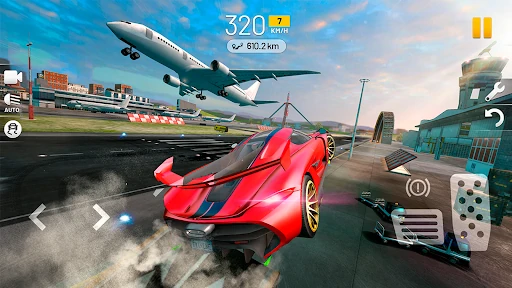
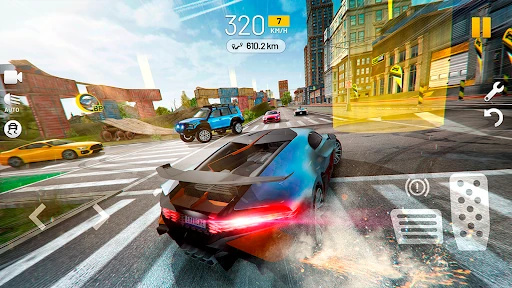
Extreme Car Driving Simulator is for driving around an open city on your own terms. You get a sports car and a map with no police chase or rival racers, so the main activity is drifting, doing burnouts and trying stunts at whatever pace you choose. The optional checkpoint mode and traffic setting can add structure or obstacles when free roaming starts to feel aimless.
What you actually do in the open city
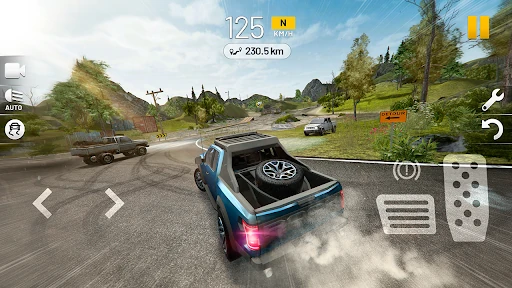
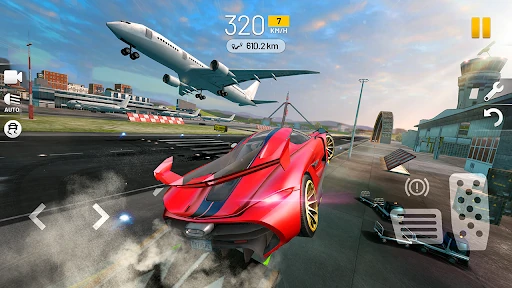
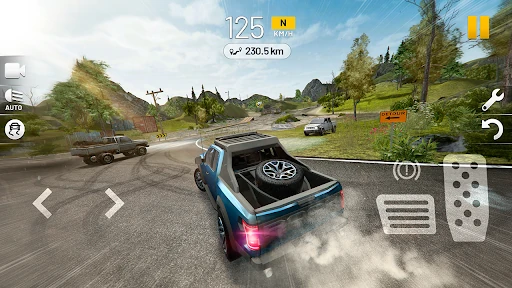
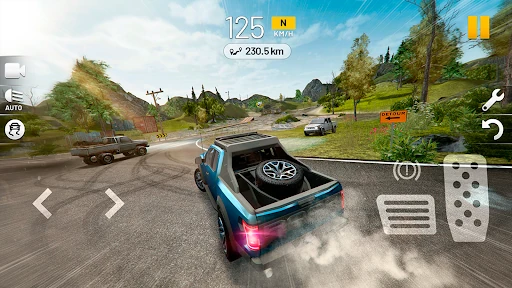
The default free mode is an empty city with challenges placed around the map. You drive, drift and hunt those challenges for rewards; nothing forces you into a race career or a police pursuit. That makes the game a sandbox first. A session can be a few minutes of sliding around a junction or a longer hunt for the next challenge. After a bad crash, an on-screen repair button fixes the damage, and a reset button puts a flipped car back on its wheels. Those two buttons matter because they keep a run going instead of sending you back to a menu.
Checkpoint runs and the traffic toggle
Checkpoint mode turns the same map into a timed route through city checkpoints: you are no longer just picking a direction, you have a course to follow and a clock working against you. Traffic mode adds other cars to the streets as moving obstacles, not as rivals to beat. Leave both off for pure cruising; switch them on when you want a target or more to dodge. Traffic changes the density of the city, while checkpoints change the goal.
Steering, assists and crash damage decide the feel
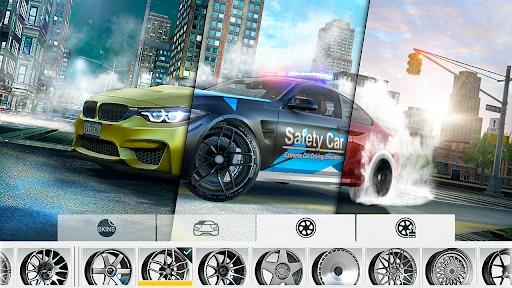
The steering is the first thing to adjust if the car feels wrong. You can use left and right arrow buttons, an on-screen steering wheel or tilt the phone, and there is gamepad support if you have a controller. Camera views switch between inside and outside the car, which changes how much of the road you can read. The assists are another lever: ABS, traction control and ESP are simulated and can be switched off. With them off, slides are easier to start and harder to catch, which suits drift play but makes clean cruising less forgiving. Collisions cause visible damage; the repair button handles it, so a crash is a setback rather than the end of the session. The HUD shows revs, gear and speed if you want to drive with more attention to the car's behavior.
Free download, ads and unlocking cars by distance
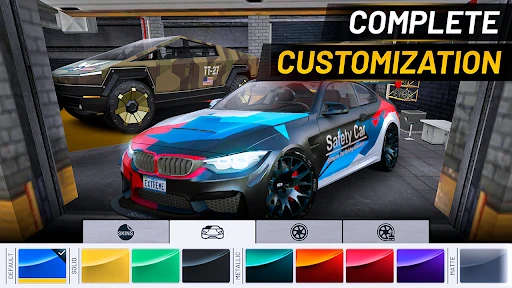
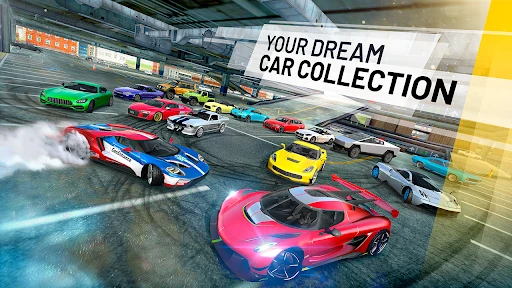
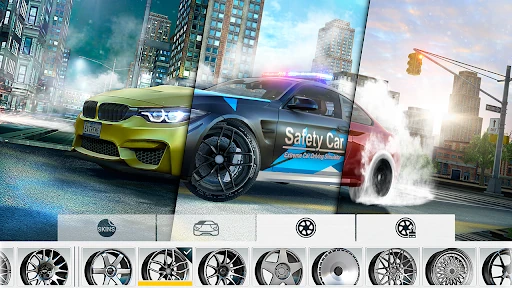
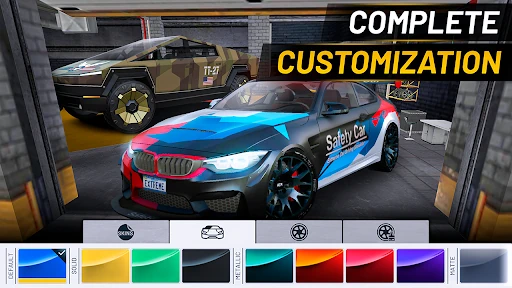
The Android version is free to download and supported by ads and in-app purchases. Expect interruptions in the free version; in-game ads can run long, so the trade-off is part of using it without paying. Progression is mostly distance-based: you start with one car, and the garage lists how far you need to drive to unlock each next one. That makes time behind the wheel the main route to new cars, while in-app purchases sit alongside the free download. If you want a driving sandbox you can dip into without buying a racing game first, the free access is the practical appeal. If frequent ads would bother you, that is the thing to weigh before installing.