- Installs
- 500,000+
- Ratings
- 3,607
- Price
- Free
- Developer
- 1 Bit
Screenshots
Overview
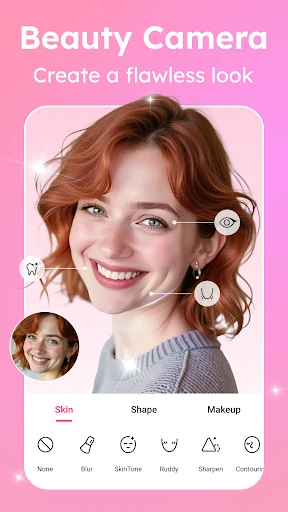
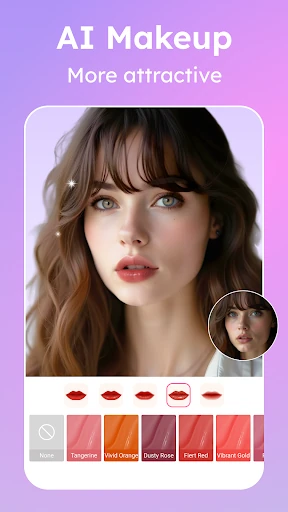
Beauty Camera & Makeup Camera is an Android selfie editor that bundles AI skin smoothing, virtual makeup, face shaping, stickers and basic photo adjustments into one free download. It suits quick, polished selfies when you keep the effects light, and it is a poor match for anyone who wants visible skin texture or a strictly natural portrait.
What a selfie edit actually involves
You can start from the in-app camera or import a photo you have already taken, then adjust skin, makeup and face shape with a live preview before the change is applied to the image. That preview is what makes the app quick: you see the effect on your own face instead of picking a preset blind. The tools sit in separate areas — smoothing in one, lips, eyeshadow and blush in another, shaping sliders elsewhere — so the practical decision is how many of them you stack on one photo. Crop, rotate, brightness, contrast and saturation handle the ordinary finishing work afterwards, and the collage layouts are there if you want more than one frame.
Getting natural-looking skin and makeup
Skin smoothing is the feature most likely to give the edit away. A light pass evens out blemishes and tone while leaving some texture; push the slider further and the face takes on the flat look that reads as retouched in a feed. The makeup set behaves the same way. A little lipstick with a touch of blush can look like you made an effort, while lipstick, eyeshadow, mascara, blush and contour all at once usually looks like a filter.
The live preview is the tool for judging that. Compare a light pass and a heavier one on the same photo before you commit to either. This app is built for polished selfies rather than portraits that preserve pores, so if natural skin matters, keep smoothing low and treat makeup as a small addition instead of a full face.
Face shaping, stickers and playful extras
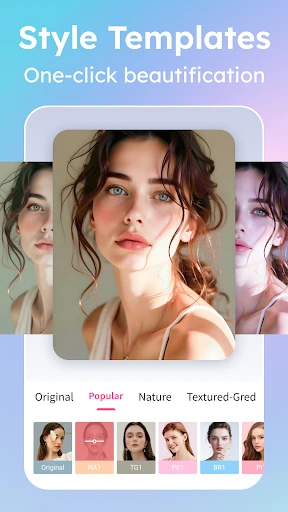
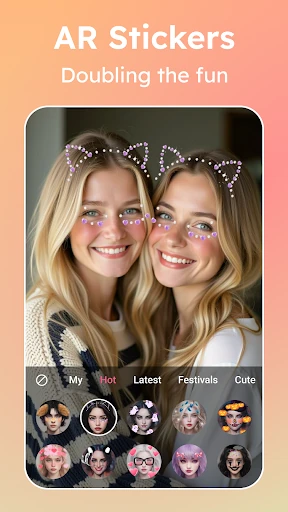
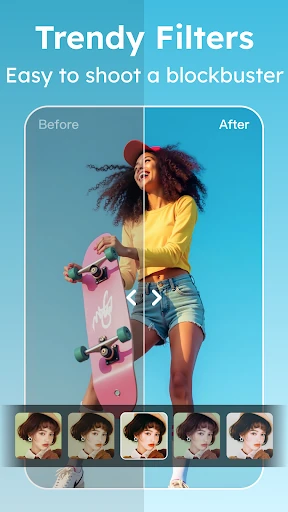
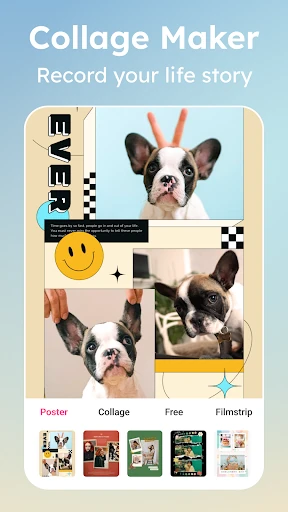
Slimming, jawline adjustment and contouring are the edits that change the geometry of a face, and they are the easiest to overdo. A small tweak reads as a good angle; a strong jawline or slimming setting alters the shape enough that people who know you will notice. That makes shaping better suited to stylized social posts than to a profile photo or anything meant to look candid. AI stickers and decorations go further into fun territory with animals, accessories and themed overlays, and they work best on playful images rather than a clean beauty edit. Collage layouts and style filters are worth using if you post several photos at once; for a single selfie they stay secondary.
What "free" covers when you save and share
The app is free to download, and its store description promises full access without hidden charges. That is the developer's wording, and it does not say where ads appear or whether saved images carry a watermark. If a clean, unmarked photo matters for an important post, take one edit all the way through to saving and sharing first, then judge from the file you get back.