- Installs
- 5,000,000+
- Ratings
- 182,452
- Price
- Free
- Developer
- MLB Advanced Media, L.P.
Screenshots
Overview
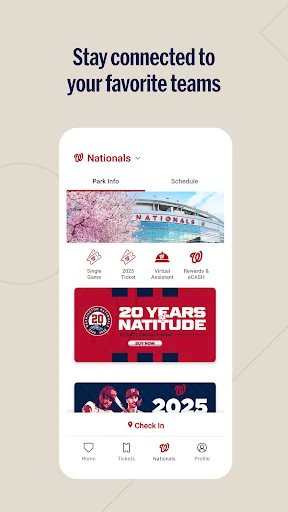
Install MLB Ballpark if your tickets were bought with an MLB account or the email tied to your seats and you want one Android app for gate entry, in-park maps and check-in perks. If you already have a wallet ticket and only need to get through the turnstile, it is optional; mobile ordering, check-in rewards and Google Wallet support vary by club and ballpark.
Digital tickets at the gate: what you can rely on
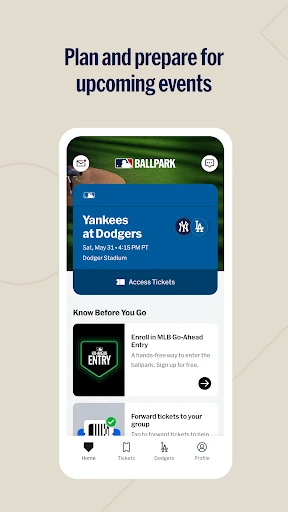
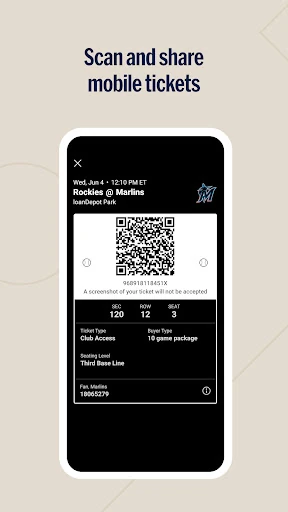
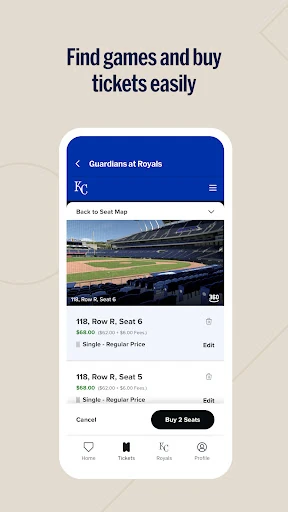
The core job is the Wallet in the Tickets tab. Tickets for any MLB team's game can appear there as long as you bought them with the same MLB account or email address. First-time users sign in with an MLB account and verify the email tied to the tickets through a one-time link; skip that step and the tickets may not surface. At select clubs you can also buy tickets inside the app from the Buy Tickets section, which involves account and payment details.
Entry does not depend on the extra digital features. Where a club or venue does not support added digital ticketing, you can still view and present tickets from the Tickets and Home tabs on game day. Adding tickets to Google Wallet is not universal; some clubs direct fans to present them in the app instead. Load your tickets while you have reliable Wi-Fi or mobile data. Once viewed, they remain accessible with low connectivity, which matters at a crowded gate.
Finding food, drinks and merchandise with the in-park map
The interactive map is the most dependable reason to open the app once you are inside. It lists food, beverage, merchandise and other amenities, so you can locate a concession stand or team store without walking a full concourse. Directions and parking information help before first pitch and do not depend on rewards or ordering. Even at a ballpark without mobile ordering, the map still earns its place.
Mobile ordering at ballparks that support it
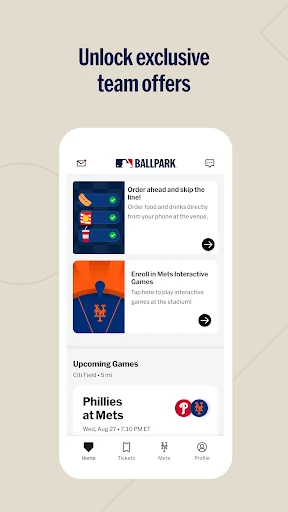
Mobile food and merchandise ordering is available only at select ballparks. Confirm your venue supports it before planning to order from your seat. Where it is offered, it can change the stadium-day routine by letting you buy food or gear from the app instead of standing in line. Where it is not, the map and schedule still work. A missing ordering option says nothing about whether your ticket will scan.
Check-in rewards and your ballpark visit history
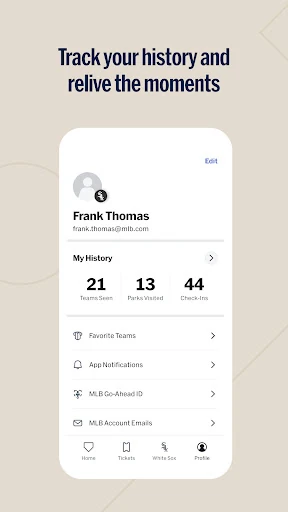
Check-in can unlock offers and rewards for select clubs, redeemed from the Tickets tab. Treat this as an extra rather than an entry requirement. Visit scores and photos, plus a designated favorite team, turn the app into a record of ballpark visits. If rewards are your main reason to install, check that your club participates; otherwise the ticket and map tools are the practical draw.
Forwarding tickets and loading them before arrival
Only eligible tickets show the Forward option, so a missing button is not necessarily an app error. A forwarded ticket stays Pending until the recipient accepts it, and the sender can revoke it until it is accepted or scanned for entry. Share Link copies a URL that anyone with access can use to receive the ticket, so send it privately rather than posting it in a group or on social media. View your tickets before arriving, while the connection is strong, so they are ready at the gate.