
- Installs
- 500,000,000+
- Ratings
- 5,862,742
- Price
- Free
- Developer
- WPS SOFTWARE PTE. LTD.
Screenshots

Overview
WPS Office is a practical Android app for the common phone document job: open a Word file from email, fix a sentence, sign a PDF and send it back without touching a desktop. The basic loop works on the free tier, but PDF-to-Word conversion, merge/split, fresh OCR runs and AI writing sit behind membership, and the free version shows a splash ad on launch plus a banner after saving.
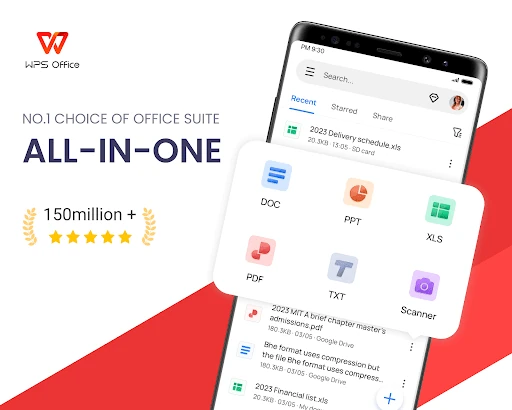
One app for Word, Excel, PowerPoint and PDF files
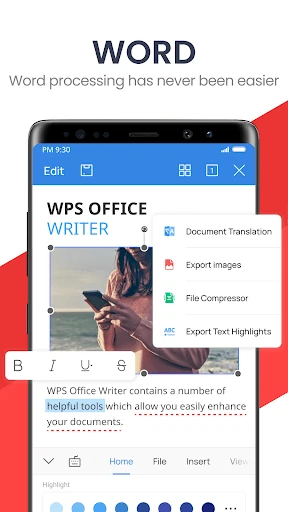
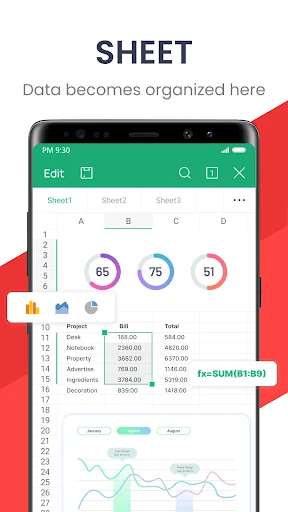
The first thing most people do is open an attachment. WPS Office opens .docx, .xlsx, .pptx and PDF files made in other office suites, so an emailed report or a shared budget does not need a desktop round trip. You can make a small correction, adjust formatting, add a comment and send the file back from the phone.
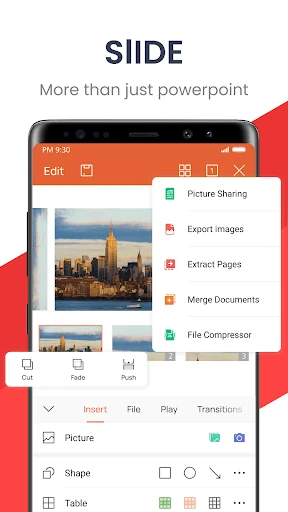
The main editor is only part of the app. A separate Apps hub holds document processing, image processing, PDF tools, information processing and presentation tools. That is where full-text translation, image-to-document conversion and document repair sit. A first-time user may not find them immediately because the editor screen looks simpler than the app actually is.
What the free version covers and where membership starts
For viewing documents, small corrections, signing and exporting PDFs, the free tier is enough. If your week is mostly opening attachments, fixing a paragraph and returning a signed file, you can use WPS Office without paying. The trade-off is visible: the free version has a splash ad when it opens and a banner after you save. A membership removes those interruptions.
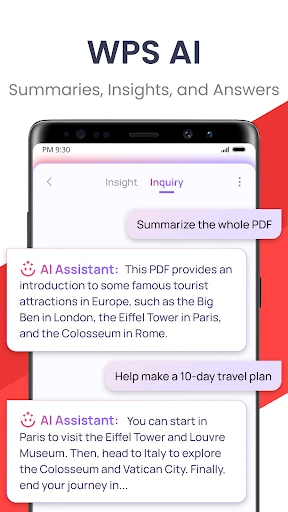
The line moves when PDFs become work rather than reading. Converting PDF to Word, merging or splitting PDFs, AI writing help and fresh OCR runs are tied to membership or, for some OCR use, an ad-watched quota. Free cloud storage is modest, around 1GB, while the paid allowance is much larger, which matters if you rely on sync between phone and PC. Regular PDF conversion or document assembly is the point where upgrading makes sense; occasional signing and annotation do not.
PDF editing, annotating and converting on Android
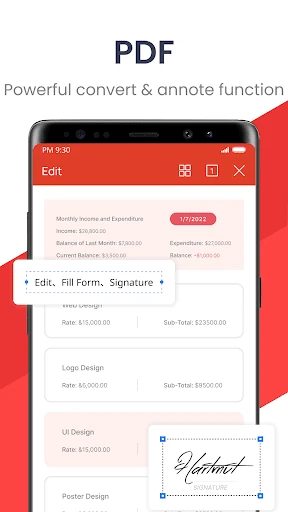
A review copy is the clearest use case. You can open a PDF, highlight and comment, insert text or an image, add a watermark or signature, and rearrange pages before sending it on. Word-to-PDF export and image-to-PDF creation are part of the same flow.
The conversion direction is what changes the experience. Turning a PDF back into Word, Excel or PowerPoint, and merging or splitting documents, is where the free version stops. On the free tier, treat WPS Office as a PDF reader and annotator first; the converter is the paid layer. That is still useful for signing a lease or marking up a draft, but not for rebuilding an editable document from a scanned PDF.
Scanning paper and pulling out text with OCR
The phone-as-scanner flow is straightforward: photograph a contract or receipt, let the scan correct the tilt into a clean image, and save it as a PDF. This is the quickest way to clear paper out of a bag without a flatbed scanner.
OCR is less obvious. It sits under Tools → PDF Toolkit → Scan Recognition. The output can be plain text, a searchable double-layer PDF that keeps the original image underneath, or an editable PDF. Plain text is best for copying a paragraph; the double-layer PDF is better when the page needs to look unchanged but remain searchable; editable PDF is for changing wording. Text already extracted stays usable after a membership lapses, but new OCR runs need renewal or an ad-watched quota.
Sharing work: co-editing, forms and projecting slides
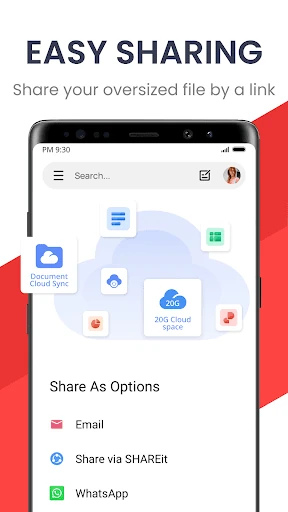
Real-time co-editing lets collaborators edit and view the same document instead of emailing versions back and forth, and WPS Forms collects responses through one shared link. Presentations can be projected wirelessly from the phone or run in a meeting mode that pairs a voice call with on-screen annotation. If a file opens garbled, Document Repair is an Android-only rescue tool worth knowing about before you delete the file and ask for a resend.