- Installs
- 100,000,000+
- Ratings
- 7,741,977
- Price
- Free
- Developer
- Audiomack Music Apps
Screenshots
Overview
Audiomack is a free Android music app for streaming full tracks and downloading them for offline listening, with ads unless you pay for the ad-free tier. It also plays your own MP3s, so the install question is mainly whether its catalog covers your favorites and whether in-app-only downloads suit how you listen.
What free streaming on Android actually includes
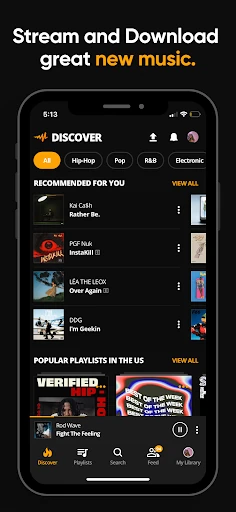
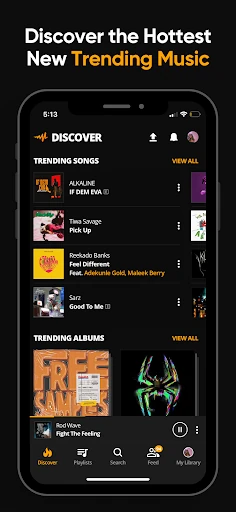
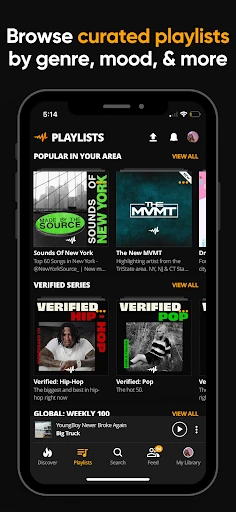
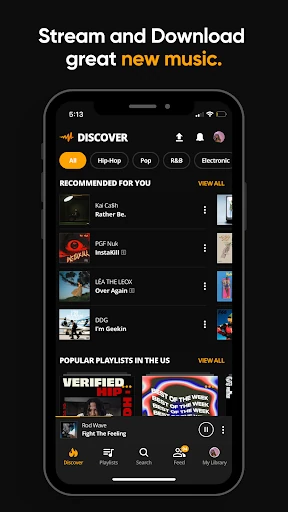
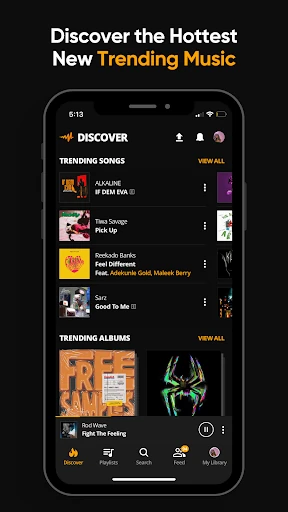
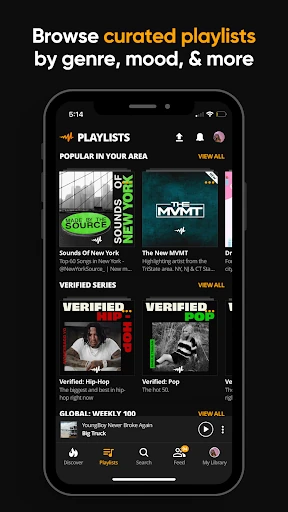
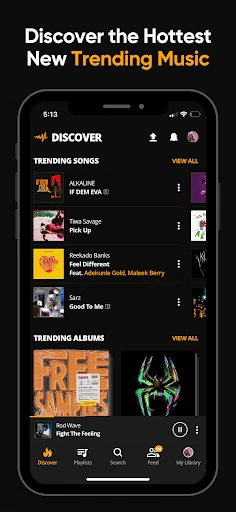
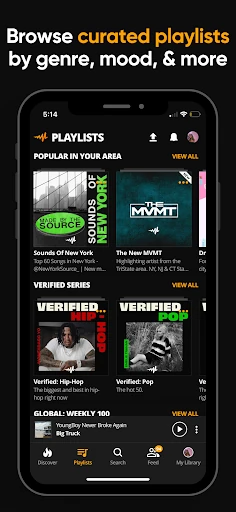
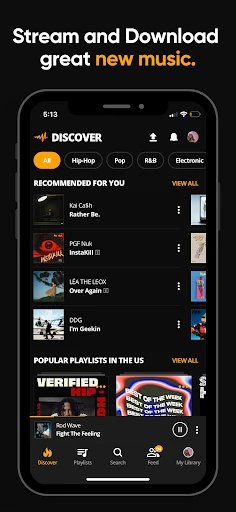
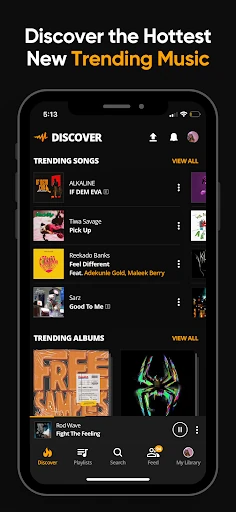
Audiomack's free tier is not a preview or a radio-style sampler. You can stream full tracks and mixtapes, browse trending picks, and play curated playlists by mood and genre. Playback continues while you use other apps, so you can keep a set running while you reply to messages or navigate. The trade-off is advertising; a paid subscription removes ads. For a listener who wants to hear whole songs before deciding what to save, the free tier does the job.
Offline downloads: what you can save and where it stays
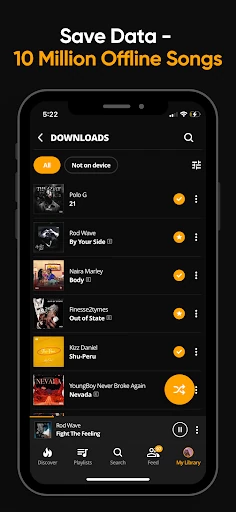
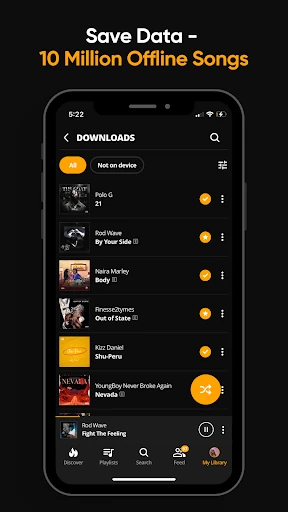
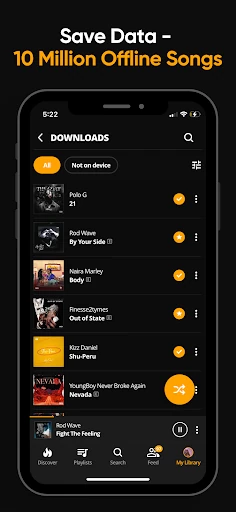
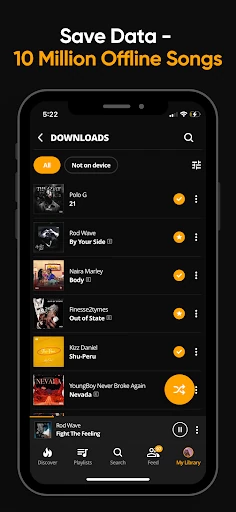
Tap the download icon on a song, album, or playlist, then open Library by tapping the avatar in the lower-right corner. Downloaded tracks play without a data connection. In the download scheme, a star marks a track as free to download and a padlock marks it as premium. Most artists offer free downloads, some opt for premium, and the standard allowance is up to 20 premium tracks; Audiomack+ subscribers get more.
The important limitation is where those files live. Downloads stay inside Audiomack because of copyright restrictions. You cannot move them to the phone's internal media player or a folder, and you cannot share them with another device. If you want a file you can drag into a folder, copy to an SD card, or send to a friend, this is not that kind of downloader. The offline library is for listening in the app when you have no signal or want to avoid using data.
Catalog fit: hip-hop, Afrobeats and dancehall first
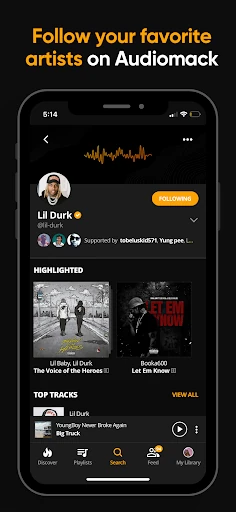
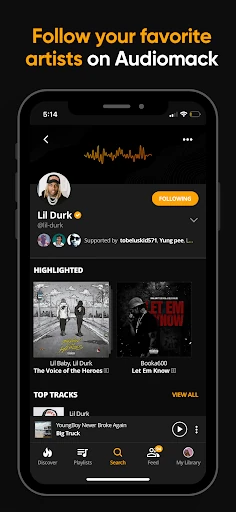
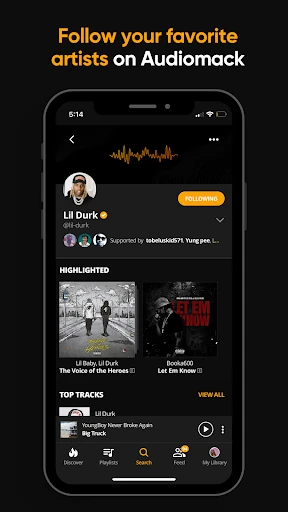
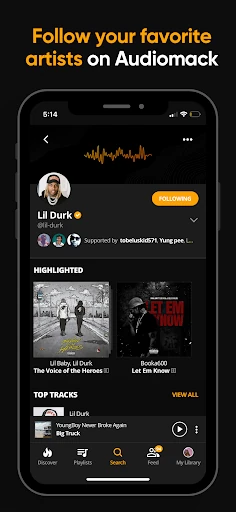
Audiomack is built around rap and hip-hop, Afrobeats, reggae and dancehall, Latin urbano and EDM. You can follow artists, producers, and tastemakers, and browse curated playlists that group tracks by mood and genre. Thousands of songs are added daily, but gaps remain when artists have not joined. Before installing, search for the acts you play most; if they are on Audiomack, the app gives you a direct way to stream and save their releases. If your listening is centered elsewhere, the local-file player may be the more useful part.
Adding your own MP3s and local files
Audiomack also plays local MP3, AAC, M4A, WAV, and other files stored on your device. That lets you use it as a single player for owned music alongside streamed tracks, rather than switching between Audiomack and a separate local player. The app does not turn those files into streamed content or move them around; it just plays what is already on the phone. For someone with a folder of albums that are not on any service, this is a practical addition.
Background play, Android Auto and lyrics
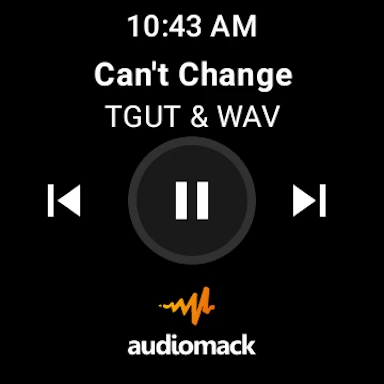
Playback continues while you use other apps, and the Android app supports Android Auto and Wear OS. Lyrics show in the player for eligible songs after a recent Android update. These are conveniences that matter once Audiomack is already part of your routine, not reasons to install it on their own.