- Installs
- 100,000+
- Ratings
- 1,972
- Price
- Free
- Developer
- Lola Team
Screenshots
Overview
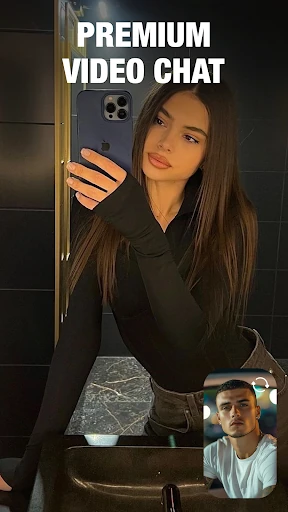
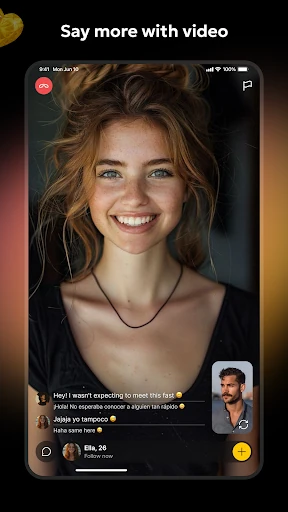
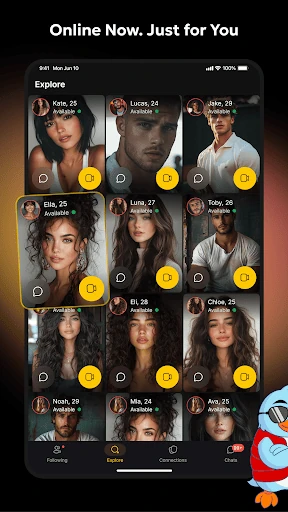
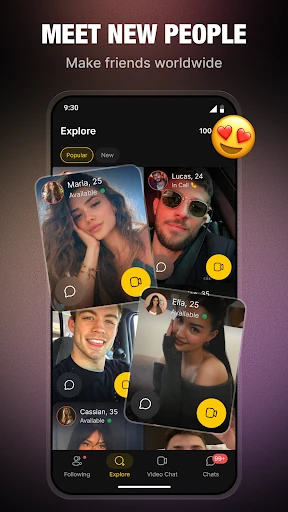
Lola is a better fit for meeting people around hobbies than for pure anonymous video roulette, though its Instant Call Mode can still behave like a fast random chat when you want that. The Android app combines interest-based recommendations with live video, profiles, Stories and chat translation.
How Lola finds people who share your interests
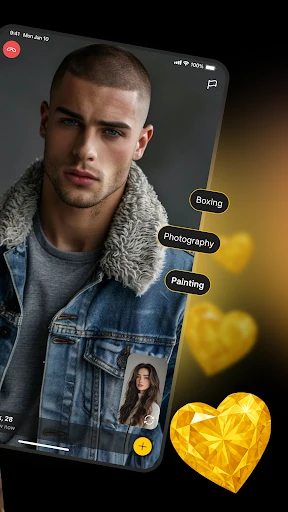
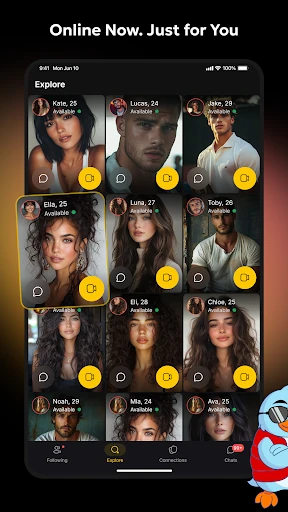
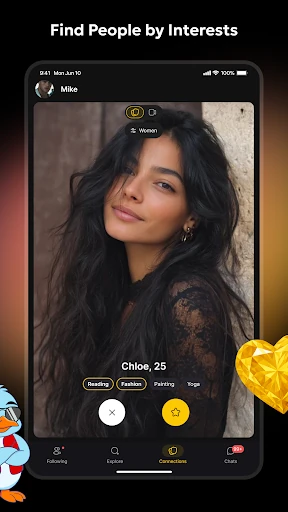
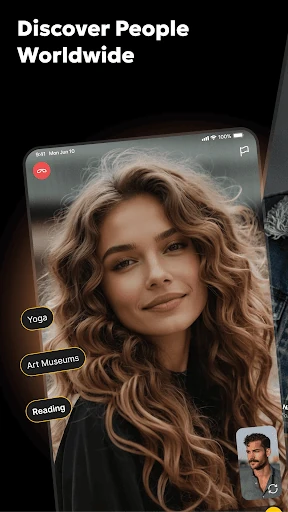
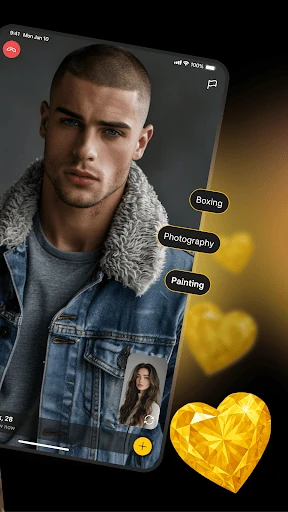
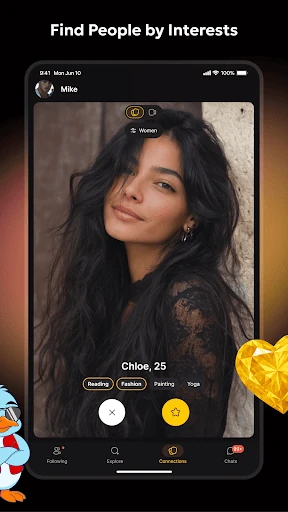
Lola recommends people from the interests you add—cooking, cycling, dancing, or whatever else you list. That gives you a topic before the first call and makes the app a different proposition from random video chat. It is a recommendation, not a compatibility test: you still have to decide whether the person on the other end is worth talking to. An Instant Call Mode can start a live conversation without browsing profiles first, so interest matching acts as a filter you can lean on rather than a wall that keeps every call on-topic. The community is smaller than on major social platforms, so how many good matches you see will depend on your interests and the time you use it.
What live video calls and instant calls actually add
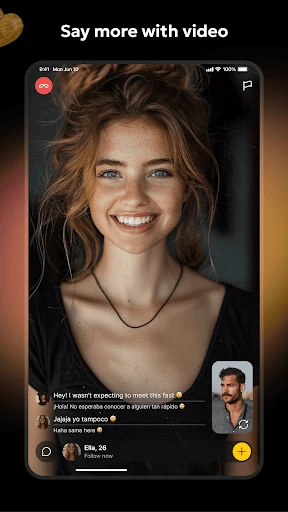
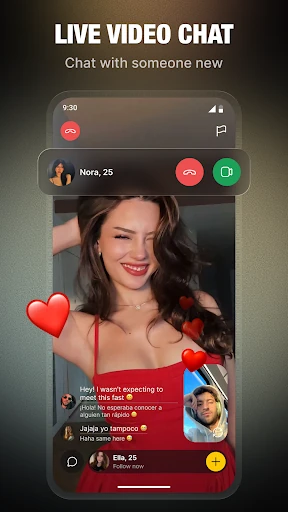
After a match, the loop is straightforward: open a profile, start a video call, then continue in text. Call history helps you return to people you liked instead of starting from scratch. The quality signals are low-latency video and fewer drops on weak networks, which matter more than extra filters if you call from a phone on ordinary Wi-Fi. Chats also support photos and short videos of up to a minute, so following up does not feel like a stripped-down messenger.
Real-time chat translation for friends abroad
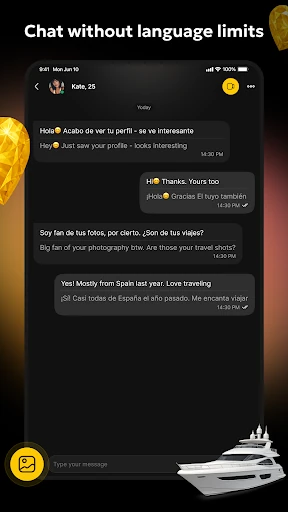
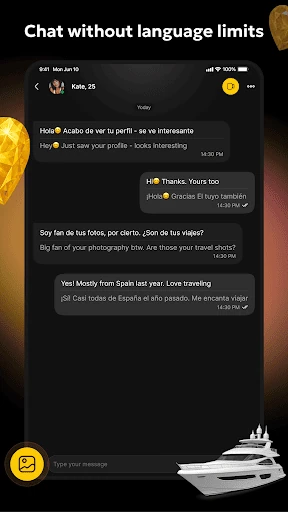
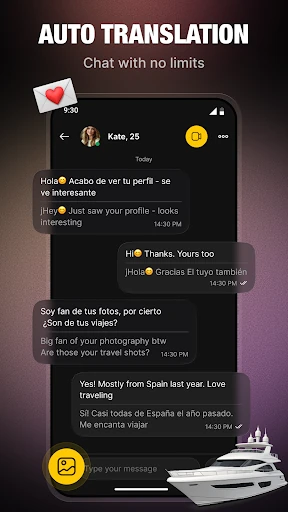
Translation works on chat text, not on live speech. That makes it useful for keeping a friendship going across languages: you can write in your own language and read the reply in yours. It will not subtitle a video call, so a live conversation still needs a shared language or patience. Treat translation as a messaging bridge rather than a universal interpreter.
Profiles and Stories: the slower side of the app
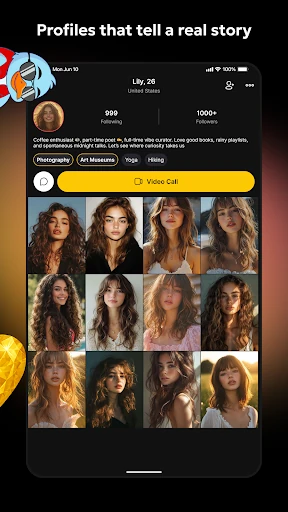
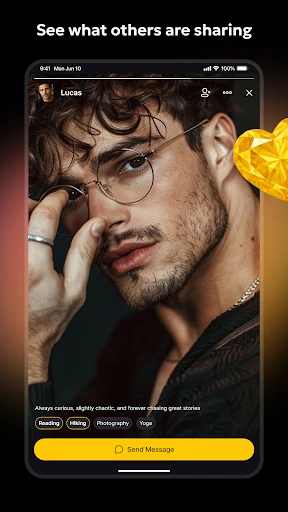
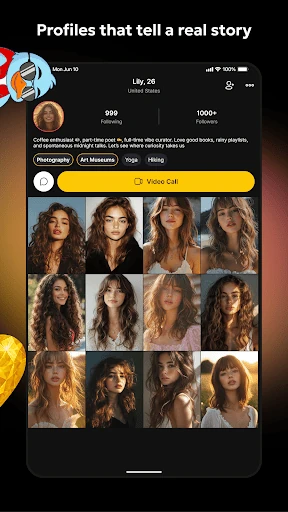
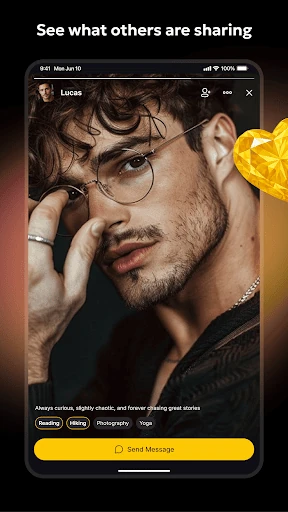
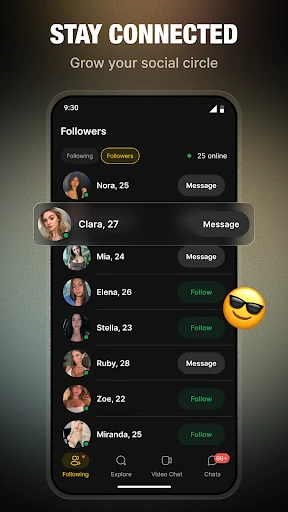
Profiles carry posts and photos, while Stories is a feed for everyday moments. Together they give a new contact something to respond to after a call and make repeat contact more likely. If you prefer browsing before you call, this is the part of Lola that supports that slower approach; if you only want instant calls, you can ignore most of it.
Safety, privacy and moderation checks before installing
Safety is handled through in-app controls as well as a policy. You can report and block, support is available around the clock, and calls include real-time video moderation. The app also applies automatic limits to unwanted communication based on your in-app actions, which is meant to reduce repeat contact you have not encouraged. Those controls are worth knowing before you start. Privacy is the bigger trade-off: the Play data-safety section says data is encrypted in transit and that you can request deletion, but it also says personal information and messages may be collected and some data may be shared with third parties. Lola is free to install and offers in-app purchases, so decide what paid extras are worth before spending. If encrypted transit and a deletion route are enough for you, the moderation setup is a reasonable baseline; if not, that disclosure is the reason to pause.