- Installs
- 10,000,000+
- Ratings
- 360,773
- Price
- Free
- Developer
- Oakever Games
Screenshots
Overview
Yes—for a casual Android player who wants familiar Klondike solitaire, Solitaire - Classic Card Games by Oakever Games is a good free fit. It covers the core choices that matter: draw-1 or draw-3 play, Standard or Vegas scoring, and offline sessions, with Android 7.0 or later required.
How a quick Klondike session plays on Android
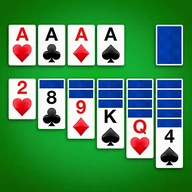
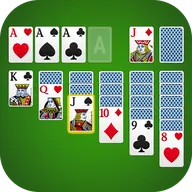
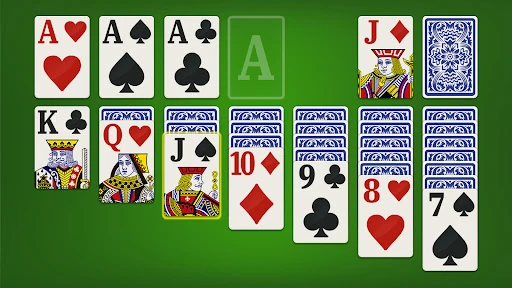
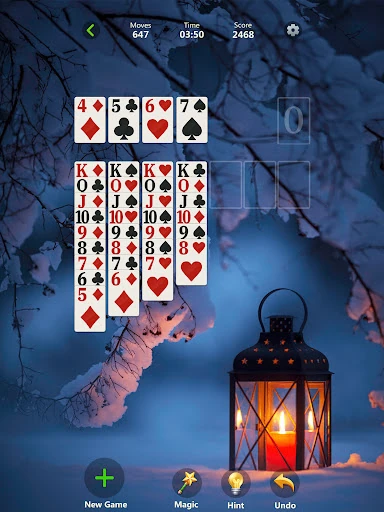
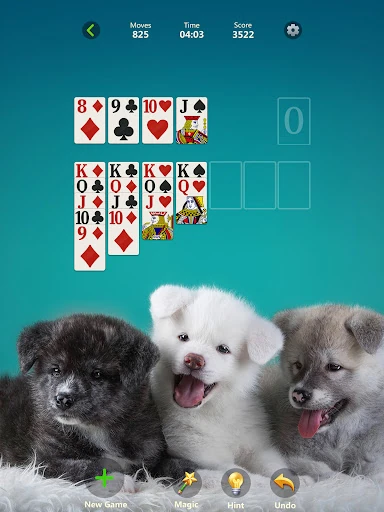
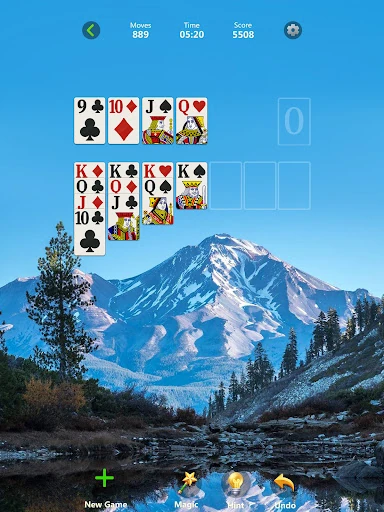
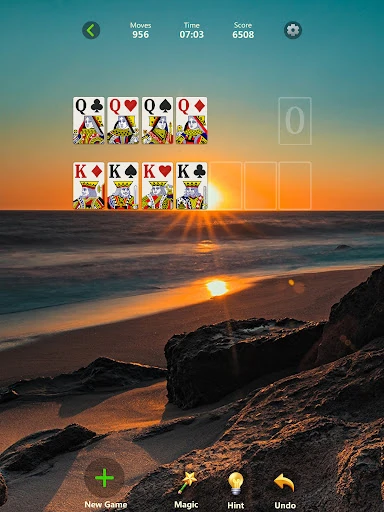
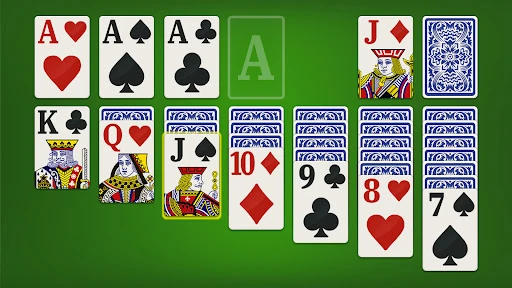
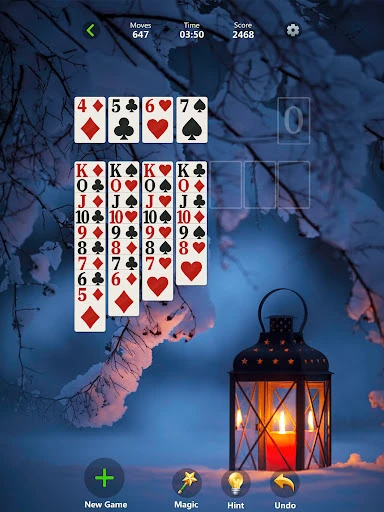
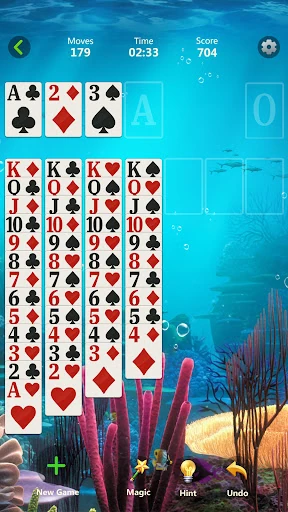
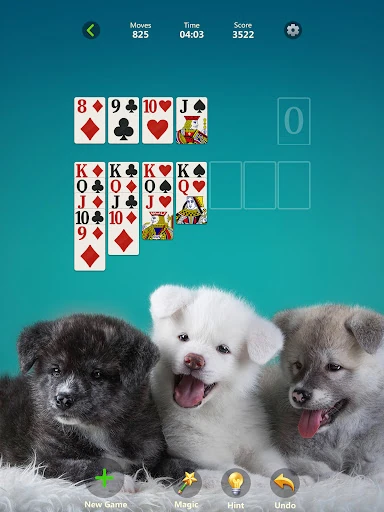
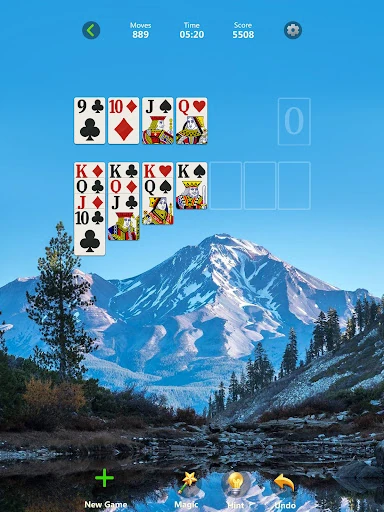
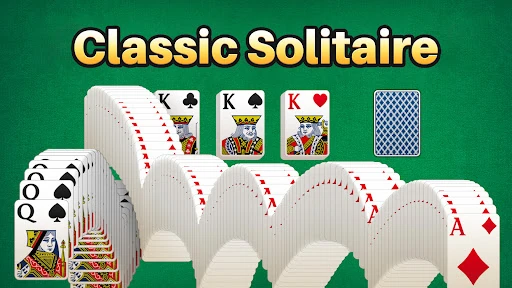
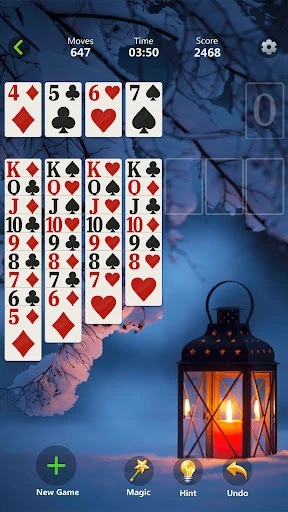
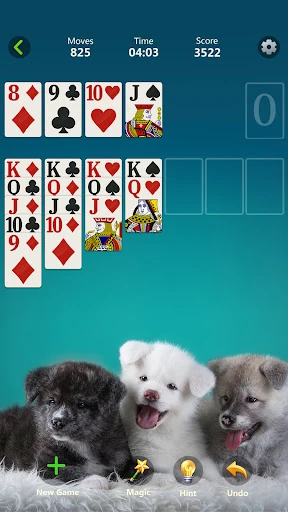
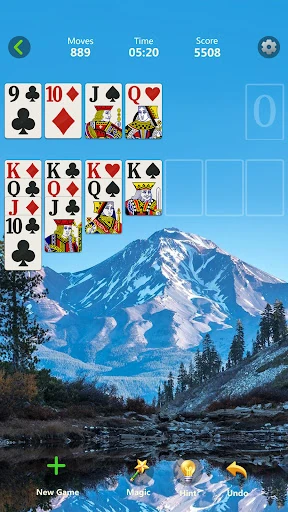
The deal follows the computer-style Klondike loop: seven tableau columns, cards built down in alternating colors, aces sent to the foundations, and only a king allowed into an empty column. That is the game most people picture when they think of solitaire, and the app keeps it at the center rather than burying it under a story mode or a progression gate.
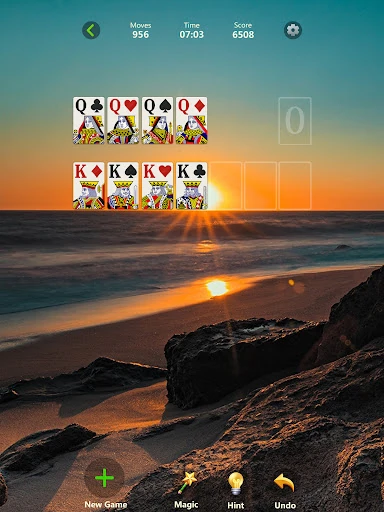
The table is designed to stay readable on a phone, with a clean card layout and controls that do not crowd the play area. A short session is the point: open a deal, make a few moves, and close it when the queue moves. The daily challenge and trophy features sit outside that basic loop, so you can ignore them if you just want a quick hand. The main loop is the familiar one, and that is the right place to start.
Draw 1 vs draw 3 and Vegas vs standard scoring
Draw 1 is the easier, quicker option: you turn over one card at a time from the stock, which gives you more chances to find a playable card and keeps a deal moving. Draw 3 is the pace change. Seeing three cards at once forces you to plan around the order of the stock and can make a deal feel tighter and more strategic. Neither mode changes the basic rules; it changes how much information and patience you need.
Standard and Vegas scoring work the same way as a frame around the deal. Standard is the usual points-based scorekeeping, while Vegas gives the same game a casino-style scoring frame. For most casual players, the practical move is to set a draw mode and scoring style once, then stop thinking about them. The options matter if you like chasing a particular kind of score; they are not a reason to switch apps.
Daily challenges and trophies: useful routine or clutter?
The daily challenge adds a harder deal and a completion mark, and the trophy rack records those marks over time. It suits players who like a small daily goal and a reason to open the app beyond a random deal. If you only want to play a hand during a commute, the challenge is easy to skip. It does not block the main game or force you through extra screens before a deal.
The trophy display is a progress record, not a separate game. It works best as a light routine: complete the challenge when you feel like it, ignore it when you do not. Players who dislike daily-task mechanics will not find much here to change their mind, but the feature is optional rather than woven into every session.
Offline play, themes and table comfort
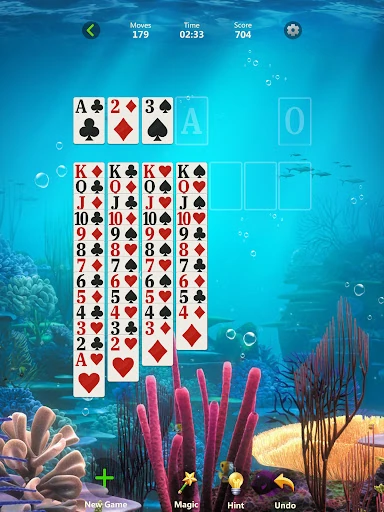
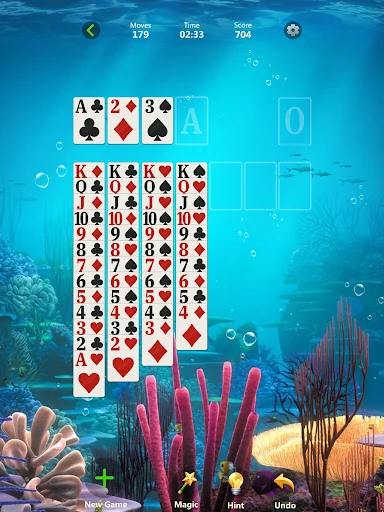
Offline support is the most useful extra. It means a deal works on a plane, on the subway, or anywhere the signal drops, which is exactly when a simple solitaire game earns its place on a phone. The themes and card styles change how the table looks, not how it plays. Left-handed mode is a practical layout option if the standard control placement feels awkward.
Android compatibility and the ad-free promise to check
The app installs free and requires Android 7.0 or later. The listing presents it as ad-free, with no ads or pop-ups interrupting a deal. That is the one claim worth testing in your first session: play a full deal and see whether the table stays as clean as the description suggests. The large install count and high rating show the app is widely used, but they are not a guarantee about the current build or about how the free version behaves on your device.
If the first few deals are clean and the draw and scoring setup suits you, the rest of the app is mostly optional decoration. If an ad or a prompt interrupts the table, that changes the everyday feel and is worth weighing before you make it your default solitaire app.