
AL Quran Kareem - Holy Quran Review: Features, Pros & Cons
Jolt Global Apps - VPN, Ai, Keyboard & Learning
- Installs
- 1,000,000+
- Ratings
- 31,495
- Price
- Free
- Developer
- Jolt Global Apps - VPN, Ai, Keyboard & Learning
Screenshots





Overview
AL Quran Kareem is worth using if you want one free Android app for reading the Quran offline, listening to MP3 recitations in the background, and keeping Qibla, prayer times and dhikr tools in the same place. The deciding test is whether the reading and listening flow feels comfortable enough to open every day; the 16-line view and AI Q&A are the parts to try first if they matter to you.
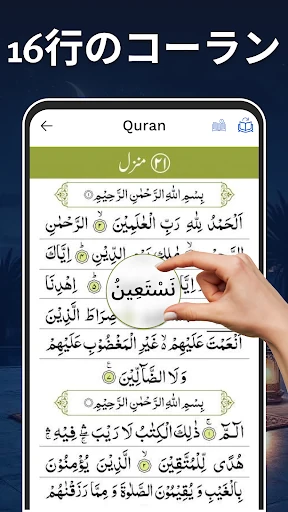
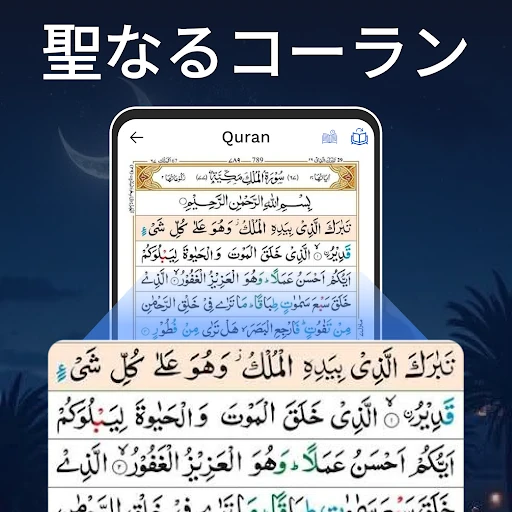
Reading the Quran offline by surah, juz or page
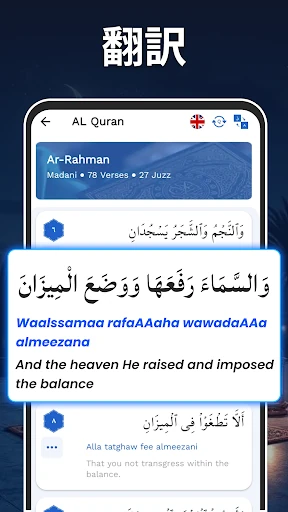
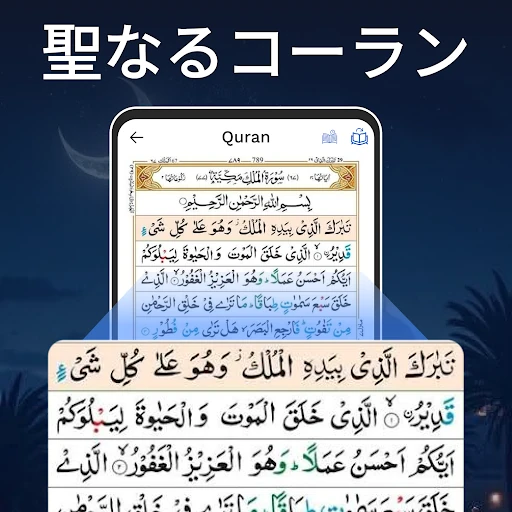
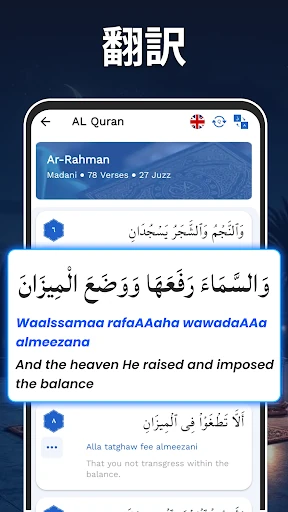
The core of the app is a Quran reader you can use without a connection. You can move through the text by surah, by juz or para, and by page. That page option matters for readers who follow a printed mushaf and think in page numbers; surah and juz navigation suits study sessions or reading a set portion. An enlarged reading view makes the text easier to follow on a phone, and offline access means a commute or a quiet break does not depend on mobile data.
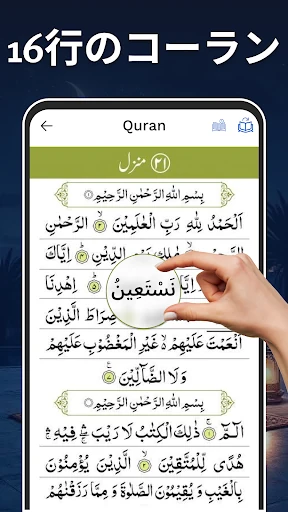
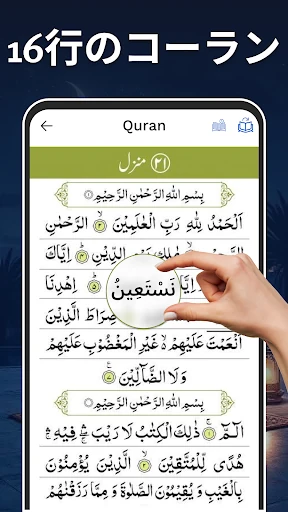
The 16-line layout is the feature to test if memorization is part of your routine. It breaks the text into smaller segments, which can make revision less overwhelming than facing a full page at once. This is still a reading app rather than a study library, so its value comes from regular use: open a surah, read a page, listen, and repeat.
Listening to MP3 recitations while you follow along
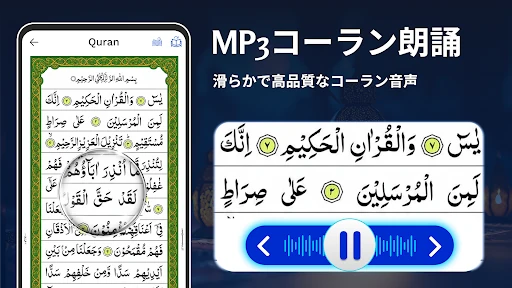
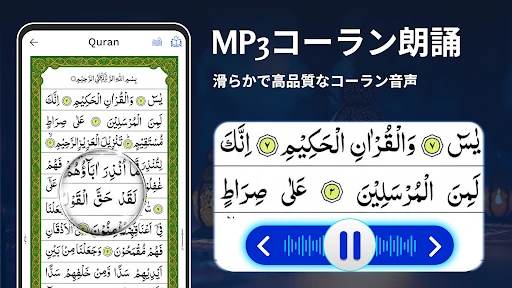
MP3 recitation is built in, and playback can continue while you use other parts of the phone. That makes it practical for commuting, chores or listening before sleep. Pairing audio with the reader is the useful part: you can follow the text while hearing it, then keep listening after the screen is no longer your focus. If you want verse-by-verse highlighting as you listen, test that before relying on it; the listed feature is recitation playback, not a promise of synchronized text.
Prayer times, Qibla and Ramadan planning in one place
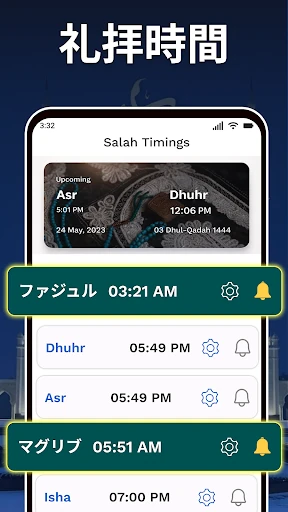
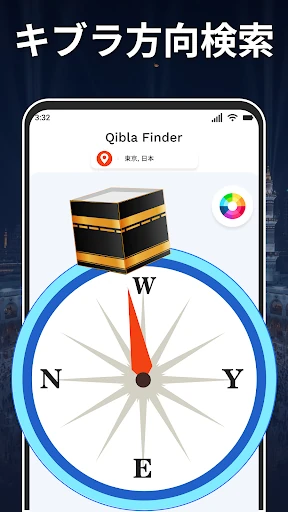
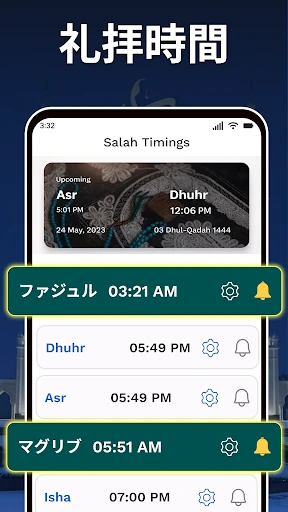
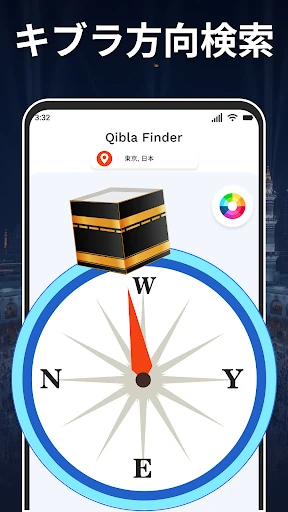
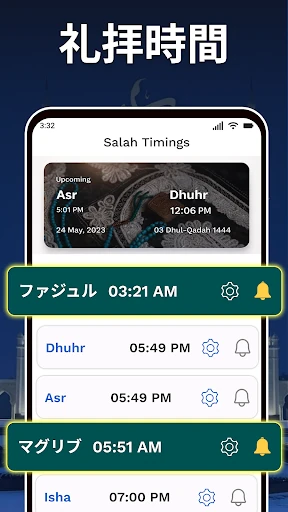
Salah timings are based on your location, so the app can show prayer times without opening a separate utility. The Qibla finder helps orient you toward the Kaaba, though it is only as reliable as your phone’s location and compass calibration. Hold the phone steady and treat it as a guide, not a replacement for a known direction. The Ramadan calendar helps plan fasting and prayer during the month, and having these tools beside the Quran reader is the main convenience of the app.
Tasbeeh, Six Kalmas and 99 Names as everyday extras
The Tasbeeh counter, Six Kalmas and 99 Names of Allah support dhikr and reflection without adding another app. They are secondary to reading and listening, but they round out the daily-use case. If you only want Quran text and audio, these extras will not change your decision.
What the AI Quran Q&A adds to study and reflection
An AI Quran Ask Anything section and an Ayah of the Day view are newer additions. The Q&A feature is best for quick prompts: ask about a theme, a passage or a practice, then check the answer against recognized tafsir or a knowledgeable teacher. It can help start a reflection session, but it should not be treated as a source of rulings or a substitute for scholarship. For quick orientation it has a place; for serious study, keep a commentary nearby.