- Installs
- 1,000,000+
- Ratings
- 17,027
- Price
- Free
- Developer
- Galaxy studio apps
Screenshots
Overview
Wedding Invitation Card Maker is a good fit on Android if you want to turn a ready-made design into a personalized invitation and save it as an image or PDF without paying for design software. It is most useful for digital invites sent by message or email and for a simple card printed at home; whether it suits a professional print order depends on checking the exported file before you send it.
From template to finished invite: what the editing workflow is like
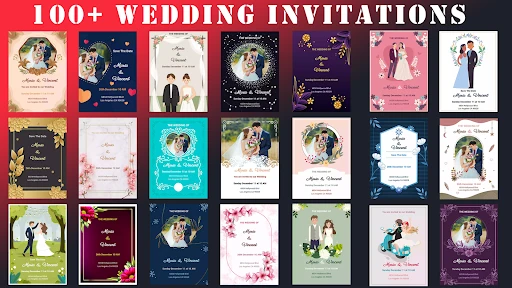
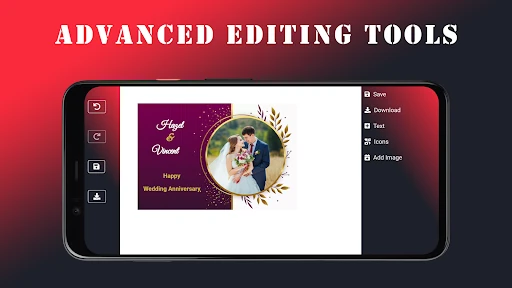
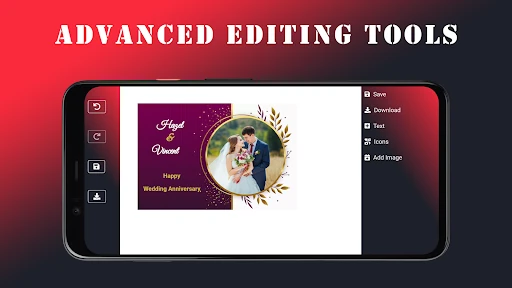
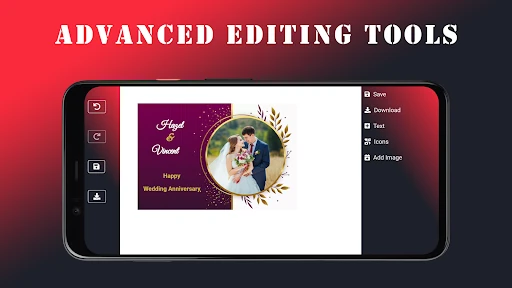
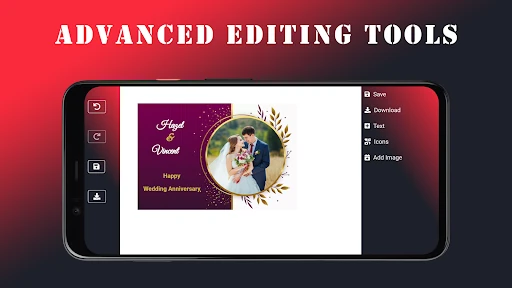
Start by choosing a template that already has the layout you want, then replace the sample photo with your own and type in names, date, venue and any wording you need. The app's central promise is photo-and-name personalization, so the invitation will only feel personal if you supply a usable photo and concise wording. From there, the editor lets you switch fonts, colors and layout.
That sequence is quick for a single card. It is less suited to a multi-page stationery suite or a design that needs custom illustration. If your venue details are long, expect to spend more time on text sizing and spacing; the fewer words you bring to the template, the easier the layout is to keep clean.
Templates, fonts and icons: enough style range for a simple card
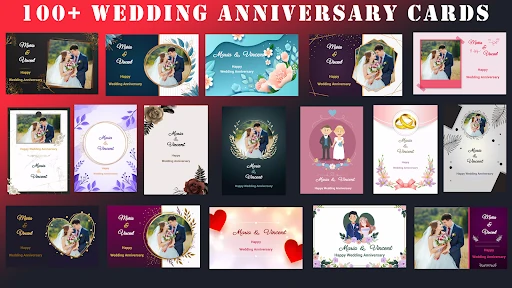
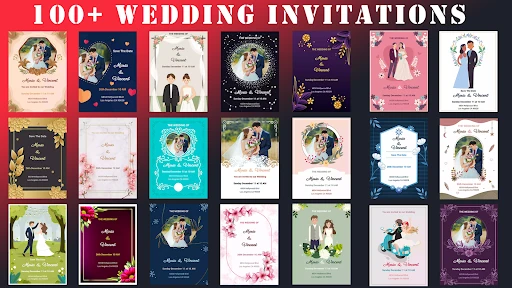
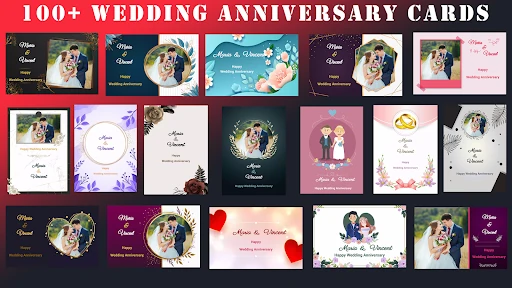
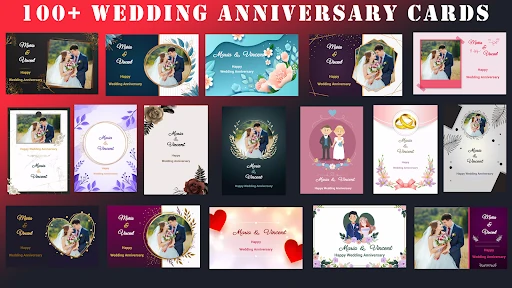
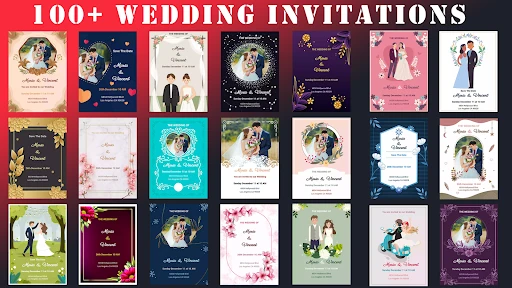
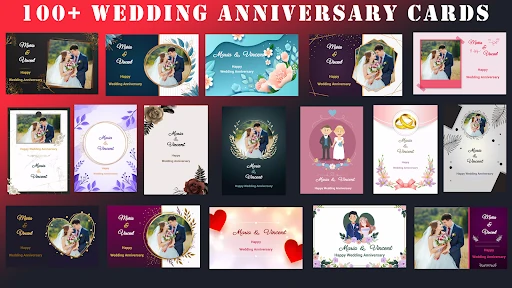
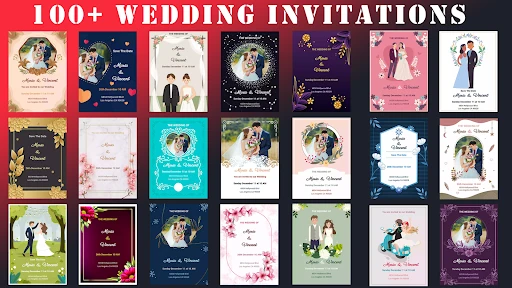
The listing offers more than 100 templates and a library of fonts plus wedding-themed icons. That is useful variety when you want a design that matches a wedding, anniversary or similar event without starting from a blank canvas. A template that is close to your preferred look saves more time than one you choose for a single decorative element.
Treat the style range as polished template customization rather than bespoke design. You can make the card look considered by matching type and color to the photo; you should not expect the kind of advanced typography controls or original illustration you would get from desktop design software.
Saving a JPEG, PNG or PDF you can share or print
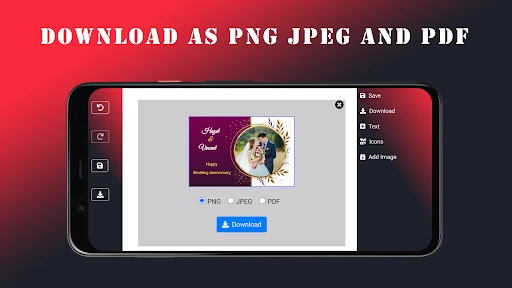
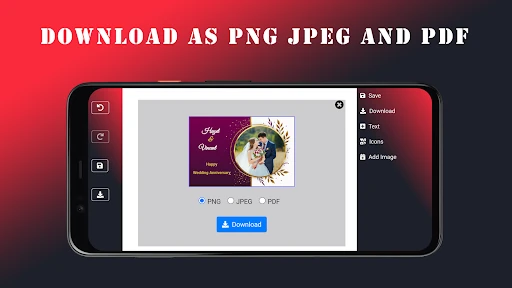
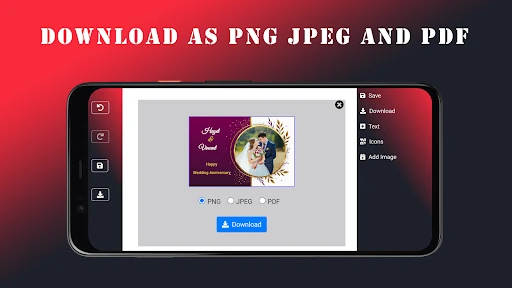
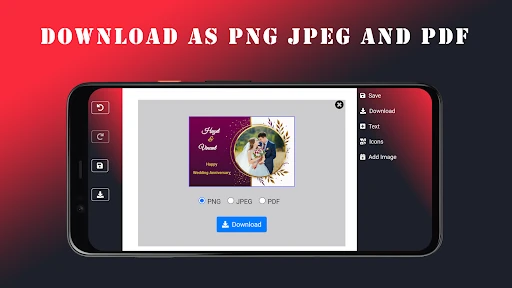
The app exports finished cards as JPEG, PNG or PDF, and you can send them by email or through messaging apps. PNG and JPEG are the convenient choices for a digital invitation that will be viewed on a phone. PDF is the better option when you want to attach a file that opens at a consistent size or print at home.
Export format alone does not guarantee print quality. The Play listing does not publish print-shop specifications or resolution guidance, so open the PDF or PNG at the size you intend to print and check the margins, sharpness of the photo and whether text sits close to the edge. For a simple home-printed card, that check is usually enough. For a commercial print order, confirm the file meets the printer's requirements before paying for a run.
Free use, offline design and the data-safety trade-off
The listing presents the app as free, with no subscription or hidden charges, and says it works offline. That combination fits budget-conscious planning and lets you draft an invitation without a connection, which is handy when you are working on your phone away from Wi-Fi.
The same listing's data-safety section says data is encrypted in transit but cannot be deleted. If you plan to upload personal photos or include details about other people, weigh that before you start. The offline support is useful, but it does not by itself answer what happens to data once it is in the app; the inability to delete data is the more practical caveat for a wedding project.