- Installs
- 100,000,000+
- Ratings
- 4,550,739
- Price
- Free
- Developer
- Amazon Mobile LLC
Screenshots
Overview
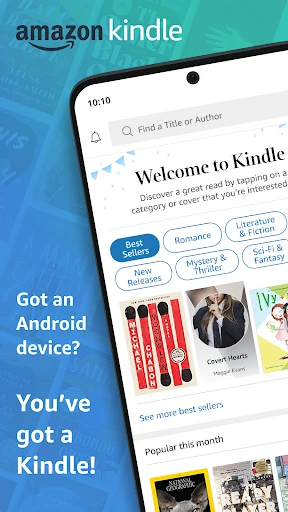
The Amazon Kindle app is a good free way to read Kindle books on an Android phone or tablet, provided your library already lives with Amazon. It is a reader rather than a bookstore: you buy and manage titles through Amazon, and the app picks them up alongside your highlights and reading position.
That makes it a natural fit for readers who use Amazon books, Kindle Unlimited, or Prime reading benefits. If you are starting from zero, the download will not give you a free library; the useful question is whether you want to build one inside Amazon's store.
Where you buy Kindle books, and what you can try first
Kindle books are purchased through Amazon, not inside the Android app. The app lets you try a sample first, which is useful for checking formatting or whether a sample chapter holds your attention before spending money. Samples reduce the guesswork, but they do not replace the store; the transaction and account management stay on Amazon's side. The library you see in the app then ties into Amazon memberships, covered below.
Making long reads comfortable on a phone or tablet
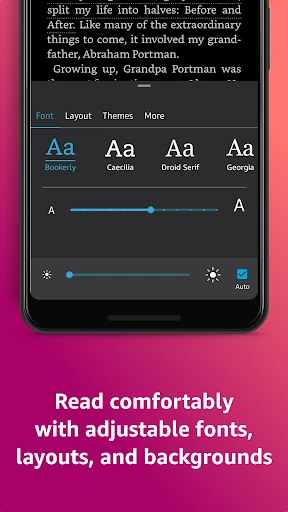
Before deciding phone reading is cramped, open a book and use the Aa menu. Text size, font, margins, alignment, and orientation all adjust. You can turn pages or use continuous scroll, change brightness, and pick a background color for day or night. On a phone these controls matter more than on a dedicated e-reader because the screen is smaller and reading may happen in short bursts.
Page Flip lets you jump around or see a bird's-eye view without losing your place. Image zoom helps with comics, magazines, and illustrated books. On a foldable, a dual-column view has been noted to appear only after rotating to landscape, so do not expect a tablet-style spread in portrait.
Dictionary, X-Ray, and notes you can find again
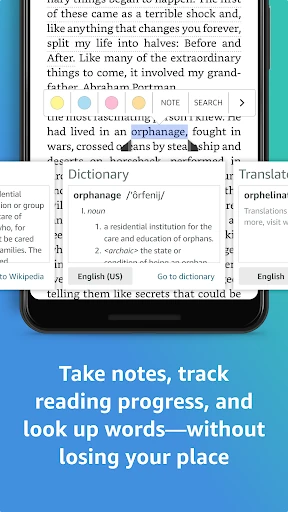
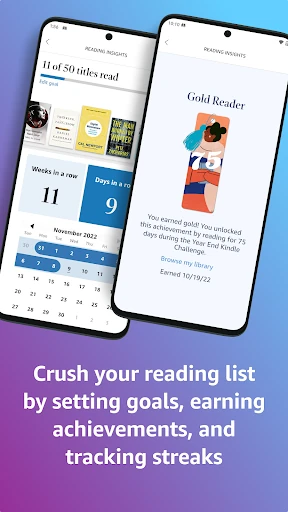
Press and hold a word to look it up in the built-in dictionary, check Wikipedia, translate, or search within the book. X-Ray is more useful for dense fiction or nonfiction: it surfaces characters and terms that recur, which helps when you lose track of a name. Bookmarks, highlights, and notes are collected in My Notebook. Progress shows the percentage read, real page numbers where the publisher provides them, and an estimate of time left in the chapter or book based on your reading speed. This is enough for study groups or keeping track of nonfiction, though it is not a full note-taking system.
Does your place follow you between devices?
Sync is on by default and needs an internet connection. It carries your position, bookmarks, highlights, and notes across Android devices and other Kindle apps. Turning it off makes some features unavailable, including sharing your reading position across devices and exporting or sharing notes. Annotations made while sync is off may be lost when you turn it back on. The account-wide switch lives in Manage Your Content and Devices, so one change can affect every Kindle app and device on the account.
What Kindle Unlimited and Prime add, and where audiobooks fit
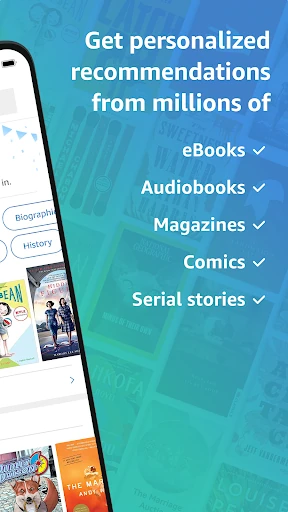
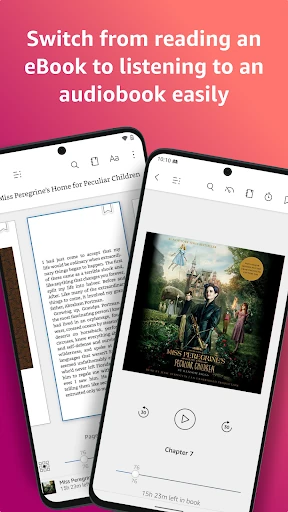
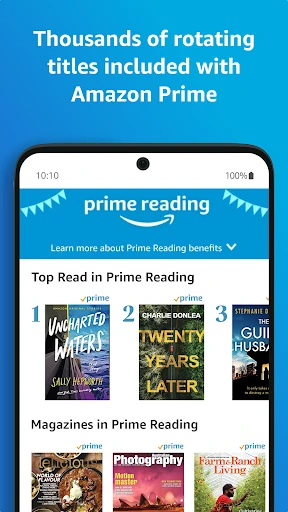
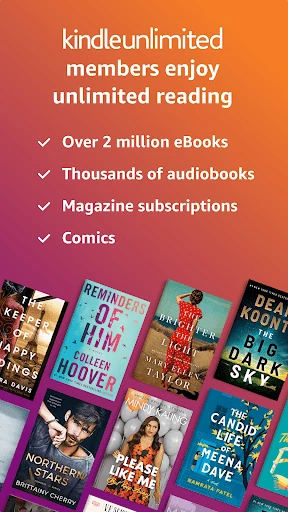
Kindle Unlimited members can read and listen to over 1 million titles, thousands of audiobooks, and current magazines. Prime includes thousands of books, magazines, and comics, a smaller pool. Check which membership you have rather than assuming the app includes either. For books with Audible narration, you can switch from reading to listening inside the app, which suits a commute or a walk. That depends on owning or accessing the narration. The app itself is free; the paid membership layer sits separately from the download.