- Installs
- 500,000,000+
- Ratings
- 16,305,295
- Price
- Free
- Developer
- Alibaba Mobile
Screenshots
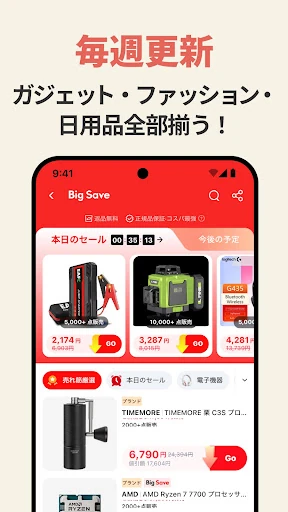
Overview
The AliExpress Android app is a practical choice if you want low-cost goods from overseas sellers and can plan around delivery measured in weeks rather than days. It brings search, listing details, payment, seller messages and order tracking into one app; the trade-off is variable shipping and support that crosses borders rather than the certainty of a local store.
Finding and judging listings in a giant marketplace
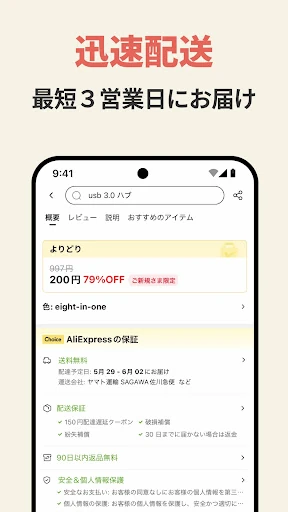
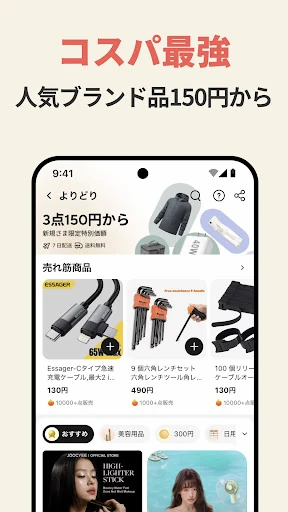
Search results are only the starting point. The listing filters, customer reviews and product details are what let you narrow a broad query to something you can actually evaluate. Before paying, read the seller's delivery estimate and the item specifics; those two details often matter more than a low item price, especially when you need something by a particular date.
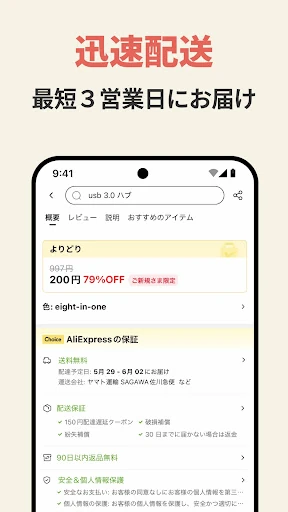
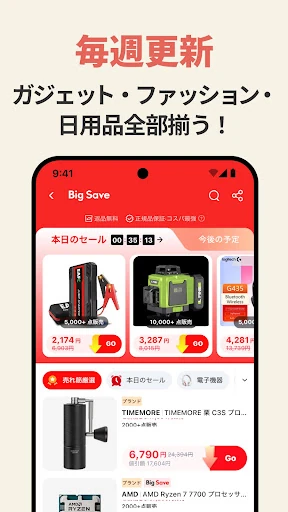
Choice is a label the app uses for items presented as offering better prices and services. Treat it as a shortcut for scanning, not a guarantee. The individual listing and seller still deserve a look, particularly the shipping estimate and whether the product description matches what you expect.
Shipping times: why delivery can take weeks
Most AliExpress shipments come from suppliers in Asia, especially China, and international delivery can take weeks or months depending on the shipping method and destination. Economy shipping is usually slower and cheaper, while express shipping costs more and shortens the wait. Neither option turns a cross-border order into a same-week purchase.
That makes the seller's stated delivery estimate the deciding detail. A slightly higher price with a realistic shipping window can be a better deal than the cheapest listing with a vague or very long estimate. If you are buying a gift or replacing something you need immediately, the app is a poor fit for that order.
Tracking a package in the app, and when to escalate
To follow an order, sign in, open My Orders, select the item and use the Package tracking link. Early tracking can be sparse, so a quiet first few days is not automatically a problem. If there is still no useful information after several days, contact the seller from the order using Contact seller.
Escalate when the details stop adding up. If a parcel is marked as delivered but has not arrived, or the seller and carrier give conflicting information, contact the carrier. Third-party trackers such as 17Track and AfterShip can follow several packages from different sellers by tracking number, which helps if you have multiple orders in transit.
Checkout, payment and the app's data-sharing label
Integrated payment makes checkout convenient, but Google Play's data safety section says personal and financial information may be shared with third parties, and the listing flags collection of personal and financial information plus four other data types. Data is encrypted in transit, and you can request deletion. That is context for deciding what you store in the app and which payment method you use, not proof that the app is unsafe.