- Installs
- 100,000,000+
- Ratings
- 2,996,063
- Price
- Free
- Developer
- Chess.com
Screenshots
Overview
Chess.com is the right Android app if you want one place to play rated games against real people and then work on the mistakes, and the playing side doesn't cost anything. The part to check before installing is how quickly the free improvement tools run out: a few puzzles a day, one full game review a day and a single extra lesson each week.
Playing real opponents online without paying
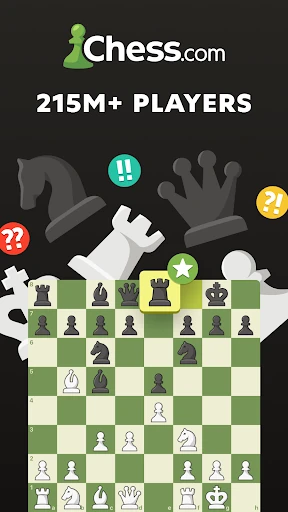
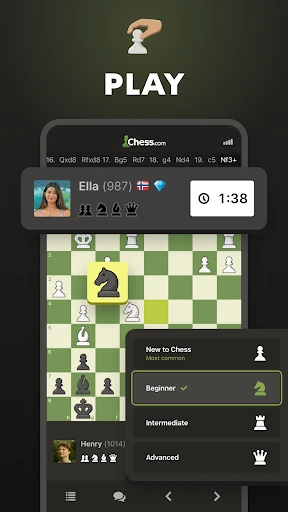
With a free Basic account you can play unlimited games in Daily, Rapid, Blitz and Bullet. There is no game cap or time-control restriction on the free tier; games can run from one minute to 30 minutes or longer, and Daily games work like correspondence chess you return to over days. Tournaments, clubs and variants such as chess960, bughouse, 3-check, 4-player and blindfold are also open to free accounts. You need a Chess.com account for rated online play, and ads run alongside free games. For a casual player who mainly wants to log on and find an opponent, that is the whole story: the paywall is not on the board.
Puzzles, lessons and game review: where free stops
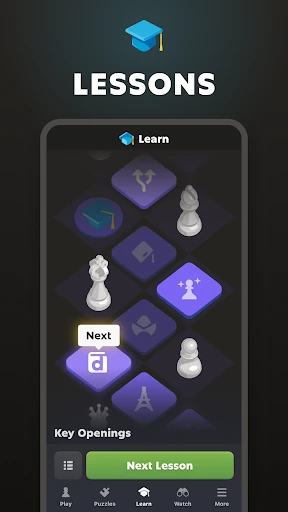
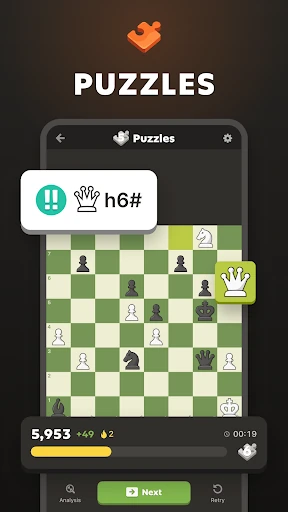
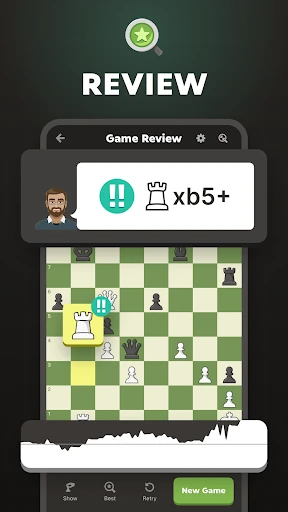
This is where the free account becomes a sampler rather than a training plan. Basic members get three Puzzles per day; Puzzle Rush and Puzzle Battle are available five times on the first day and then once per day. Game Review, the full analysis of one of your games, is limited to one per day. Lessons include the New to Chess guide for everyone plus one additional lesson of your choice each week. If you mostly play and occasionally solve a puzzle, those limits are workable. If you want to sit down for an hour of tactics or review several games after a session, you will hit the ceiling fast.
Pick the tier that matches your practice volume. Gold removes ads and adds unlimited puzzles, unlimited Puzzle Rush and Puzzle Battle, the full opening explorer and all Drills and Endgame positions, plus unlimited lessons and the video library. Platinum adds unlimited game analysis and Game Review. Diamond adds coach explanations for every move and Insights statistics across your games. The subscription question is mostly about how much you practise, not about whether you can play.
Playing the computer and offline on Android
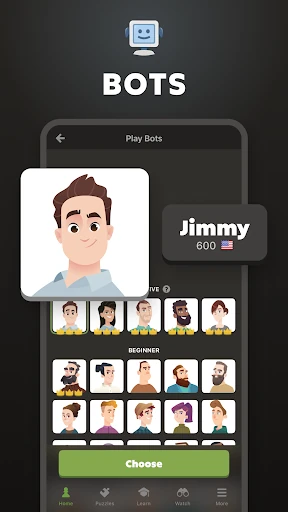
Bot play is genuinely useful without paying. Free accounts can choose from 20+ computer personalities, set a difficulty level and a clock, then review the finished game. Gold opens the full set of 100+ personalities, which is the one place where a subscription widens who you can play rather than how much you can practise. The app also supports offline games against the computer, so a commute or a flight is covered as long as you don't need a live opponent. That makes it a reasonable stand-alone chess app for someone who mostly wants to play bots and only occasionally goes online.
Your rating, stats and watching stronger players
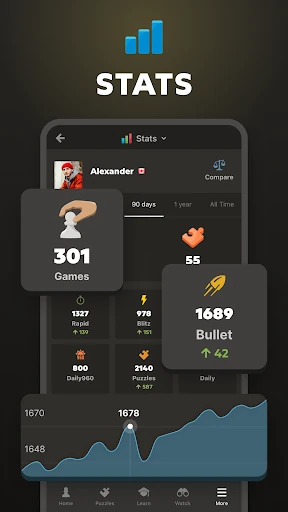
Online games feed a rating you can track, and leaderboards show where that rating sits. Your finished games are saved in an archive you can revisit, which is handy when you want to check a line without hunting through screens. ChessTV and streamer content from Hikaru, GothamChess and Magnus are free extras; they are pleasant to have but shouldn't decide the install. The rating and archive are the practical parts: they turn a string of casual games into something you can look back on.