- Installs
- 5,000,000+
- Ratings
- 45,590
- Price
- Free
- Developer
- altercars.ru
Screenshots
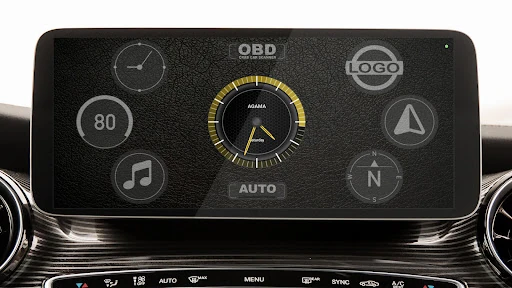
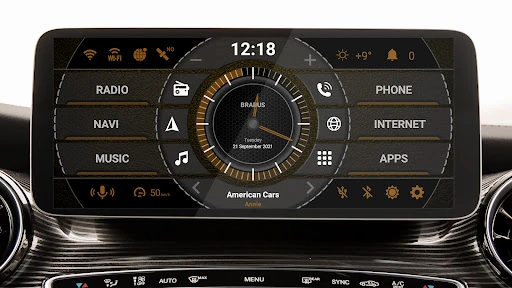
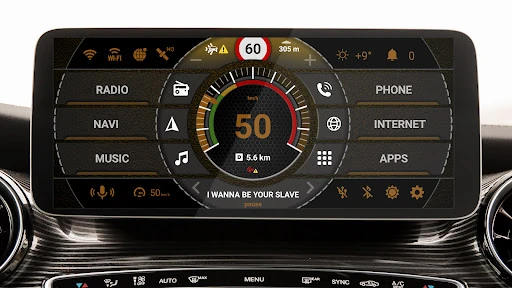
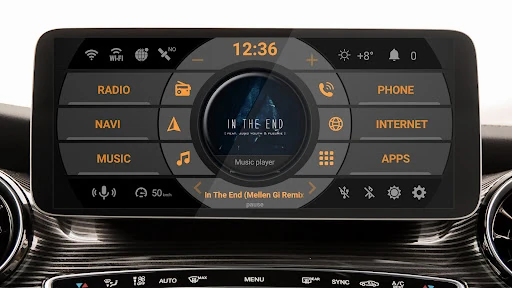
Overview
AGAMA Car Launcher is a good fit if your Android head unit can load a third-party home screen and you want one dashboard for quick app buttons, navigation, music and a GPS speed readout instead of a stock Android icon grid. It is worth installing only if your unit runs Android and lets you change the default home app, so that is the first thing to confirm. The free 30-day trial exists precisely so you can check that before paying for the full version.
What AGAMA changes on an Android head unit
AGAMA replaces the launcher, the screen your unit shows after boot and after you press Home. The developer positions it for Android dashboard units and audio systems, and also for phones and tablets used in a car. Do not install it on a factory unit that runs a closed, non-Android system, and expect some Android head units to hide or lock the default-launcher setting; if yours does, the app has nowhere to live.
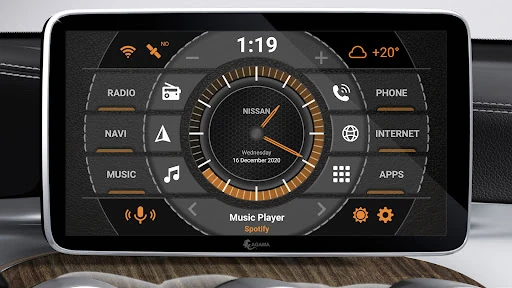
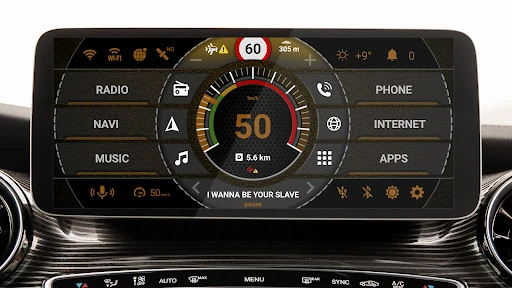
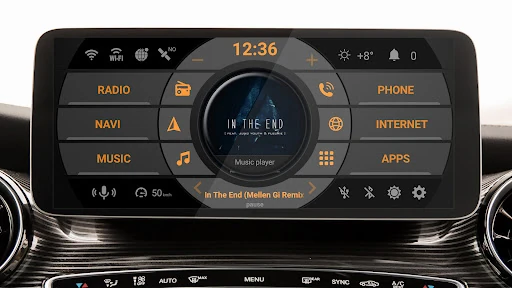
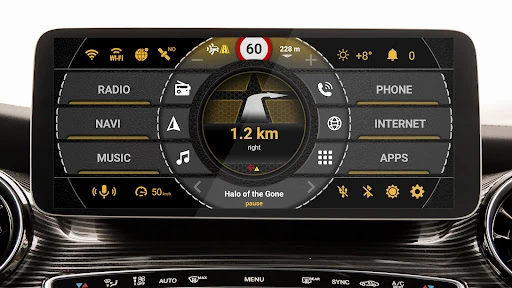
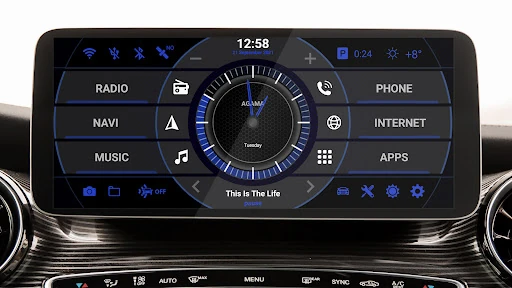
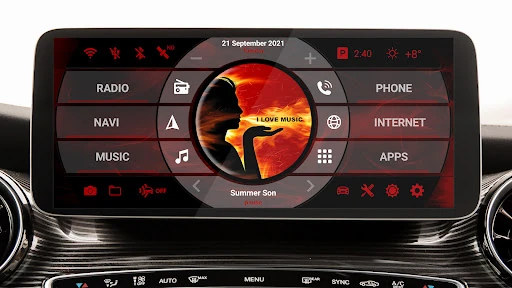
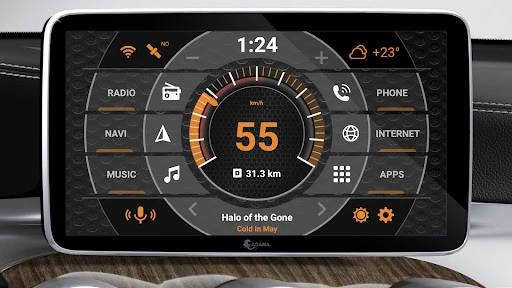
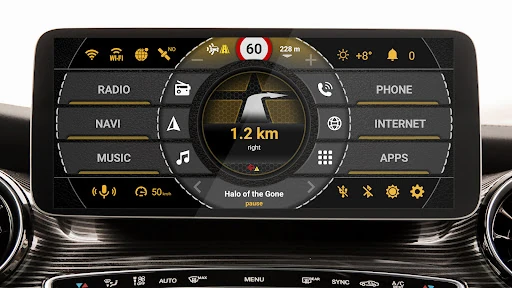
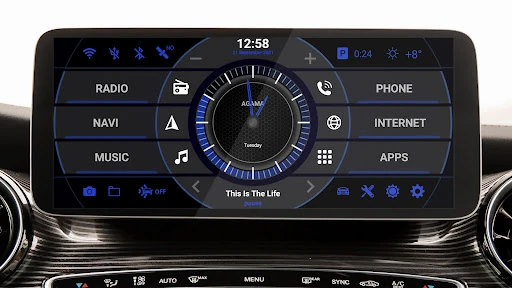
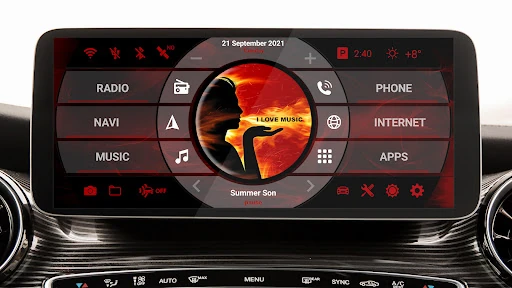
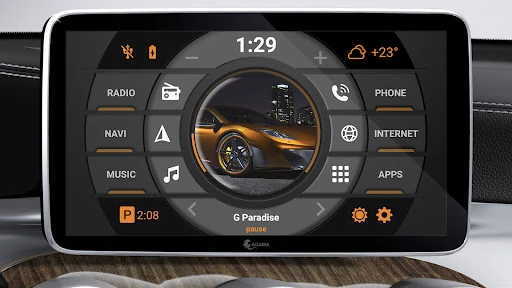
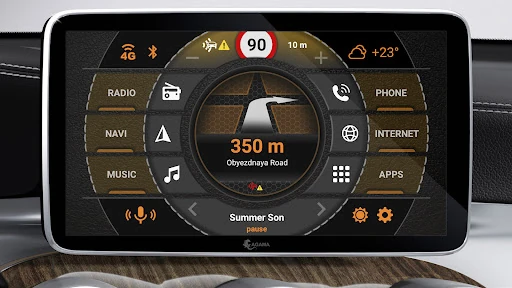
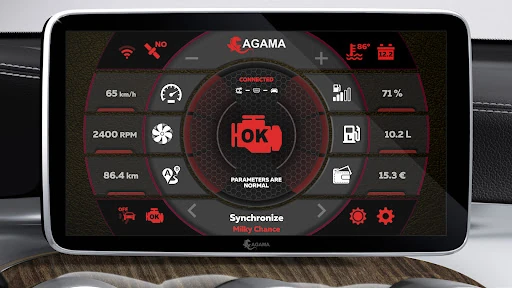
Once it is the home screen, the payoff is layout. Rather than leaving the launcher to find a music app, a navigation app and a speed display, you get 24 customizable buttons for quick app launch and a set of widgets on one screen. That matters when you want a destination or a playlist running without scrolling through an app drawer while stopped. The launcher itself does not navigate or play music; it surfaces the apps that do.
Widget checks that decide whether it fits your setup
Compatibility runs through the apps and hardware you already have, so use the trial for specifics rather than a general look around. Play music through your actual player and watch whether the music widget shows the track and responds to controls. Set a route in your usual navigation app and see whether guidance appears in the navigator widget. Drive a familiar road and compare the speedometer reading, which is calculated from GPS, against your dashboard; expect it to lag or drop in tunnels and built-up areas where the signal is weak.
The compass is there for people who want it; skip it if you will not glance at it. Then look at the 24 buttons honestly. Fill them with the five or six apps you actually open while driving and leave the rest empty, because a crowded grid defeats the purpose. Test parked first, then on a short known route before trusting the layout on a longer trip.
The 30-day trial, paid unlock and optional OBD add-on
The app is free to try for 30 days, after which continued use requires buying the full version. Start the trial when you have real commutes ahead rather than over a quiet week, and check the price in the app early so the decision is not made against a deadline. If the widgets or the screen fit do not work on your unit, the trial tells you that at no cost.
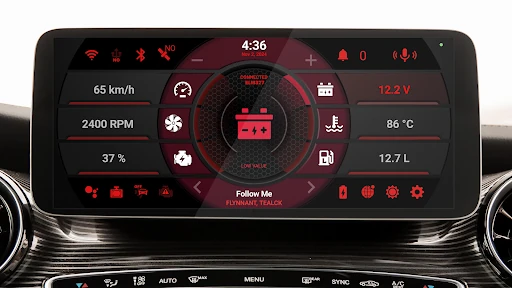
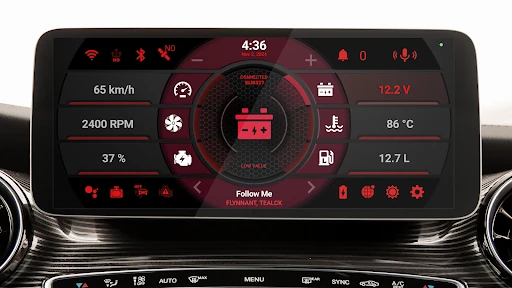
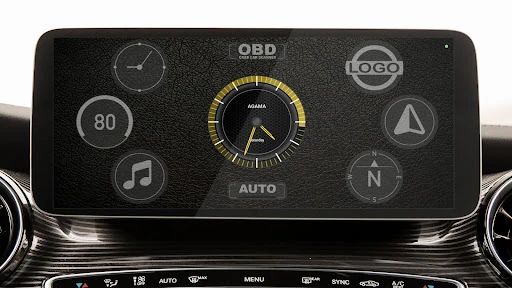
On-board diagnostics sit outside the base launcher. The developer's separate CRAB Car Scanner app can feed OBD data into AGAMA for a small one-time fee, running as a background service that connects automatically without opening its own interface. Treat it as an optional extra for drivers who want engine data on the same screen, not as part of what you are buying with AGAMA.
Making the dashboard readable in daylight and night driving
Daily use comes down to the design settings: automatic brightness, button placement, the information row for Wi-Fi, GPS, Bluetooth and battery, the five-day weather display and the voice assistant. Tune contrast for midday glare and for night driving separately, and place the buttons you use most within easy reach of the driver's seat. A screen that looks tidy in a photo can still be hard to read at a glance, so judge it from the driver's position with the car running.