- Installs
- 100,000,000+
- Ratings
- 3,310,691
- Price
- Free
- Developer
- Amazon Mobile LLC
Screenshots
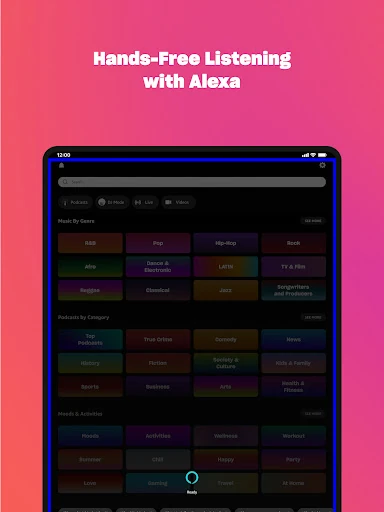
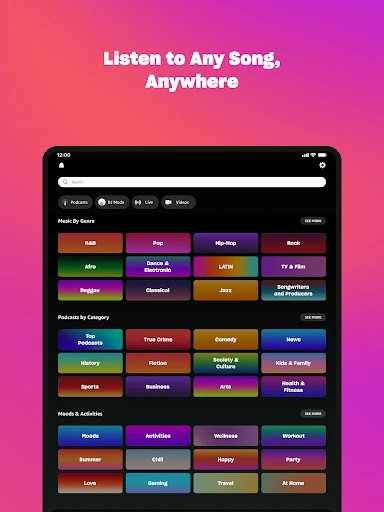



Overview
If you already pay for Amazon Prime, Amazon Music is worth using on Android when you want ad-free music and top podcasts without adding another subscription—but it is a shuffle-first service, not a full on-demand library. The free tier is narrower still, and Amazon Music Unlimited is the version that removes the main playback limits.
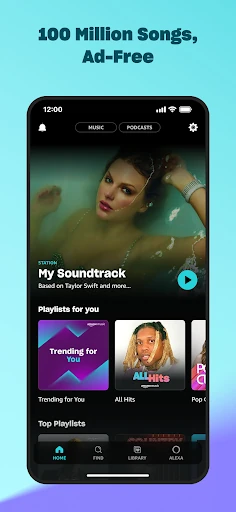
Free listening: ad-supported stations and playlists
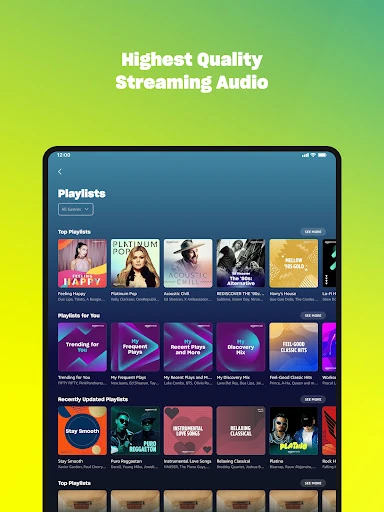
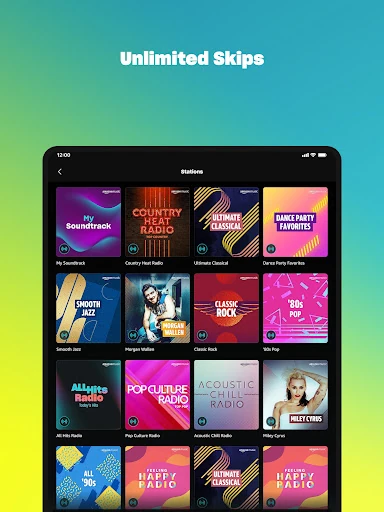
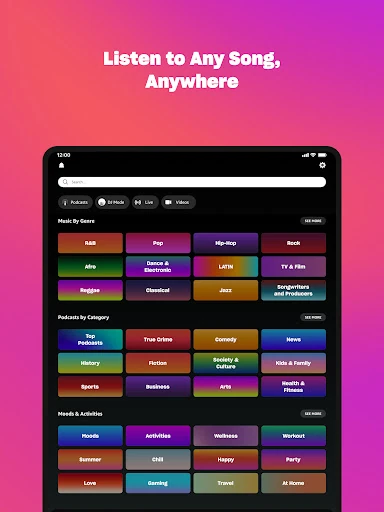
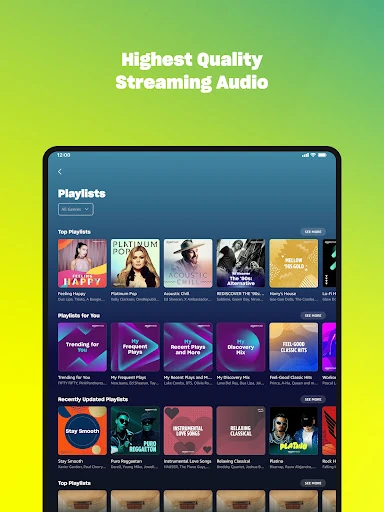
Free Amazon Music needs an Amazon account but no credit card. You get ad-supported stations, top playlists, and podcast episodes. On-demand listening is limited to select songs inside curated playlists, so it is not a way to call up any track in the catalog. Free and Prime streams also stop after an hour without interaction, which matters if you leave music running in the background.
Prime membership: ad-free music, but mostly shuffle
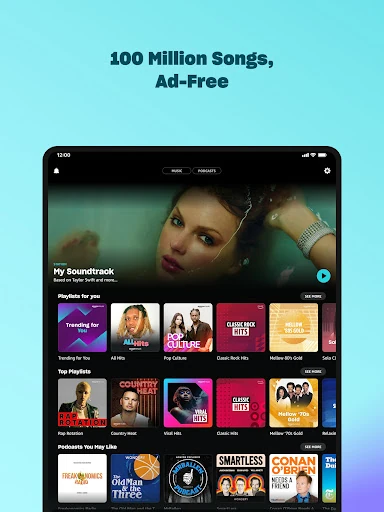
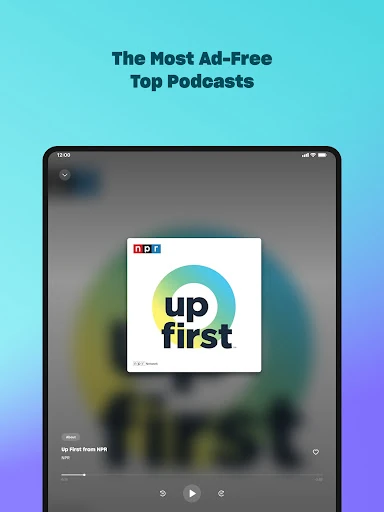
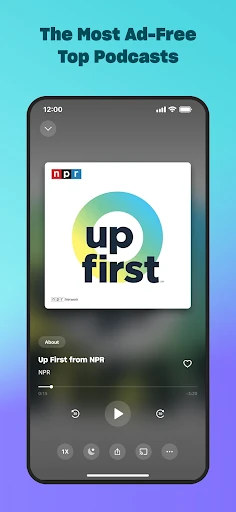
Prime is the middle tier, and if you already subscribe, it adds no separate music charge. It removes ads from the music catalog and top podcasts and lets you shuffle any artist, album, or playlist. That covers a lot of casual listening: pick an artist and let the app run.
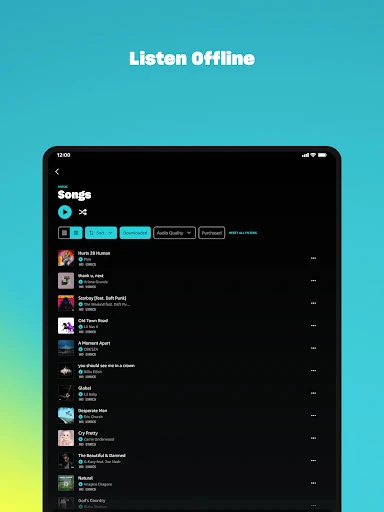
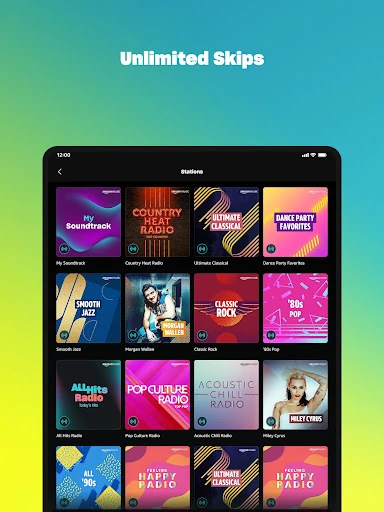
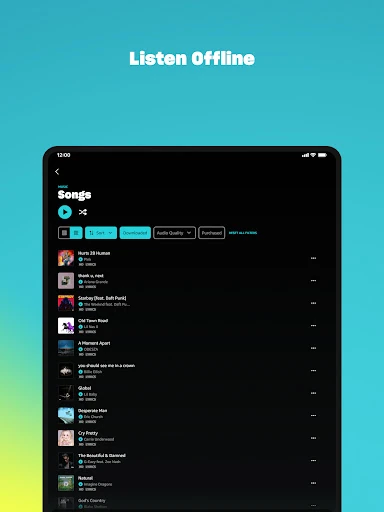
The limitation is control. Outside All-Access Playlists, Prime playback is shuffle-only and carries skip limits. All-Access Playlists are the exception: you can choose songs on demand, skip without limit, and download them for offline listening. They are also the only Prime content you can download. If your listening revolves around specific tracks, or you need music offline on a commute, Prime will feel constrained—even though the ads are gone.
Unlimited: pick any song and listen offline
Unlimited is the upgrade to consider when shuffle gets in the way. It opens the full 100 million-song catalog for on-demand playback, removes skip limits, and allows offline downloads. It also adds higher-quality HD and Ultra HD streams and a spatial audio collection. The Family plan supports six separate accounts, each with its own library and recommendations, so profiles do not blend.
That makes Unlimited the better fit for someone who builds playlists around exact songs, listens without reliable data, or wants better audio. If you mostly put on an artist or playlist and let it play, Prime already covers that pattern and the extra tier is harder to justify.
Audiobooks and podcasts in the same app
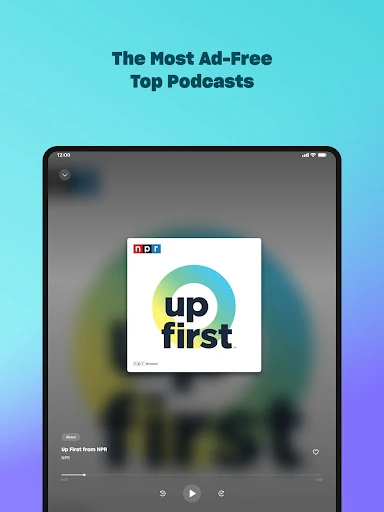
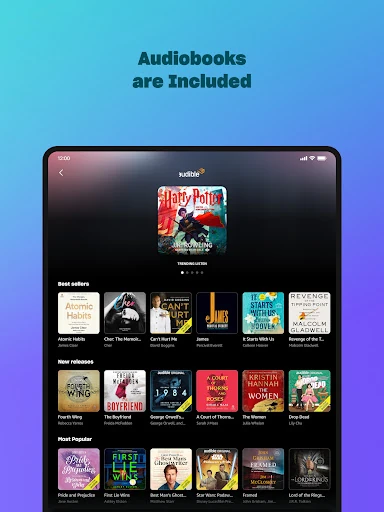
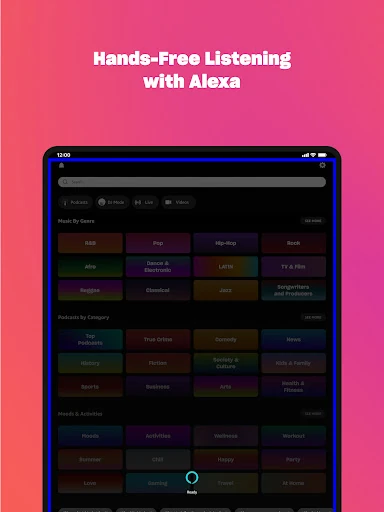
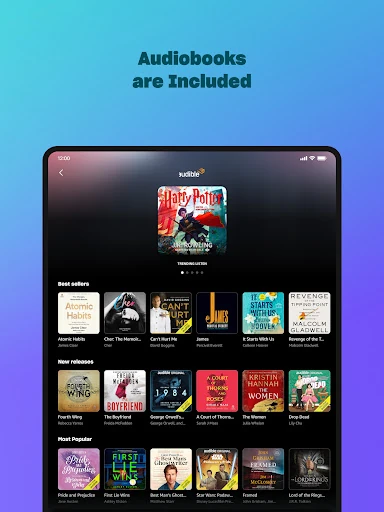
Eligible Unlimited Individual and Family subscribers get one audiobook per month, plus select audiobooks available across the service. Audiobooks play in the Android app, so you can move between music and a book without installing another player. Podcasts are available across tiers; ad-free top podcasts are a Prime and Unlimited benefit, while the free tier includes podcast episodes without that guarantee.
Moving playlists and listening on Wear OS
Playlist import lets you move existing playlists from another music service in a few steps, which lowers the effort of switching if your library is the main hesitation. On Wear OS, the app supports playback, recommendations, search, casting to and controlling compatible Android devices, and downloading playlists or albums for offline listening from the watch.