- Installs
- 1,000,000+
- Ratings
- 23,202
- Price
- Free
- Developer
- Prometheus Interactive LLC
Screenshots
Overview
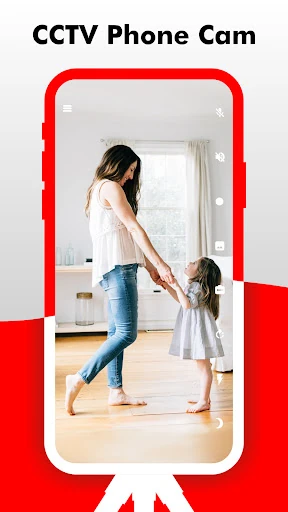
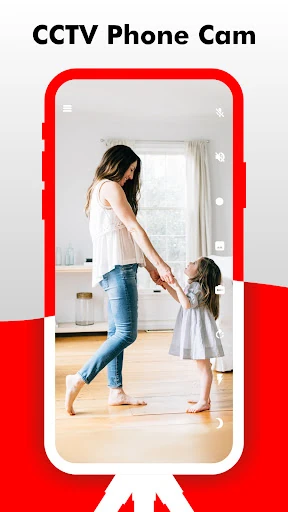
Yes. Camy turns a spare Android phone or tablet into a live camera and your everyday phone into the viewer, with no separate camera hardware to buy. Install the same app on both devices, pair them, and you can watch a room, pet, or entryway from another location. The part to plan for is recording: automatic cloud recording after motion detection is listed as a Premium feature, so a free setup is better suited to live checking than to keeping a clip of every alert.
Pairing a spare Android phone as the camera
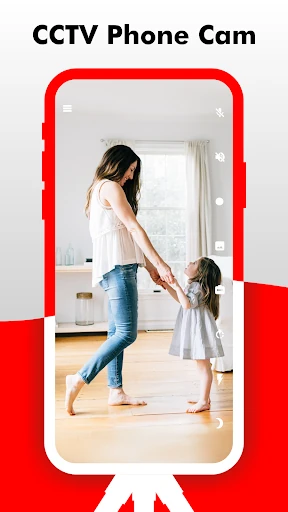
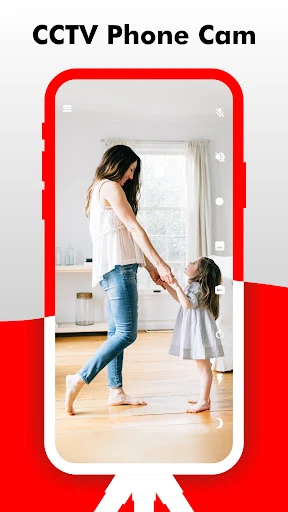
Setup is mostly a pairing job. Load Camy on the device that will stay in the room and on the phone you will use to watch. The app can act as either a camera or a viewer, so you do not need dedicated camera hardware. Place the spare phone where it has a clear view, open its camera role, then connect from the viewing phone and confirm the feed before you mount or prop the device permanently. That check matters because framing and Wi-Fi strength are easier to fix before the phone is tucked behind a shelf.
One camera can be watched from more than one phone at a time, which helps when several family members want to check in. Image rotation is available if the phone has to sit sideways. If you use more than one camera, the app lets you pair them and switch between views rather than tying you to a single room.
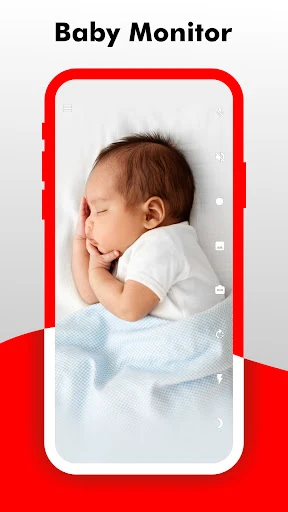
Live viewing and remote controls for baby, pet, or entryway checks
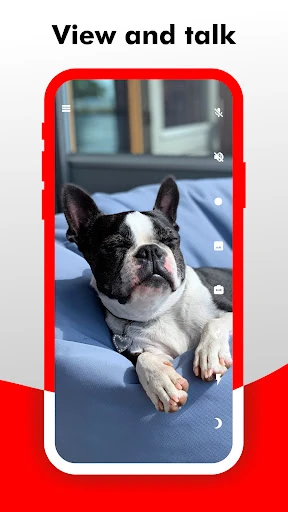
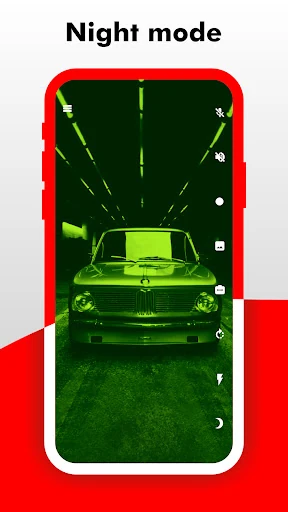
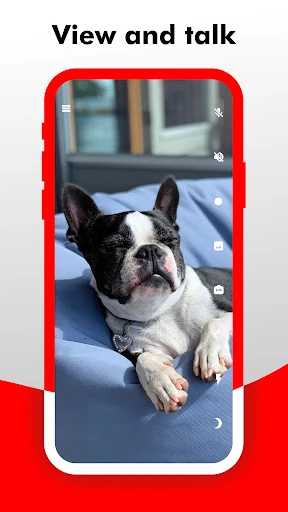
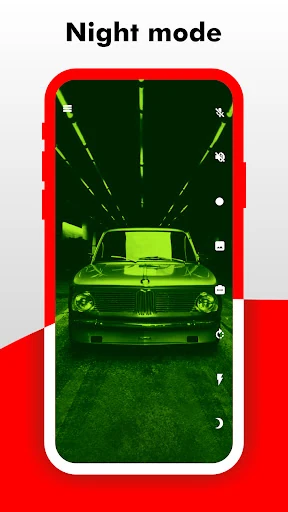
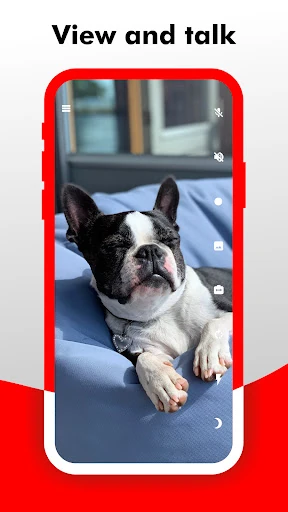
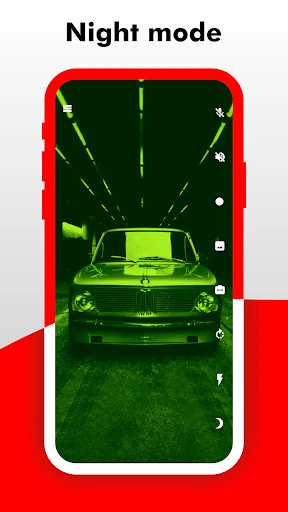
Once paired, the live view is the main workspace. You can switch between front and rear cameras, turn on night mode for a dim nursery or hallway, and keep the feed in picture-in-picture while using the viewing phone for something else. For a pet or entryway, the remote flashlight adds light without walking over to the camera, and the speakerphone function lets you talk through the phone's mic and speaker. Zoom and screenshots help with a closer look or a quick still.
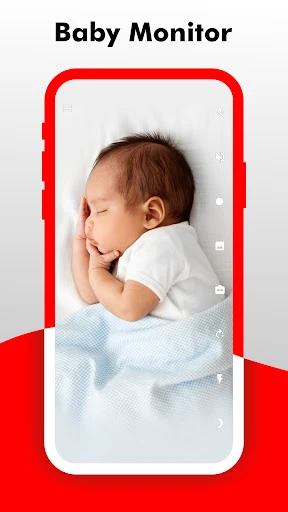
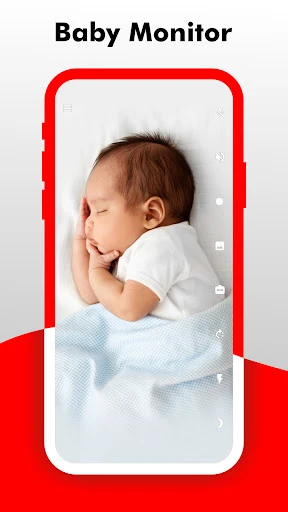
Camy is a general phone-camera app, not a dedicated baby monitor with its own parent unit. Night mode and two-way audio cover the basics of checking on a sleeping child, but the feed depends on the camera phone's placement and connection. A web browser or Android TV can serve as an additional viewing screen when you want the stream on a larger display.
Motion alerts and cloud recording: what Premium changes
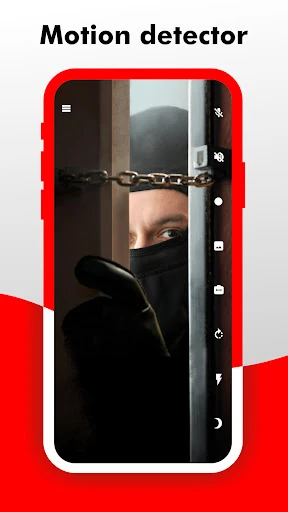
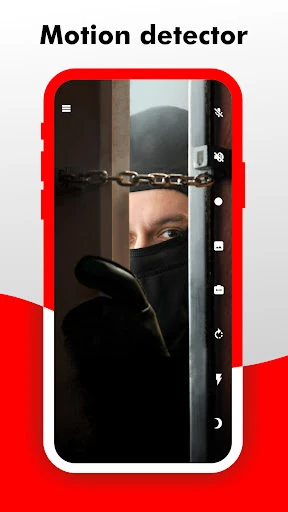
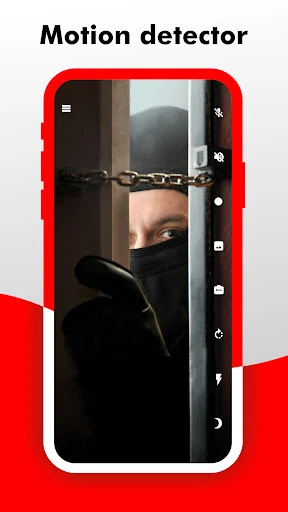
Motion detection sends real-time notifications to the viewer, so you can react when something moves in the camera's field of view. That works for a doorway, a pet area, or a room you are using as a nursery. Multiple cameras can be paired and switched, which lets you cover more than one area without buying separate monitors.
The important distinction is between watching and keeping. Live viewing is a core function, while automatic cloud recording after motion detection is labeled Premium. If you mainly want to glance at a feed while you are out, the app is built around that use. If you need a stored record of what triggered an alert, such as a clip of someone at the door, plan on the Premium version rather than assuming every notification leaves a video behind.
Keeping the camera phone running day to day
Because the camera is a phone, uptime comes down to the device and its connection. A screen-off energy-saving option is available while the phone is acting as a camera, which helps if you want to leave it running without the display glowing all night. Keep the spare phone on a charger and on stable Wi-Fi; a weak connection shows up as a stuttering or delayed feed.
The app shows stream information such as frame rate, bit rate, and image size, which is useful for checking whether the feed is actually healthy rather than just present. A phone-based monitor is only as dependable as the spare device, its power, and its placement. Check the live view after any change to the setup, whether you move the phone, change Wi-Fi, or restart the device, before you rely on it for a baby, pet, or entryway.