
HiMommy: Ovulation & Pregnancy Review: Features, Pros & Cons
HiMommy - Pregnancy Day By Day - Expecting Baby
- Installs
- 1,000,000+
- Ratings
- 19,189
- Price
- Free
- Developer
- HiMommy - Pregnancy Day By Day - Expecting Baby
Screenshots


Overview
HiMommy can work as a single Android app from trying to conceive through pregnancy and the first months with a newborn, provided you treat it as a continuous organizer rather than a fertility or medical specialist. If you want one place for cycle notes, weekly pregnancy updates and late-pregnancy movement or contraction logs, it fits that sequence.
Cycle tracking and fertile-day predictions you can act on
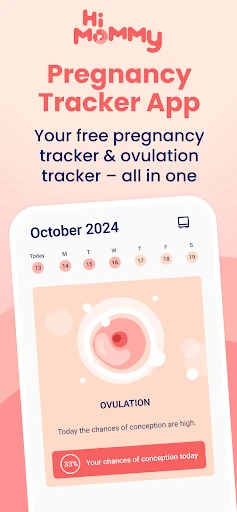
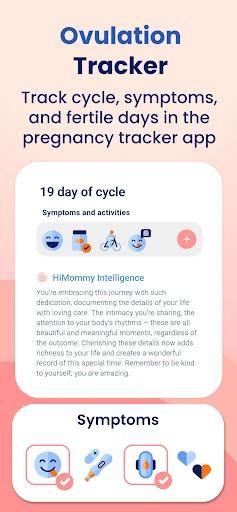
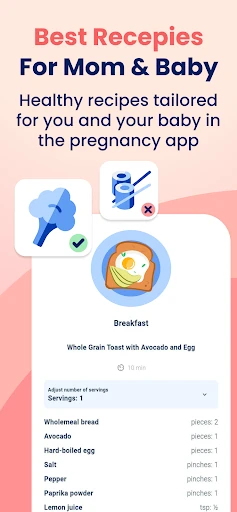
The cycle calendar is the core of HiMommy's trying-to-conceive toolkit. You log periods and the app predicts fertile days and ovulation, which is useful for planning around a likely window; it is less about certainty than about narrowing the dates worth paying attention to. Basal body temperature, cervical mucus and other symptom entries add context over several cycles, so you can spot a pattern rather than rely on a single prediction. That makes the app a reasonable planning aid, especially if your cycles are fairly regular. For irregular cycles, the same estimates deserve more skepticism, and HiMommy's own disclaimer says calendar estimates and its counters are for personal records, not medical decisions. The fertility recipes and meditation recordings are secondary wellbeing content; they do not diagnose or treat fertility problems. If you have been trying for a while or have a known condition, use the logs to support a conversation with a clinician rather than as a substitute for one.
Pregnancy week by week: baby updates, bump journal and checklists
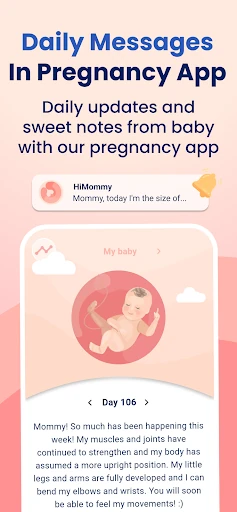
The pregnancy stage is where HiMommy's continuity pays off. After a positive test, you can stay in the same app for short daily messages written from the baby's perspective, week-by-week development information and a 3D view. The journal stores photos and thoughts as a keepsake, which is a different job from the counters but useful in the same place. Later, hospital-bag checklists and layette lists turn preparation into a concrete task list, and the exercises and healthy-habit tips sit alongside as supporting material. None of this replaces your prenatal appointments; its value is having the week's context and your own notes together instead of spread across a notes app and a stack of bookmarks.
Kick counter and contraction timer in the third trimester
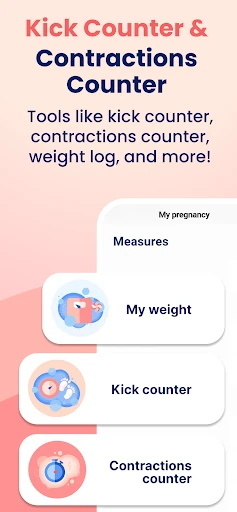
In the third trimester, the kick counter logs fetal movements and the contraction counter records timing and duration; the weight log adds another record you can bring to appointments. These are record-keeping tools, not monitors, and they do not decide whether something is normal. Their practical advantage is that you are already in HiMommy, so a late-night contraction session or a movement log does not require another download or a paper tally. Use them alongside the instructions your clinician gives you for when to call, and treat the log as a way to report what happened, not as a diagnosis.
After birth: feeding, sleep and newborn updates
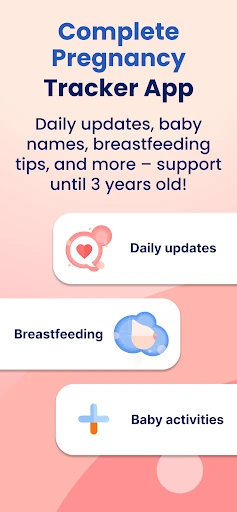
After birth, the tools get lighter. You can record feeds, sleep and measurements, read daily updates and find activity ideas for your newborn. That is handy in the first weeks because the app is already set up and the tracking is simple, but it is not a pediatric record and it does not replace advice from your health visitor or doctor.
Premium limits, the separate partner app and data sharing
HiMommy has a free tier, but some features require Premium and the store listing does not say which ones. Before you commit, test the tools you would actually rely on—cycle predictions, the kick counter, the contraction log—and see whether they stay available without paying. Partner updates are not inside HiMommy; they live in HiDaddy, a separate companion app, so a partner who wants the baby-perspective messages needs that second install. Privacy deserves a look before you enter cycle or pregnancy details. Google Play's data-safety section says HiMommy may collect personal and financial information and four other data types, may share personal and financial information and five other data types with third parties, encrypts data in transit and lets users request deletion. The deletion option is useful, but it does not answer every question about what is shared or why. Read the privacy details and decide whether that trade-off is acceptable for the kind of data you plan to log.