- Installs
- 10,000+
- Ratings
- 362
- Price
- Free
- Developer
- Google Samples
Screenshots
Overview
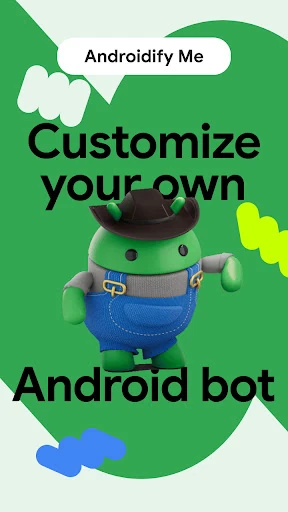
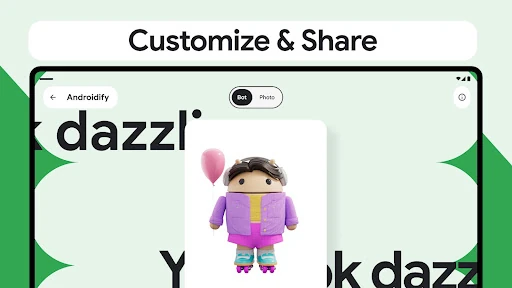
Androidify is a free Google app that turns a text description or a selfie into a custom Android bot avatar you can share, and it can also turn that bot into a Wear OS watch face. Install it for a quick, playful generation session; it is a poor fit if you need precise, repeatable editing.
From a text prompt or selfie to a custom Android bot
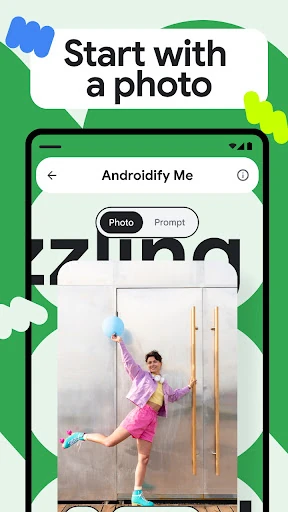
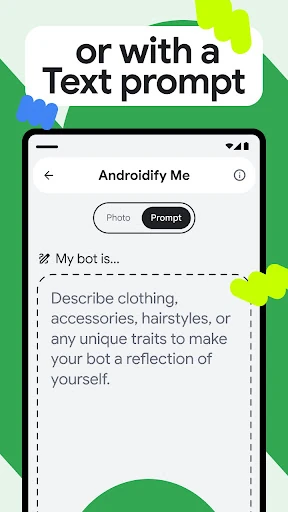
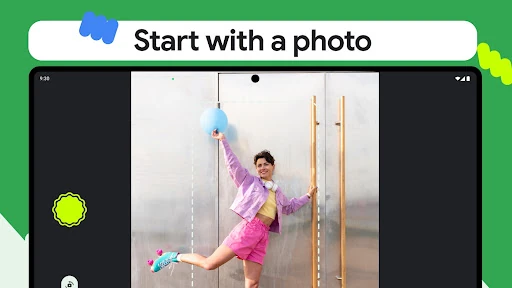
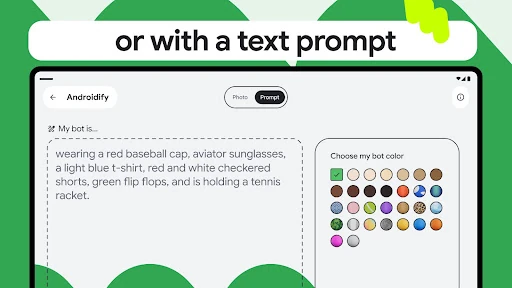
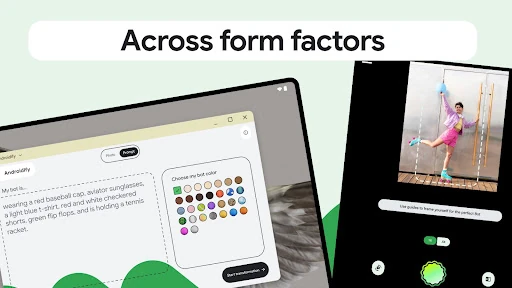
You can start in two ways: describe the bot you want, or supply a photo. Both routes end with a generated Android bot image ready to share. The text route is the faster way to try an idea, while the photo route uses the person in the image as the basis. A photo is first checked for an in-focus person and screened for abusive content, then captioned before generation; that explains why a photo-based run can take longer than typing a short prompt. Some bots can be animated with Veo 3, but that sits outside the core text-or-photo flow.
How much control you get over the generated avatar
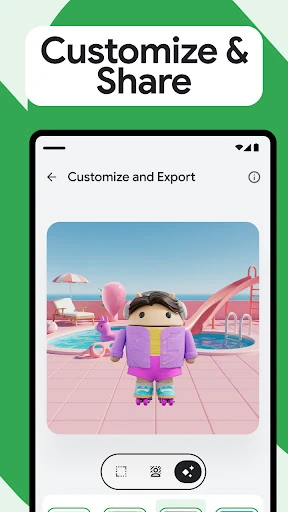
The controls are real but not layer-by-layer. You choose a bot color and skin tone, then use the prompt for details such as hairstyle, clothing and accessories. The selected color and skin tone feed into the image request alongside your description. This is enough to steer a look, not to place a specific jacket or edit one element after generation. Expect to re-run the prompt when a result misses, rather than fine-tune it like a character creator.
Photo input has its own capture guidance. The camera button responds when it detects a nose and both shoulders, so a clear, front-facing shot is more likely to pass the capture step than a cropped or distant one. The generated bot is still an AI interpretation of the caption and prompt, so a recognizable result depends on both the photo and the wording you add.
Sending your bot to a Wear OS watch face
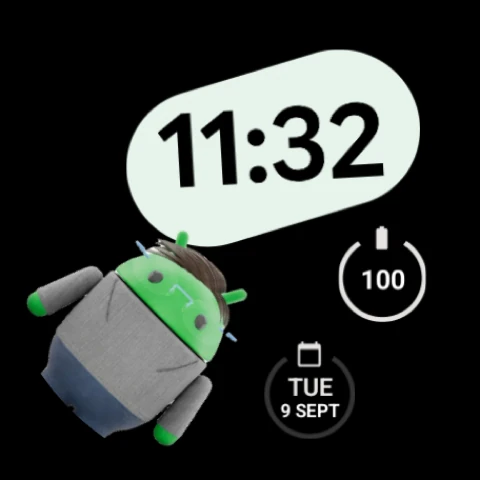
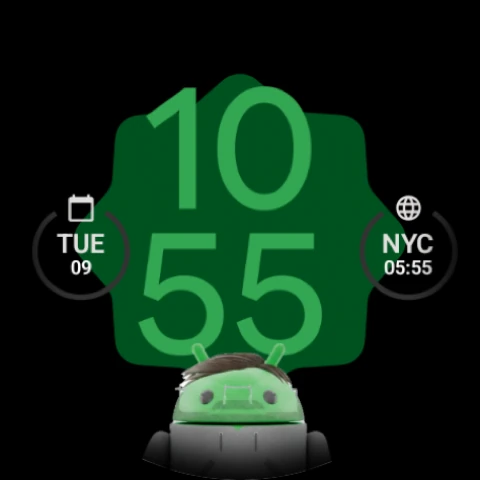
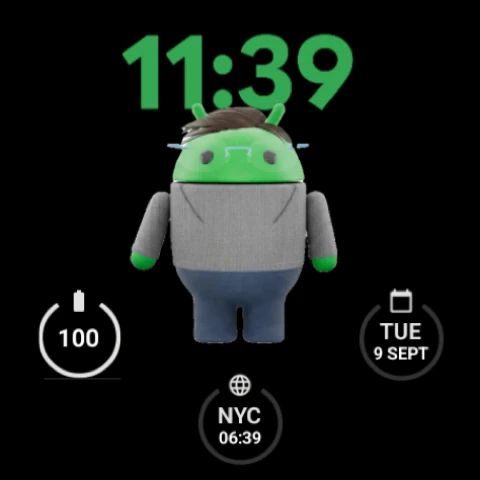
For watch owners, this is the feature that separates Androidify from a simple avatar generator. The phone app lets you pick a watch-face template, generate a version with your bot, push it to the watch and set it active. The catch is hardware and software: Watch Face Push is part of Wear OS 6. On that version, each app gets one pushed watch-face slot, so Androidify either fills an empty slot or replaces its existing one. Setting the face active also needs a runtime permission; if you deny it, the app cannot ask again for that install. Grant it when prompted if you want to try the watch face.
Why it feels like a Google developer demo
Androidify comes from Google Samples and sits in the Libraries & Demo category. It is also open source, which fits its role as a showcase of Android techniques more than a consumer product with a deep editing toolset. The Play listing's 3.39 average from 362 ratings and 10,000+ installs is consistent with a demo people try out rather than a daily-use avatar studio. That does not make it bad at the core task—generating a bot from a short prompt is quick and the watch-face handoff is unusual—but it sets expectations. Treat it as an experiment, not a precise design tool.
What Androidify collects and why it is not fully offline
The app's Play data-safety listing says it shares no data with third parties, may collect app activity, app info and performance, and device or other IDs, and encrypts data in transit. Generation relies on Gemini and Imagen models, so Androidify depends on Google's AI services rather than running as a local editor. That matters if you want to create avatars without a network connection or keep the full process on the device: this app is not built for either.