- Installs
- 50,000,000+
- Ratings
- 1,554,527
- Price
- Free
- Developer
- Apps Genz
Screenshots
Overview
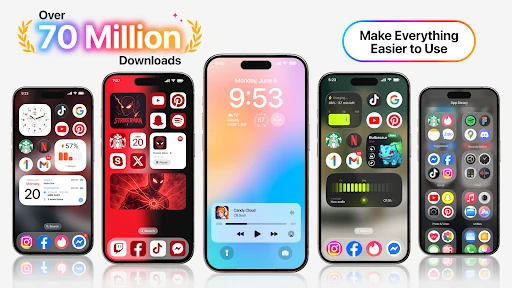
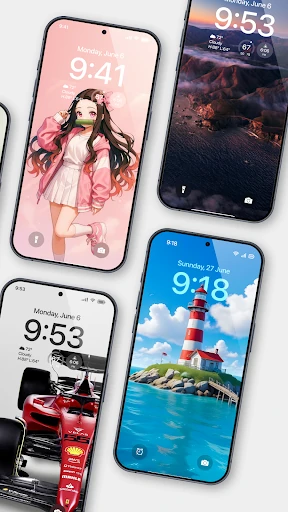
Launcher OS can make an Android phone look and behave more like an iPhone on the surface, with an iPhone-style home screen and an overlay lock screen that can show notifications, calls, and camera shortcuts. It is worth installing only if you want those lock-screen, search, and chat extras enough to grant broad permissions; a light visual theme alone does not justify them. The app is free, and its Play data-safety section says it may collect personal information and that data cannot be deleted, so permission trust is part of the decision.
What the iPhone-style home screen actually changes
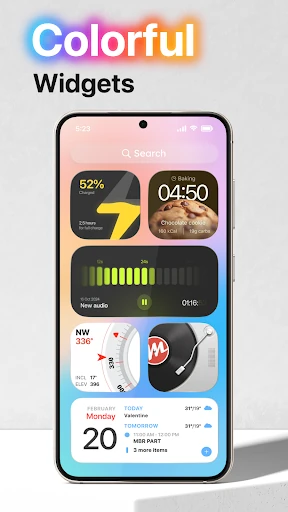
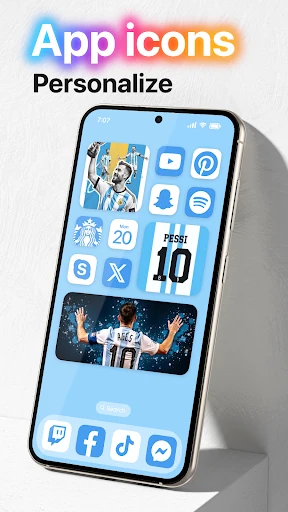
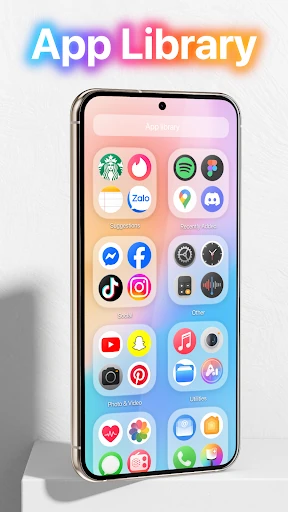
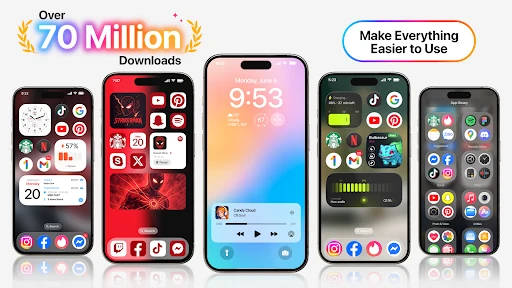
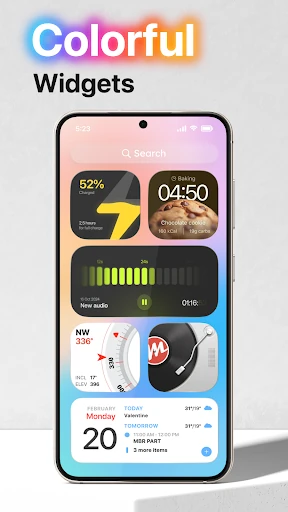
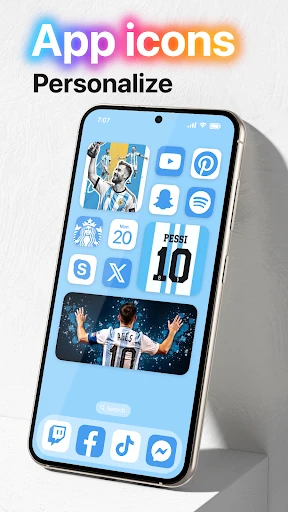
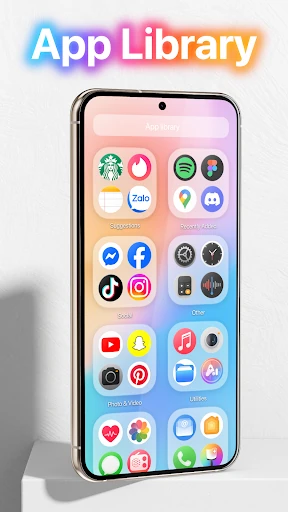
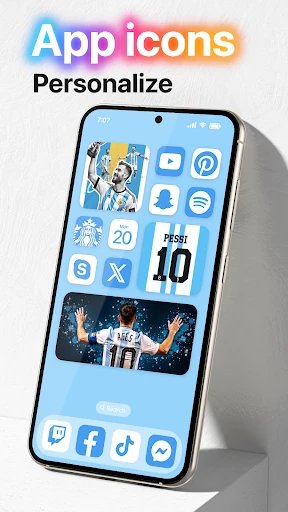
The main visible change is the home-screen layer: app icons and layout styled to echo iOS, with a liquid glass effect noted in the app's update notes. This is a cosmetic launcher replacement rather than a set of extra iOS system features. Android apps still run as Android apps, and the launcher changes how the home screen is presented around them. If you mainly want a different look, that is the part you will notice immediately; the lock screen is what asks more of you.
Lock screen features and the permissions they unlock
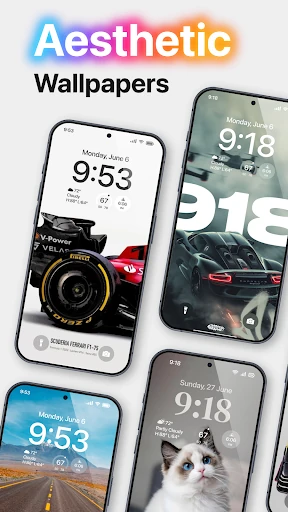
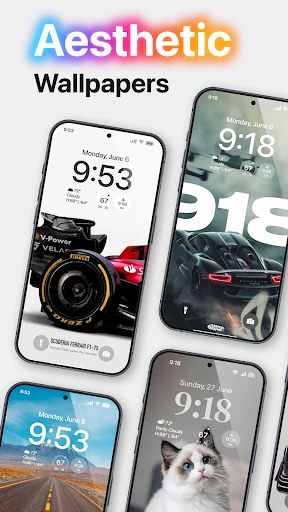
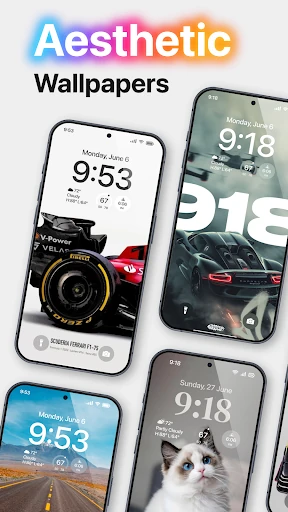
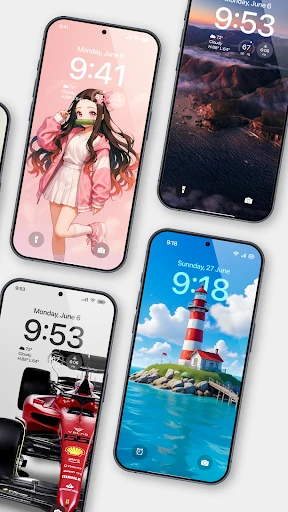
The overlay lock screen is the reason Launcher OS asks for more than a typical launcher. Each permission maps to a specific lock-screen function: camera access lets the camera open from the locked screen, phone-state access lets incoming calls appear there, and notification access lets notifications show on it. The draw-over-other-apps permission is what allows Launcher OS to display its lock screen above whatever app is open. That is a broad capability, and it is the central trust call. Deny the overlay permission and the lock screen cannot appear over other apps as intended; deny notification access and it loses much of its usefulness as a lock-screen display. Granting these permissions is reasonable only if you will actually use the lock-screen layer.
All-files search, AI chat, and storage access
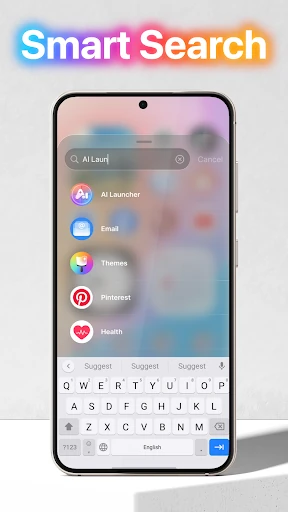
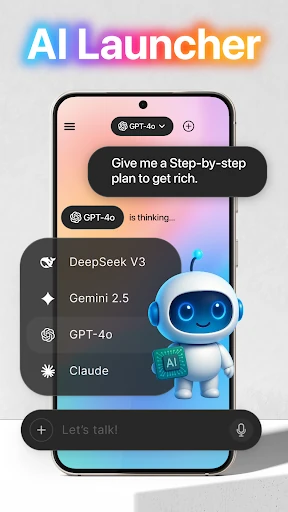
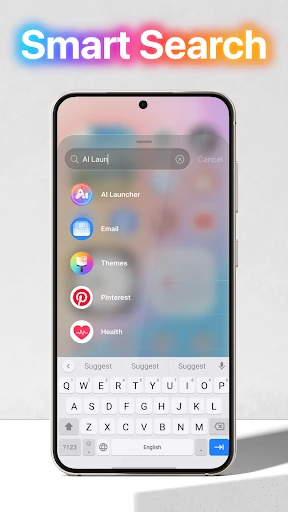
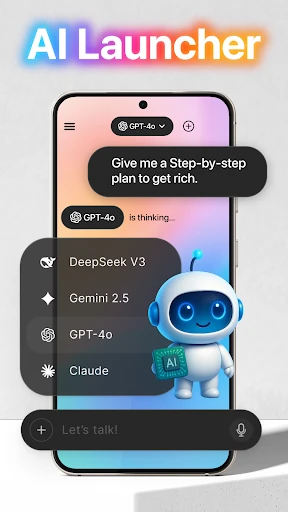
Universal file search is a separate utility inside the launcher, and it depends on all-files access. That permission is unusually broad, since it lets the app search storage across the device. Microphone access is used for voice-to-text in AI chat, while storage access supports wallpapers set from your device and images saved from the app's server. None of these are required for the iPhone-style look. If you want only the home-screen reskin, skip the search, chat, and wallpaper extras rather than granting everything at once.
Privacy trade-offs behind a free launcher
Its Play data-safety section says the app may collect personal information, does not share data with third parties, encrypts data in transit, and states that data cannot be deleted. The no-deletion point matters before you hand over notification and overlay access, because those permissions can expose message and call details on the lock screen. Encryption in transit and no third-party sharing reduce some concerns, but they do not cancel the retention issue. A large install base and a high Play rating are adoption signals, not a security audit.
What an overlay lock screen cannot replace
Launcher OS draws its lock screen over other apps; it does not take over Android's secure system lock screen or add system-level security controls. If you want deep lock-screen control with minimal permissions, stock Android is the cleaner choice. Launcher OS fits when the iPhone-style home screen and overlay lock screen are features you will use, and when you are comfortable with the permissions they require.