- Installs
- 10,000,000+
- Ratings
- 1,073,162
- Price
- Free
- Developer
- Praktika.ai Company
Screenshots
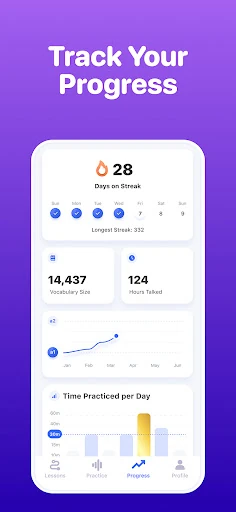
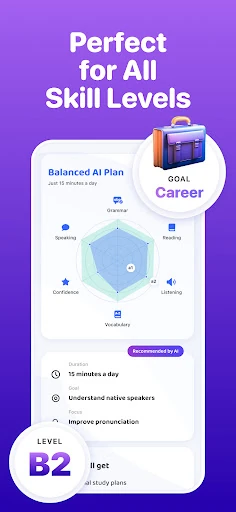
Overview
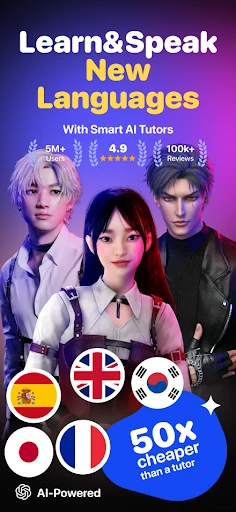
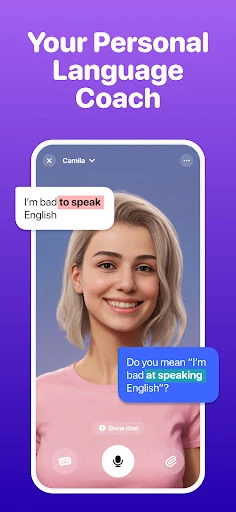
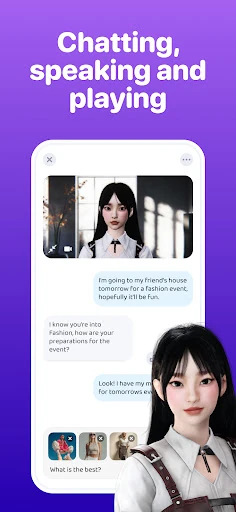
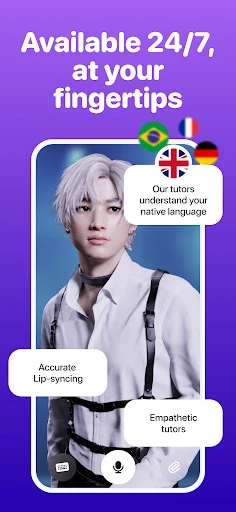
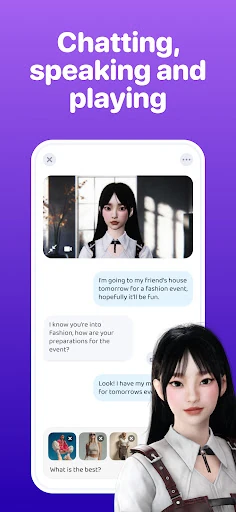
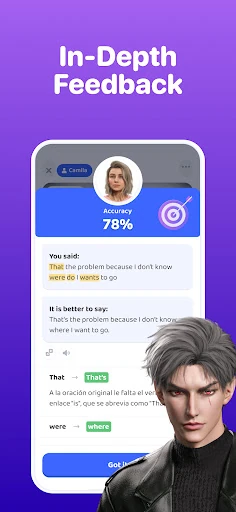
Praktika is a conversation-first language app for Android: you choose an AI avatar, speak aloud, and get a spoken reply with pronunciation and grammar feedback rather than starting with vocabulary drills. It suits learners who want to build speaking confidence through role-play, provided they are willing to talk from the first session and can work within a free tier that allows only a few AI lessons a day.
What a session with an AI avatar is actually like
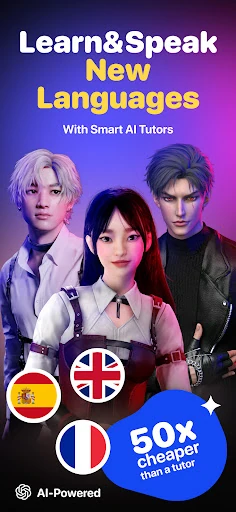
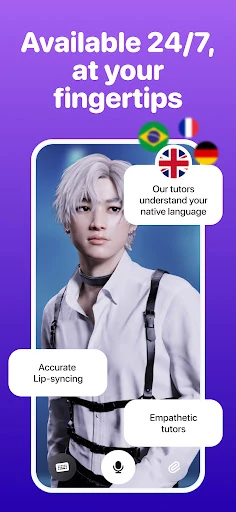
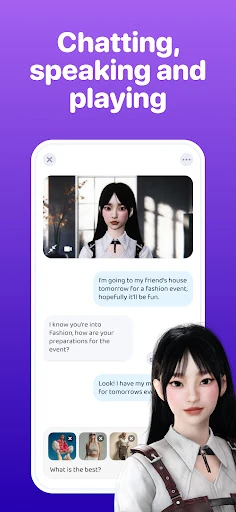
A session starts with a language, an avatar and a topic. The avatars are designed with backstories, personalities and regional accents, and they stay in character as you speak, listen and respond. That makes the practice closer to role-play than a quiz: you might take on a sports commentator, a startup founder or a tourist, and the avatar replies in a way that keeps the scene moving.
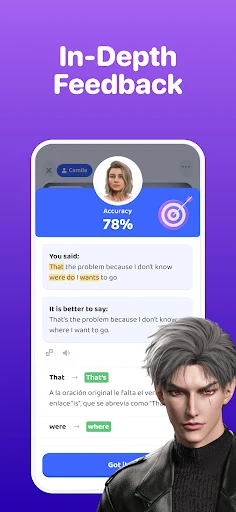
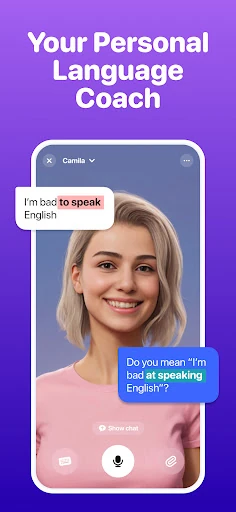
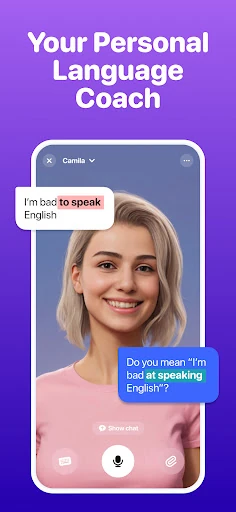
Pronunciation and grammar feedback arrives during or after the conversation, so you are not just chatting without correction. For someone who freezes in real conversation, having a defined scenario and a character to respond to can make it easier to start talking. The trade-off is that conversation is the core loop, not vocabulary drilling. If you want word lists and repetition exercises, Praktika will not replace that kind of app. Beginners may also need to choose a concrete topic rather than open-ended chat to avoid stalling.
Languages, accents and lesson topics
Praktika covers nine languages, including English, Spanish, Japanese, Korean, French, both European and Brazilian Portuguese, Italian and German. Avatar accents include American, British, Australian and Latin American options, which matters if you are preparing for a particular listening context rather than just general conversation.
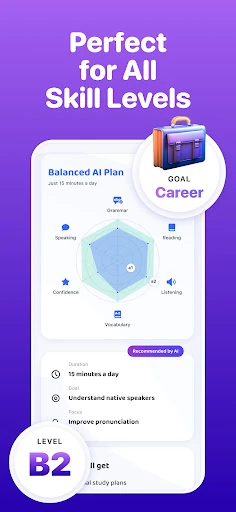
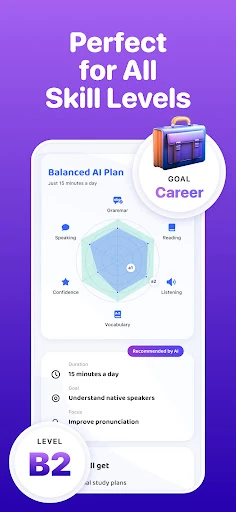
The lesson catalogue runs past 1,000 items and spans beginner material through academic prep such as IELTS and TOEFL, plus career, travel, slang and role-play scenarios. The range is broad enough that sampling everything is less useful than picking a track that matches your goal: exam preparation, workplace speaking, travel confidence or everyday conversation. The topic list is extensive, but the point is to find a few scenarios you will repeat, not to work through the catalogue.
Turning your own photos and documents into practice
Multimodal uploads accept images, audio, video and documents, and those materials can feed into a conversation. A photo of your surroundings can become vocabulary practice; a resume can support pronunciation coaching for a job interview. This is the most personal part of the app, and it works best when you have a specific situation to rehearse rather than a random file to discuss.
Treat the uploads as a supplement to avatar conversation, not a replacement for it. The value comes from bringing your own context into the speaking practice, whether that is a presentation slide, a travel itinerary or a document you need to talk about in a meeting.
Free lessons per day and what the subscription adds
Praktika is free to download, and the free tier gives you a few AI conversation lessons per day along with live pronunciation and grammar feedback. That is enough to test whether speaking to an avatar suits you, but a longer daily routine will run into the allowance quickly.
The paid subscription is positioned around advanced feedback and avatar-led lessons. If you plan to practise intensively, budget for a recurring subscription rather than treating it as a one-off purchase. The free tier is best for checking the format; the subscription is what turns it into a regular speaking habit.
On Android: speaking aloud, audio data and the redesigned interface
Every session depends on speaking into the microphone, so it is awkward on a crowded commute unless you use headphones or find a quiet spot. The app is best used where you can talk at normal volume without feeling self-conscious.
Google Play's data safety listing says the app may collect personal information and audio, encrypts data in transit, does not share data with third parties and lets users request deletion. If audio privacy matters to you, that section is worth reading before installing. The recent redesign brought a new interface and dark mode, which helps for evening practice sessions.