- Installs
- 1,000,000+
- Ratings
- 7,274
- Price
- Free
- Developer
- Coocent
Screenshots
Overview
Dida Weather is a reasonable free Android app for everyday weather checks: it puts current conditions, a 72-hour hourly view and a 14-day outlook alongside a global radar, severe-weather alerts and widgets, with several data providers you can switch between. Its 14-day forecast is planning guidance rather than precision, and the main pre-install caveat is privacy: the Play data-safety label says it collects location and app activity, encrypts data in transit, does not share it with third parties, and offers no data deletion.
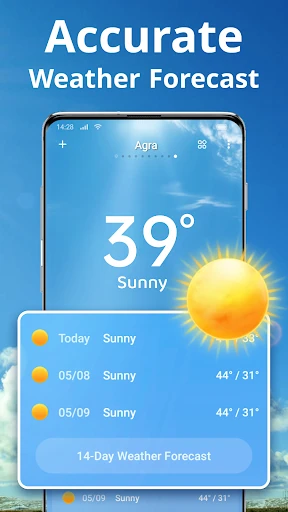
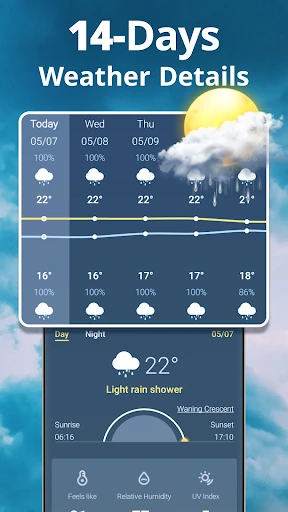
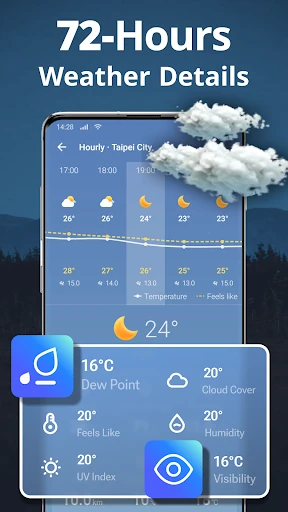
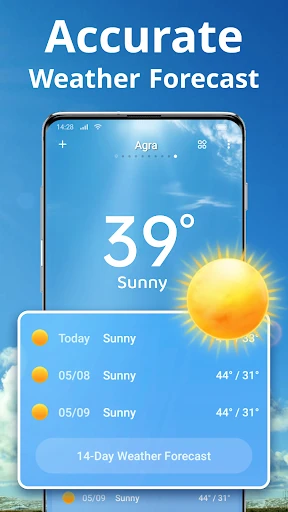
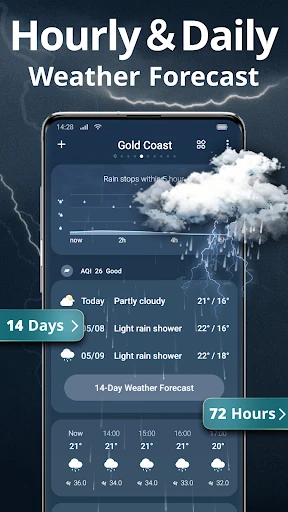
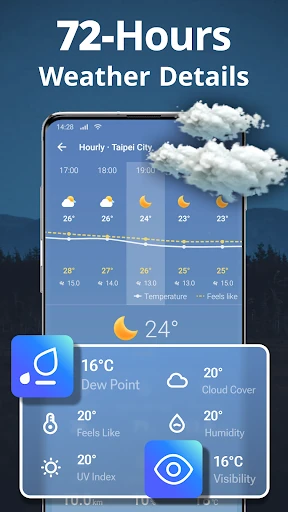
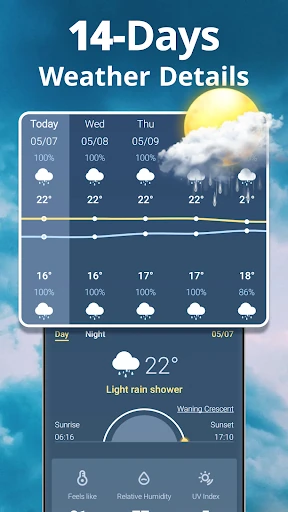
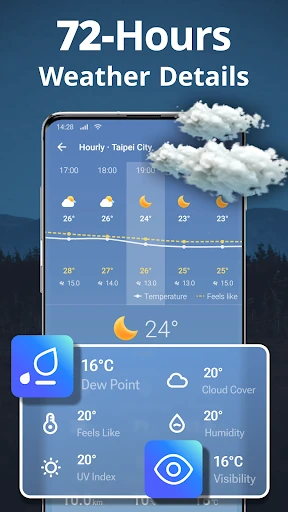
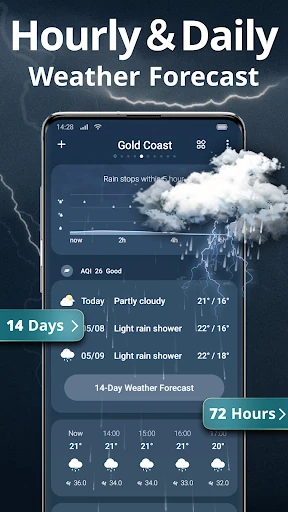
Today, hourly and 14-day forecast views
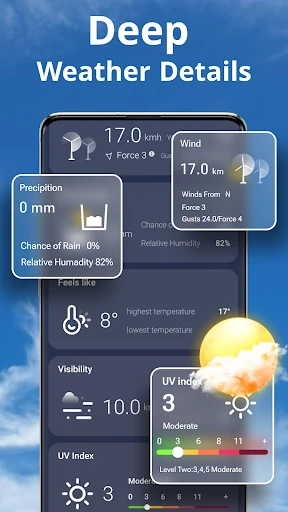
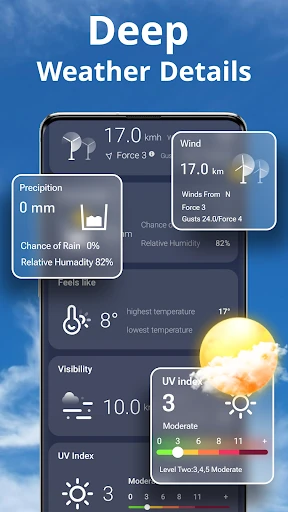
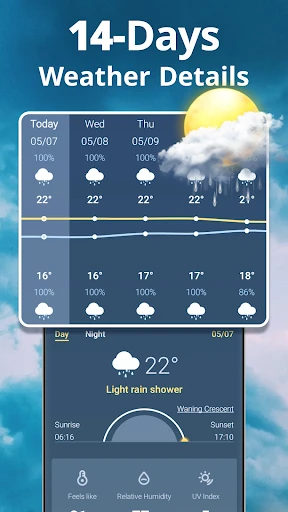
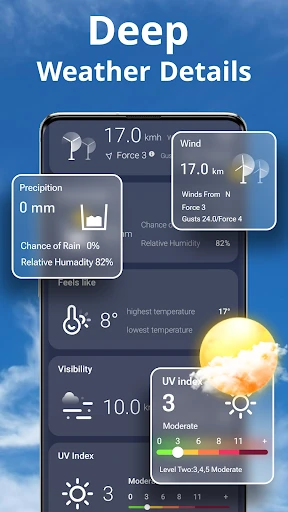
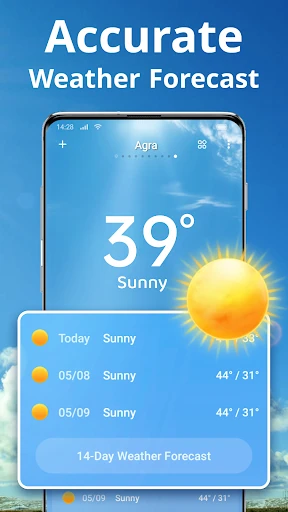
The forecast screen is organized around three time scales: current conditions, 72 hours of hourly data and a daily outlook reaching 14 days. For a morning check, the useful readings are the ones that change a decision—feels-like temperature, wind and gusts, UV index, air quality, humidity and visibility—rather than every metric in the list. The 14-day view works better for spotting a rough trend, such as a warmer or wetter stretch, than for trusting a specific afternoon. That makes the app a practical daily companion for commutes, errands and short trips, not a specialist meteorological tool for precision planning.
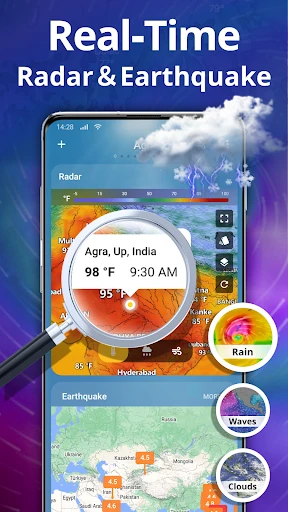
Radar, rain reminders and severe-weather alerts
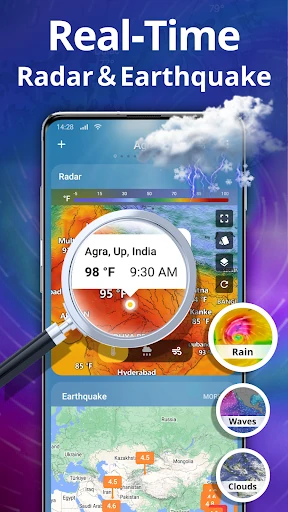
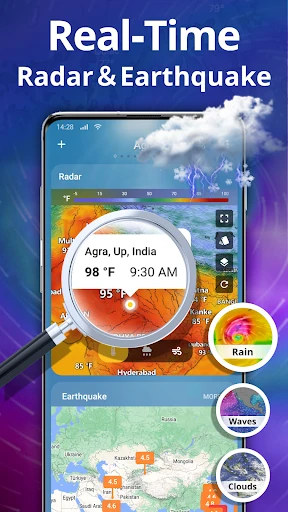
The radar is global and zoomable, so you can look at a local shower or a larger system and then move to another location. Rain tools are event-triggered: the rainfall tracker and rain reminder appear when it is raining or about to rain, which keeps them out of the way on dry days. Severe-weather warnings arrive in the app and by push notification for locations you care about. That alert layer is what makes the app useful beyond a forecast glance—if you need to know about a storm while you are out, the notification matters more than a detailed map.
Switching the weather data source when forecasts look off
When a forecast looks wrong for your area, the app lets you change the weather data source. The listing describes three providers but names four—World Weather Online, AccuWeather, Open Weather and Weather Bit—so treat the choice as a fallback control rather than a guarantee that one source will be best where you live. Switching providers and comparing the next few hours can help when one model seems off, but it does not create local accuracy on its own. It is a useful option for people who already check a second source when weather matters.
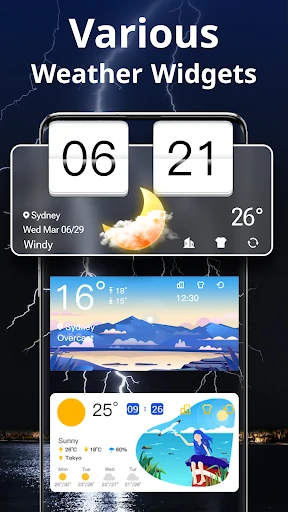
Widgets, rain sounds and the earthquake map
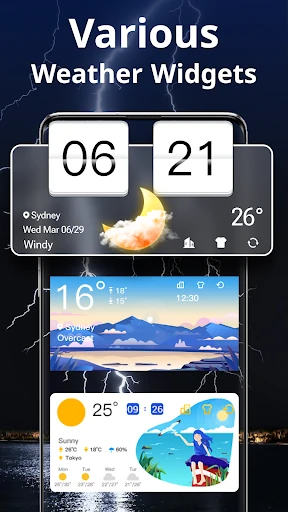
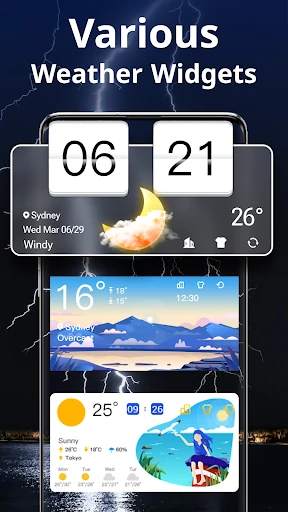
Widgets are promised in various styles for the home screen, which is handy if you prefer glancing at conditions without opening the app. Rain sounds are an indoor ambiance extra—pleasant for focus or winding down, but separate from forecast data. The earthquake map shows current-location information and can notify you when an earthquake is observed; health and activity features are mentioned too vaguely to plan around. These are bonuses. The core decision still rests on the forecast views, radar and alerts.
What the free app collects and keeps
The free download's data-safety label lists location, app activity and two other data types as collected. Data is encrypted in transit and not shared with third parties, but the label also says it cannot be deleted. Location is what enables local forecasts and alerts, so the trade-off is built into how the app works; the retention detail is the part to weigh before installing, especially if you would want to remove the data later. The label does not spell out ad behavior, so the concrete pre-install information is the collection and deletion note rather than assumptions about permissions.