- Installs
- 500,000,000+
- Ratings
- 5,014,807
- Price
- Free
- Developer
- Amazon Mobile LLC
Screenshots
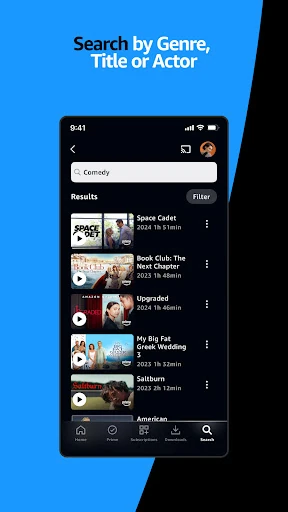
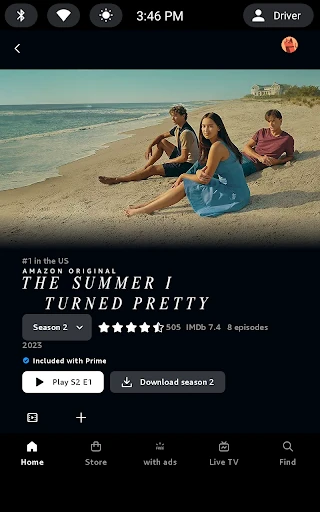
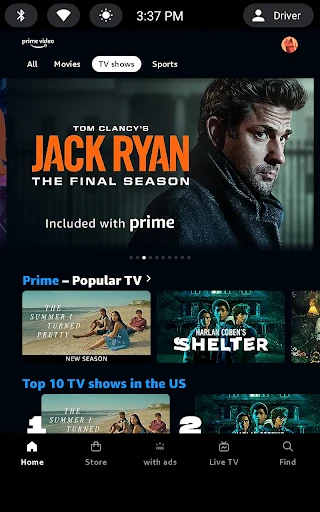
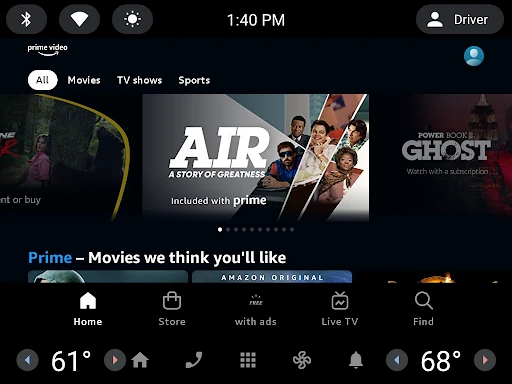
Overview
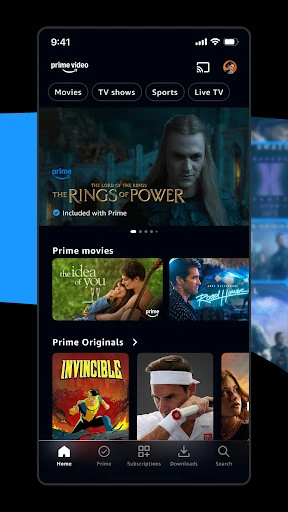
Prime Video for Android is worth installing if you already have an Amazon Prime membership and mainly want to browse and stream the included movies and shows on a phone or tablet. It is a weaker fit if you expect every title to be included or need downloaded videos on a TV.
What Prime membership covers in the Android app
The app itself is free, but the catalog you can watch without paying again depends on Amazon Prime. Included titles stream as part of the membership; new releases and some popular shows require a rental or purchase, which is a separate transaction. Availability for those paid options varies by marketplace, so a title you can rent in one country may not be offered in another.
There is a limited exception worth knowing. In a handful of Latin American markets, the app supports renting, buying and third-party subscriptions without a Prime membership. Outside those markets, treat membership as the usual gate to the included library, and treat rentals and purchases as extras rather than part of the subscription.
Downloading Prime movies and episodes for offline viewing
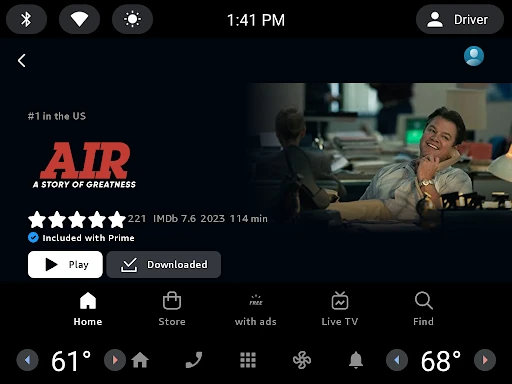
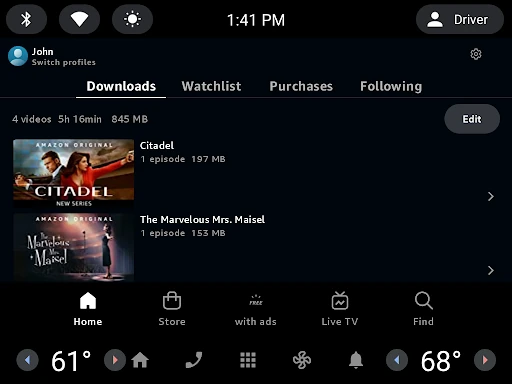
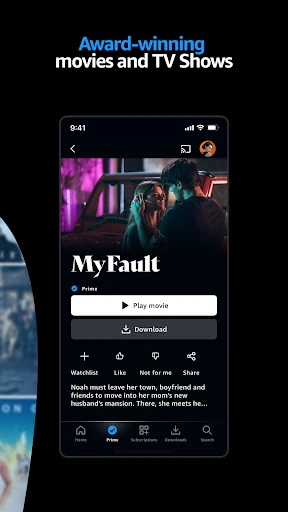
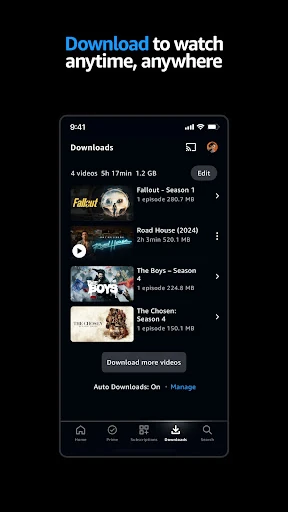
Downloads are the strongest practical reason to install the Android app rather than watch in a browser. For series, you can download a whole season or pick individual episodes. On Android, the app lets you choose where downloads are stored; Amazon advises against using a USB-connected drive for this.
Prime downloads are temporary. They typically remain watchable for 30 days, then for 48 hours once you start playing them. If a title leaves Prime Video, its downloaded copy is deleted and can no longer be watched. Mobile downloads are usually capped at around 25 titles, though exceptions exist.
A few details make offline viewing less frustrating. Where a title supports multiple audio languages, choose the one you want before starting the download. Rentals, purchases and subscription titles can also be downloaded when the download button is available.
Casting from Android to a TV
Chromecast and Fire TV casting are for streaming from your phone or tablet to a TV. Downloaded videos cannot be played through Chromecast. For offline playback on a television, Amazon points users to a compatible adapter and compatible device instead.
That split matters if you download an episode for a flight and also expect to put it on a hotel TV. The app handles the living-room streaming case well enough, but downloads stay tied to the device you saved them on.
Profiles and X-Ray extras for everyday watching
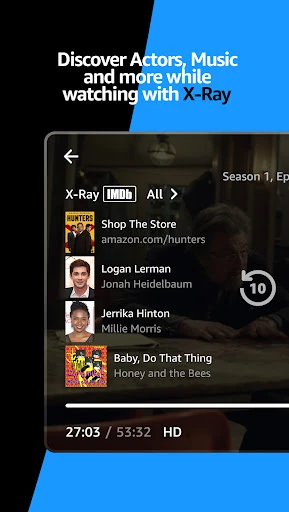
Multiple profiles keep recommendations separate for people sharing an account, which is useful if one viewer wants children’s shows and another wants drama. X-Ray adds IMDb-powered behind-the-scenes information for supported titles. These are conveniences rather than reasons to pick the app over another player.
What the average rating suggests before installing
The app’s average score sits around 3.9 out of 5 from a very large rating base. That points to broad use and mixed satisfaction rather than a niche failure, but it does not tell you which specific problems you will encounter. A reasonable expectation is a functional player with rough edges.
The practical limits are more useful for a decision than the star score. If you mainly stream included Prime titles on a phone, the app covers that. If you need a large offline library or want downloaded videos on a TV, the download expiry rules and Chromecast restriction are the details to weigh first.