- Installs
- 10,000,000+
- Ratings
- 307,572
- Price
- Free
- Developer
- ArtWorkout
Screenshots




Overview
ArtWorkout is a good Android pick for guided tracing practice, not a complete learn-to-draw-from-scratch course. If you want short drills that push you to make steadier lines and keep a regular drawing habit, the app gives you a clear structure; if your goal is to sketch an original scene from a blank page, its lesson format leaves that work to you.
What a lesson looks like on a phone or tablet
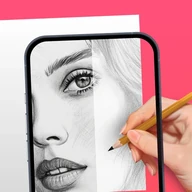
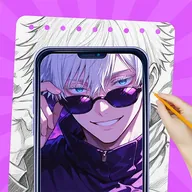
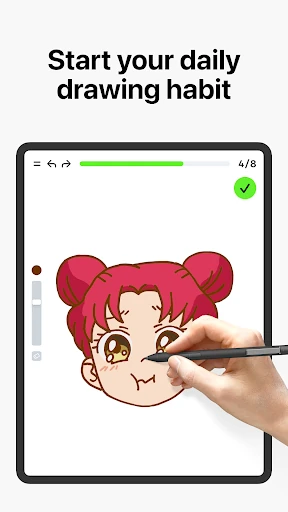
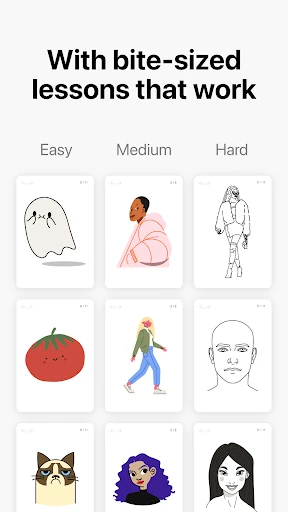
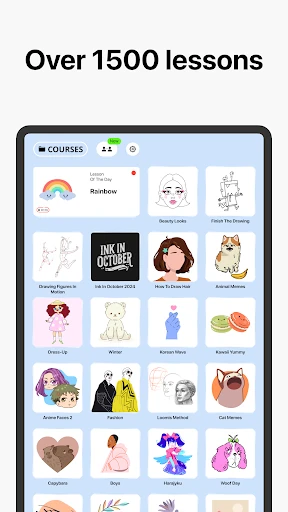
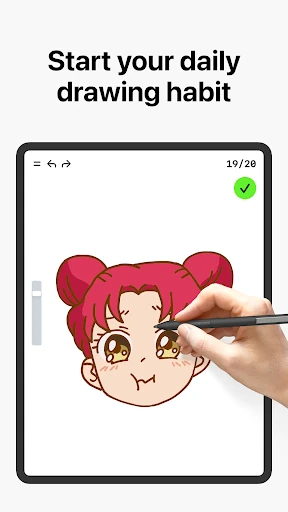
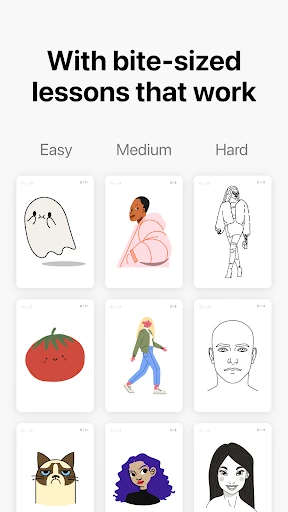
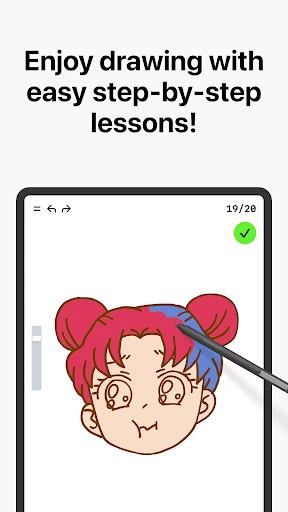
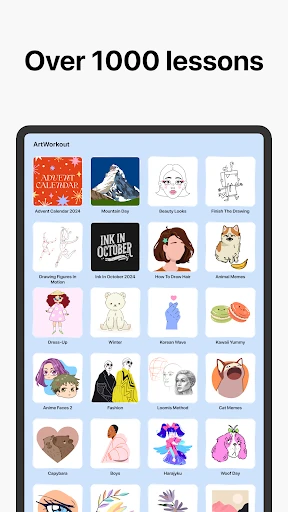
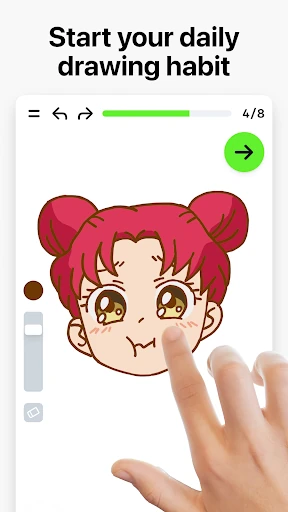
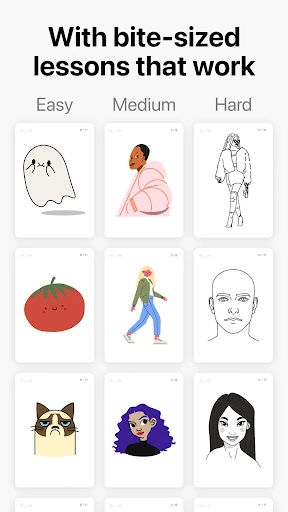
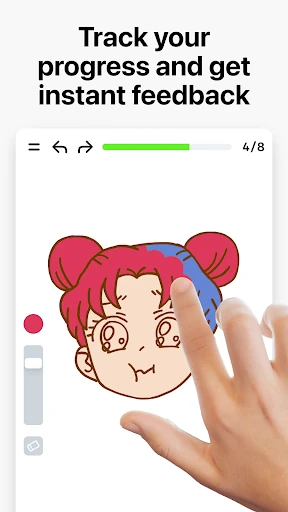
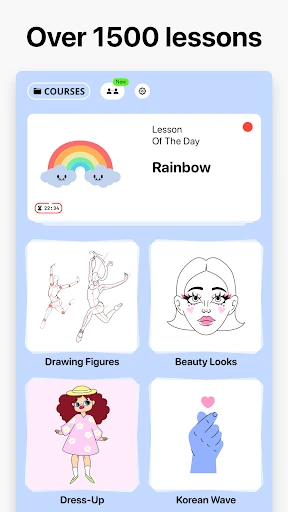
Most of the 2,500+ lessons take a reference image and break it into 10–30 on-screen steps. You choose a lesson, follow the current step, and trace or copy the lines shown before moving on. The app tracks your progress through the sequence, so a session has a clear start and finish rather than an empty canvas and a set of brushes. That makes it easy to practice in short blocks: a few steps with a coffee, a longer run through a full lesson on a tablet.
The structure is the point. Repeating strokes over a reference builds line control, hand-eye coordination and familiarity with shapes, and the step-by-step format keeps a beginner from freezing at the first blank page. What it does not do by itself is teach composition, proportion from memory or drawing from imagination. Those skills need separate freehand work, even if you use ArtWorkout as a warm-up.
What accuracy and stroke scores can and cannot tell you
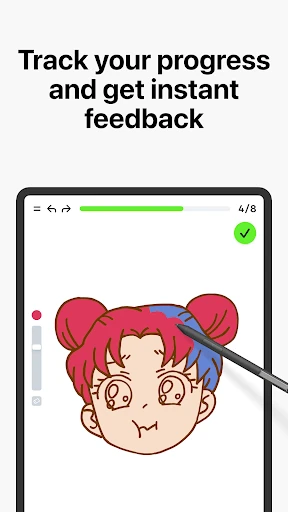
After you draw, ArtWorkout compares your strokes with the intended result and gives an accuracy score. It also evaluates stroke quality, looking at how steady, clean and expressive each line is. For a beginner, that feedback can be useful: a shaky curve or a line that drifts off the reference is easier to notice when the app points it out. The score system also gives a sense of progress across lessons, which can help you keep practicing.
The limits matter. A high accuracy score means you followed the reference closely, not that you can draw the same subject unaided. Stroke quality is about execution, not creativity or whether the drawing holds together as an original composition. Treat the scores as one signal among several, and be careful about chasing a number. If you find yourself slowing down only to match the overlay, you may be practicing copying rather than understanding the shape. Use the feedback to spot shaky lines and then try the same subject freehand.
Drawing with others and weekly themed lessons
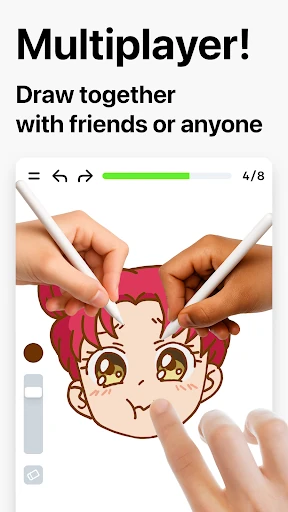
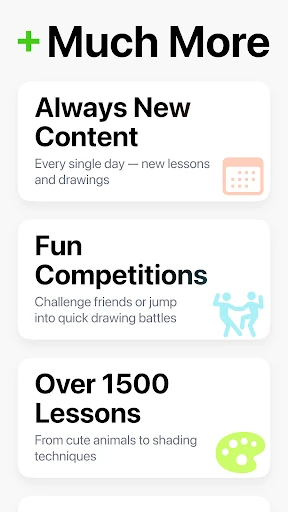
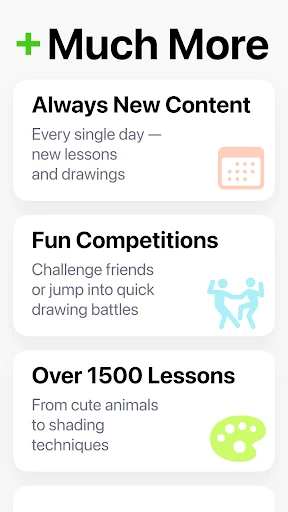
Multiplayer mode lets you draw or trace with other people in real time, which suits a friendly challenge or a shared learning session. It is optional. If social pressure helps you open the app, it adds a reason to practice; if you prefer quiet solo drills, you can ignore it. Weekly lessons and time-limited holiday themes add variety and give you a reason to return, but the core tracing exercises are the main learning tool.
Free access, ads, and the PRO unlock
The Android app is free to download and carries ads and in-app purchases. A PRO option promises unlimited access to drawing lessons and an ad-free experience, so the practical question is how much you can use before the paywall starts to bite. Check the current in-app purchase screen before committing, especially if you plan to work through several courses. Also look at the Play data safety section: it states that location and app activity may be shared with third parties, which is worth weighing before installing. None of that stops the app from being useful, but it is better known before you start.
Phone, tablet, or stylus: what guided tracing needs
Detailed tracing is more comfortable on a tablet because the reference and your stroke have more room. A phone works for simpler lessons, though small screens make precise steps fiddly. Finger input is fine for basic practice; a stylus can help with steadiness and precision, but it is not required.