- Installs
- 10,000,000+
- Ratings
- 413,597
- Price
- Free
- Developer
- nerByte GmbH
Screenshots



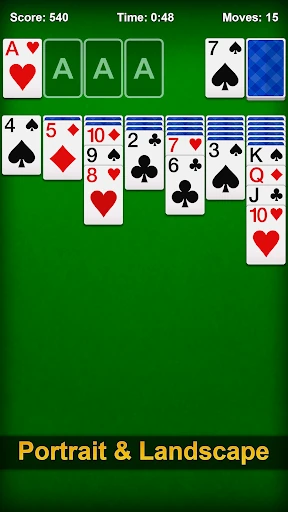
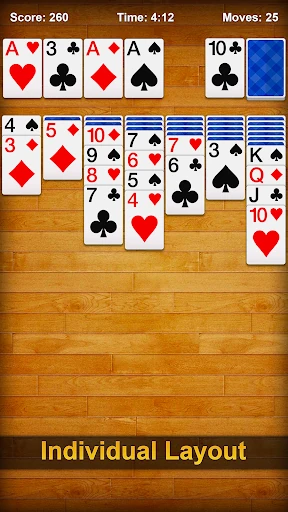
Overview
Solitaire - Classic Card Games is a free Android Klondike app that plays offline and covers the basics well: Draw-1 or Draw-3, hints, undo, auto-complete and a left-handed layout. It is a good fit if you want a familiar Patience game without paying upfront and can live with ads in the free version.
How a Klondike round plays on Android
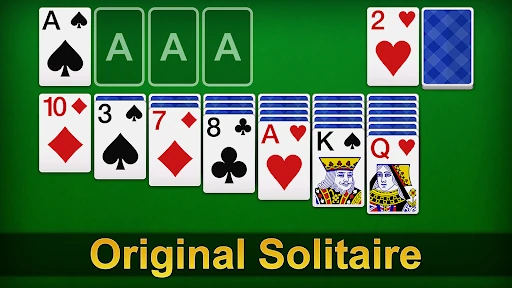
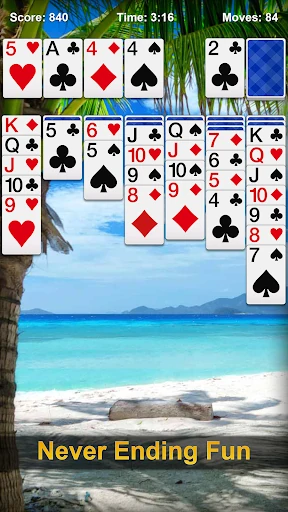
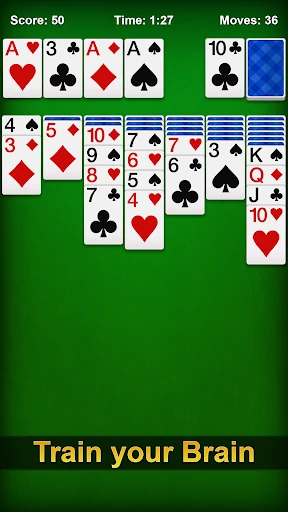
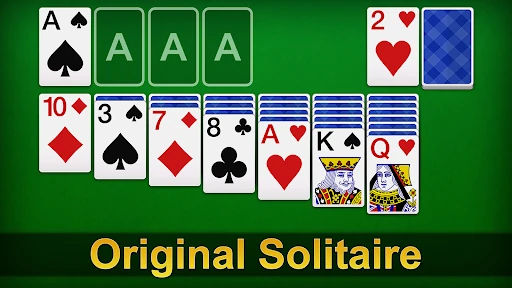
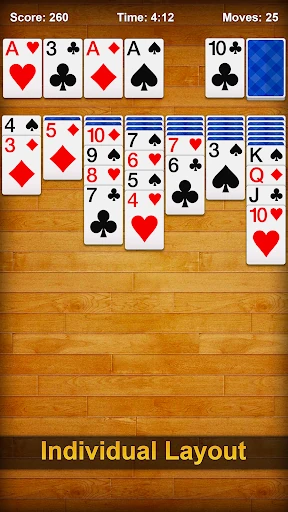
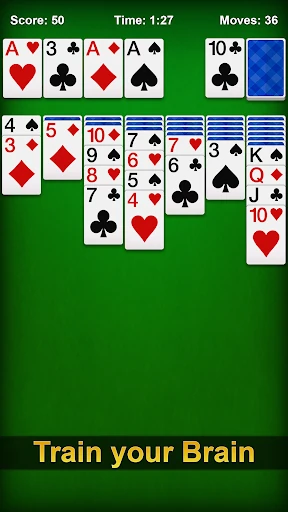
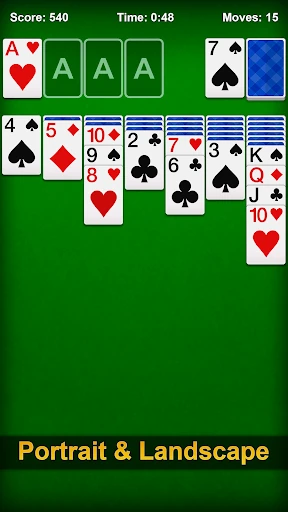
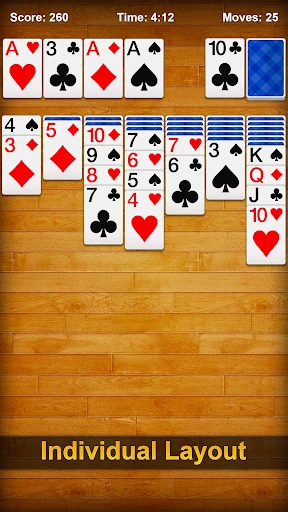
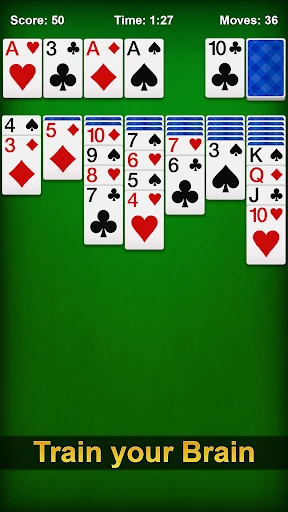
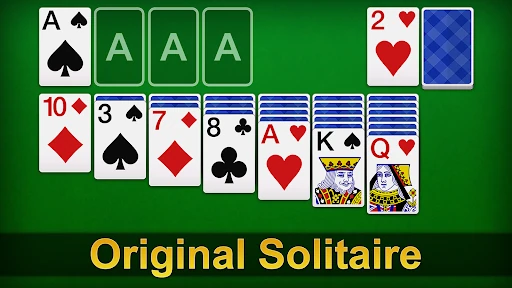
A round starts with the standard seven-column tableau and a single face-up card. You build columns downward in alternating red and black suits, move ordered stacks as a block, and send Aces through Kings to the four foundations by suit. The win condition is simple: all 52 cards must reach the foundations.
Draw-1 is the forgiving choice. You turn one card from the stock at a time, so you can cycle through the deck and spot useful cards without burning through three at once. Draw-3 raises the pressure: three cards flip together and only the top one is playable until you move it, which makes planning and memory matter more. Tap a card to send it to a valid spot, or drag it if you prefer to place it yourself. If a call interrupts the game, the app auto-saves the unfinished deal, so you can return to the same board.
Hints, undo and auto-complete: the touchscreen helpers
The practical aids are hints, unlimited undo and auto-complete. A hint suggests a move when you stall; undo lets you take back a tap or drag that looked better a second ago; auto-complete can finish the endgame by sending eligible cards to the foundations. Click & Draw goes further: tapping one card can move it to the right place automatically, which cuts down on fiddly dragging on a small screen.
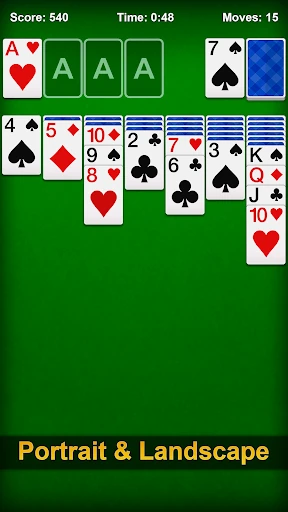
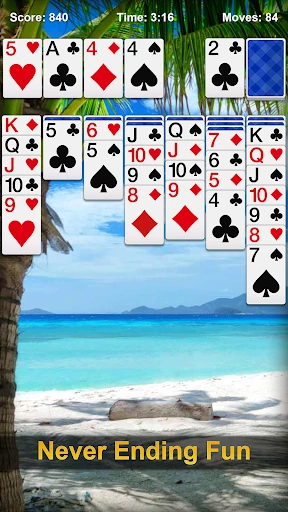
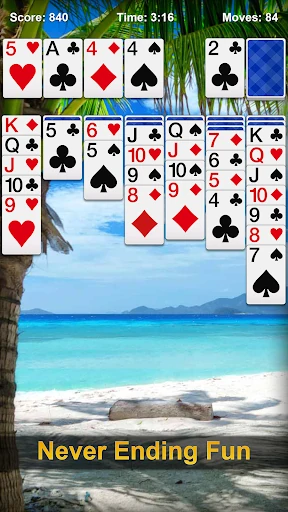
Left-handed mode flips the interface so the draw pile sits on the right. You can also switch between portrait and landscape and change card faces, backs and backgrounds. These are comfort features rather than difficulty settings—Draw-1 and Draw-3 do the real work of changing how hard a deal feels.
Daily Challenge, Joker wildcard and stats
Daily Challenge gives you one fixed deal per day instead of a fresh random shuffle, so it works as a short daily puzzle rather than an endless mode. A Joker wildcard can stand in for a needed card when normal moves run out, which can rescue a dead-end deal without forcing a restart. Personal statistics track how you are doing over time, and Solitaire Race adds a timed variation when standard Klondike feels too calm.
The core loop stays familiar. These extras add variety around the same deal-build-foundations structure rather than turning the app into a different card game.
Offline play, ads and the free-version trade-off
No internet connection is required, which makes the app suitable for flights, commutes and other spots where a signal is unreliable. The free version shows ads between games, and in-app purchases remove ads or unlock premium themes. That is the main pre-install decision: the game itself costs nothing, but you are trading ad interruptions for that free access.
If interstitial ads bother you, the ad-removal purchase is the relevant option; if you only want occasional games, the free tier may be enough. The Play listing's ads and in-app purchase disclosures are the practical place to confirm the current model before installing.