- Installs
- 10,000,000+
- Ratings
- 449,080
- Price
- Free
- Developer
- Saby Baby monitor Ltd
Screenshots
Overview
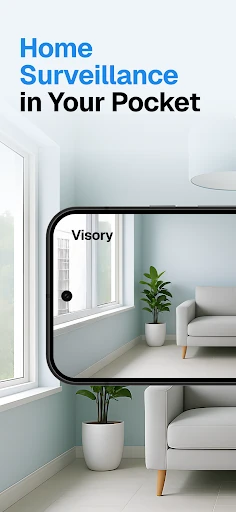
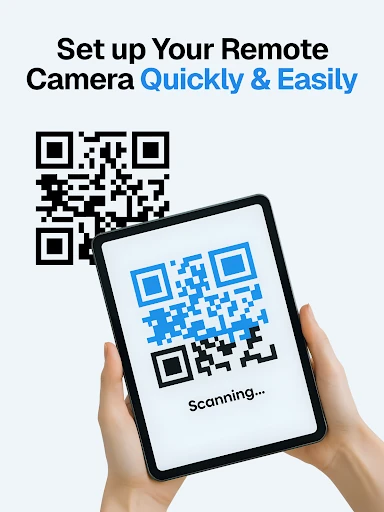
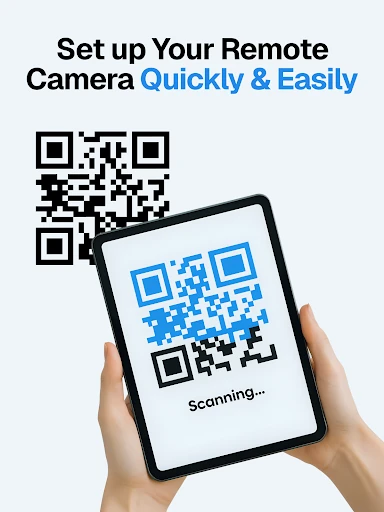
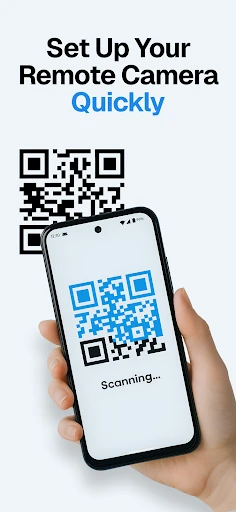
Yes — Visory can turn two Android phones into a working home camera: one phone films, the other watches, and pairing takes a QR scan. The software is the easy part. The harder part is keeping the filming phone charged, online and pointed where you need it.
How the two-phone camera setup works in practice
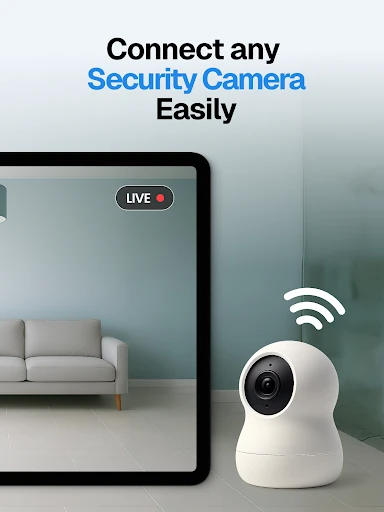
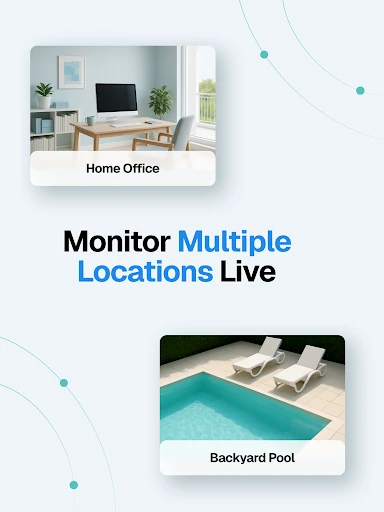
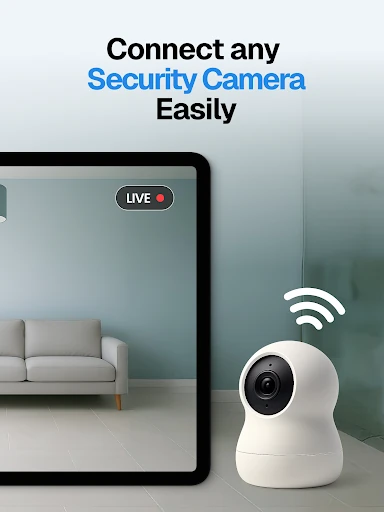
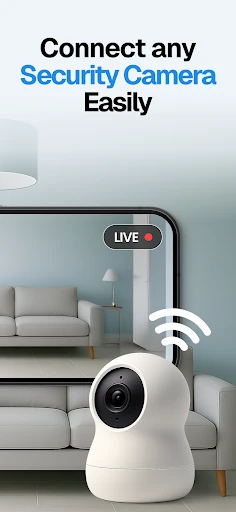
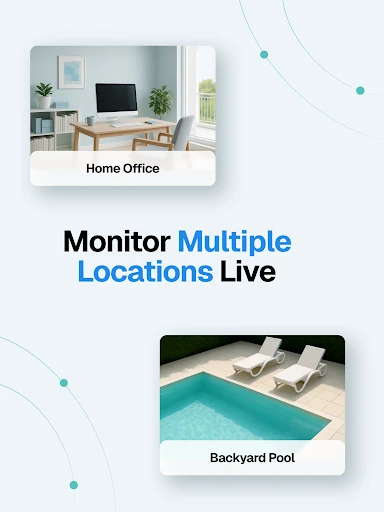
One phone becomes the lens and stays in the room; the second becomes the window you carry with you. A spare older Android can serve as the camera if it holds a Wi-Fi connection and stays plugged in, while your everyday phone receives the alerts and live view. Visory also allows more than one live stream at a time, so a viewer can check several rooms if you have enough spare phones. Mixing devices works too: an iPhone can film while an Android watches.
Free download, one-time payment, unlimited cameras
Visory is free to install, and its paid option is a one-time unlock rather than a subscription. What that purchase buys is device capacity: the listing says you can add as many devices as you need for free after paying once. If you plan to run two or three spare phones around the house, that shape is easier to justify than a per-camera subscription. The exact amount is not something to settle from the store listing alone; the important question is whether you need more than the basic pair.
Motion alerts, night vision and what the footage looks like
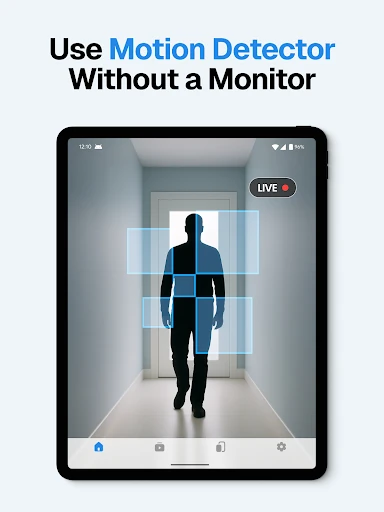
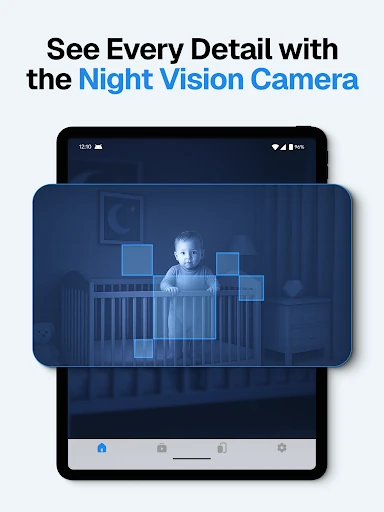
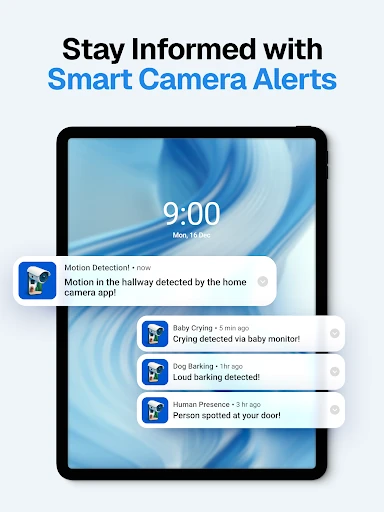
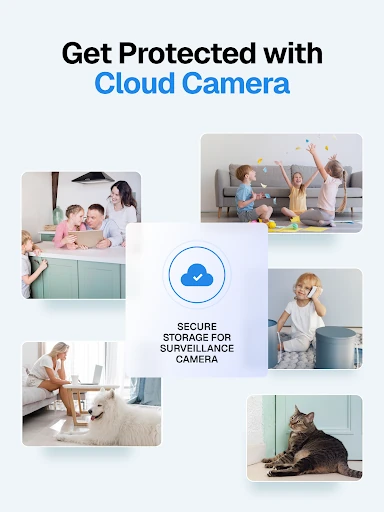
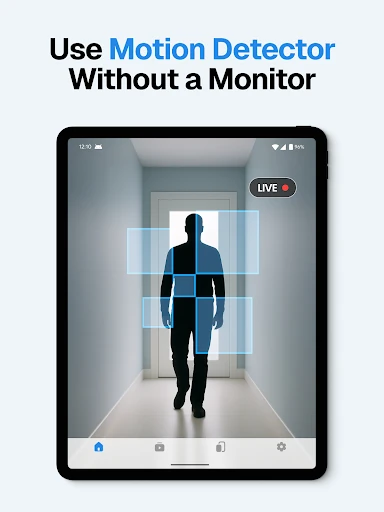
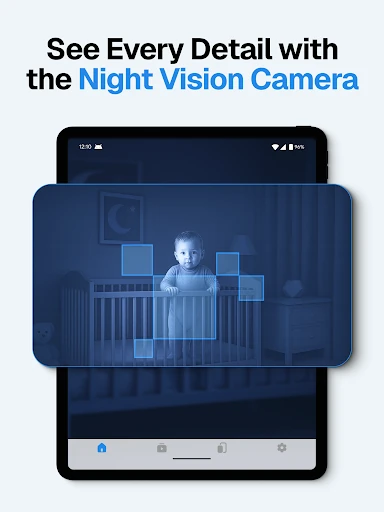
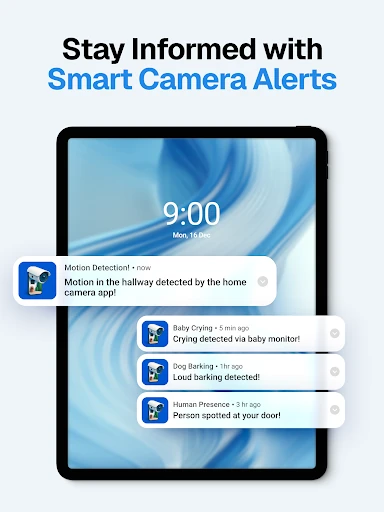
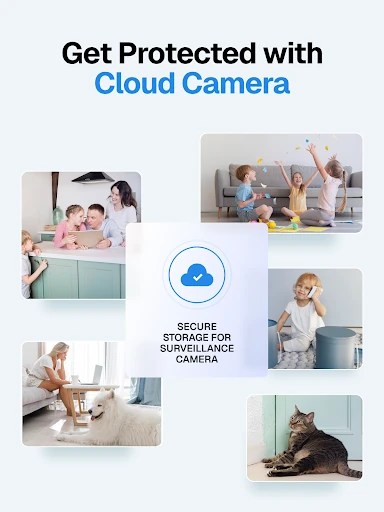
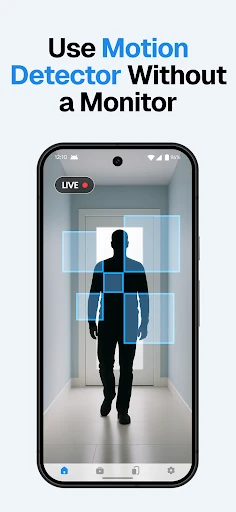
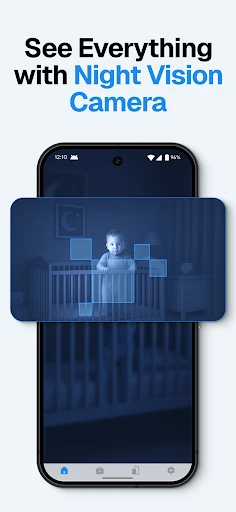
Recording starts when motion is detected, so cloud storage holds event clips rather than a continuous record of the day. That is fine for spotting a pet on the sofa or a delivery at the door, but it will not give you a full timeline to scrub through. Sound detection can flag a baby crying or a dog barking, and night vision switches on automatically in low light. Video quality follows the connection between the two phones, and notifications can arrive late. For a quick check on a dog, a short delay is tolerable; for anything time-sensitive, it is a real limitation.
The privacy claim versus Google's data disclosure
The app description says Visory does not collect user data. Google Play's Data safety section for the app says personal info and app activity may be collected and shared with third parties, that data is encrypted in transit, and that it cannot be deleted. Those two statements do not line up. For a camera placed in a bedroom, a nursery or an elderly relative's home, the Data safety disclosure is the more useful document to read before installing. Decide whether that disclosure is acceptable for the room you have in mind, rather than relying on the no-data line in the marketing copy.
Running it as a pet or elderly-parent monitor day to day
A practical setup is a spare phone on a shelf, plugged in and aimed at the pet's bed or the living-room sofa, with your main phone receiving push alerts while you are at work. Later, you can review the cloud event clips instead of watching hours of video. This suits pet checking and casual room monitoring. It is weaker as a safety system for an older relative living alone: delayed alerts and dependence on the home Wi-Fi make it a supplement to a phone call or a scheduled check-in, not a fall alarm.