- Installs
- 10,000,000+
- Ratings
- 1,073,118
- Price
- Free
- Developer
- Garmin
Screenshots
Overview
Garmin Connect is worth installing if you already wear a compatible Garmin watch, because it is where the data that watch collects becomes something you can look at and act on: activity history, health trends, and workouts or routes you build on the phone and send back to the wrist. Without a paired device there is almost nothing to see, so treat it as a companion app rather than a standalone fitness tracker.
What the app adds once you pair a compatible Garmin watch
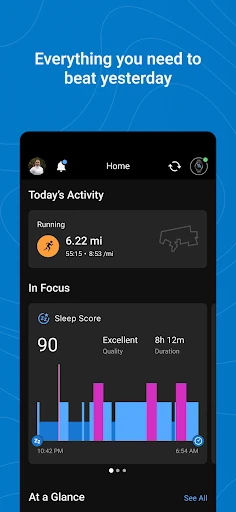
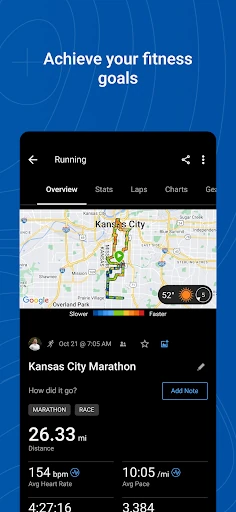
Pairing sets the boundary of what the app can do. The listing names the Forerunner, Venu and fēnix lines alongside other compatible devices, and everything inside the app — the activity list, the metric graphs, the badges — originates from one of those watches. The watch records; the phone summarises, compares and stores. Setup happens inside the app rather than through the phone's Bluetooth menu, and switching to a new phone means removing the device from the app on the old one first. That is a one-time detail rather than something you deal with day to day.
Creating workouts and courses on your phone
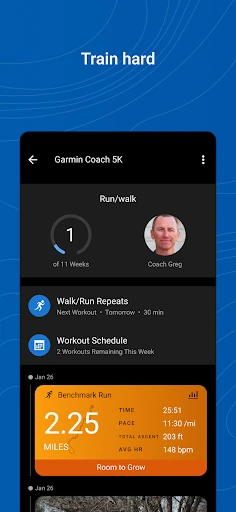
Route planning is the strongest argument for installing this on a phone rather than just glancing at a watch face. From Training > Courses > Create Course you can draw a course inside the app, then send it to a compatible device through Training > Courses > Send to Device; building one requires a Garmin Connect account. If you decide on a weekend ride or run route away from a computer, that is genuinely useful — the watch picks up the route without a cable or a desktop session. The same area of the app handles structured workouts, which you can assemble and push to the watch in much the same way. It is not a full mapping studio, so treat it as a way to sketch a route or a session and get it onto your wrist.
Following health metrics as trends, not one-off numbers
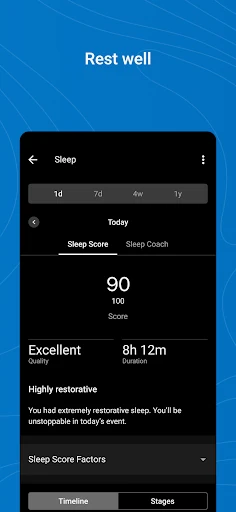
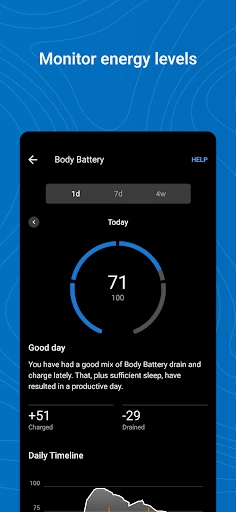
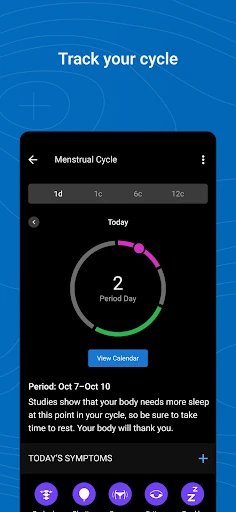
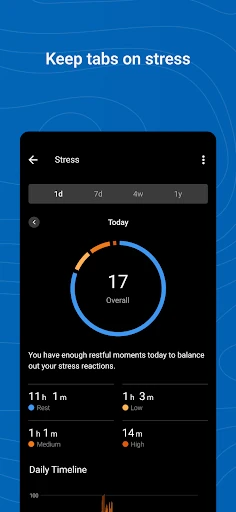
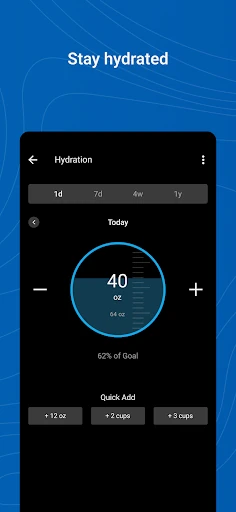
Garmin Connect covers heart rate, steps, sleep, stress, menstrual cycle, weight, calories and comparable metrics, and the useful view is the one spanning weeks rather than a single day's figure. The home screen can be rearranged so the metrics you actually check sit at the top, which matters once you are watching sleep and resting heart rate together and don't want to scroll past weight and calories each time. Badges for milestones provide light motivation; they are not the reason to open the app.
Sending activities to Strava and MyFitnessPal
If you already log workouts in Strava or food in MyFitnessPal, the app syncs with both, so a completed activity doesn't need entering twice. That is the specific case where the integration earns its place.
Android permissions and battery trade-offs
Two permissions look intrusive and have nothing to do with fitness: SMS and call log access exist so the watch can display incoming calls and let you read and reply to texts from the wrist. If you would rather your watch stayed out of your messages, that trade-off is worth weighing before you grant them. Battery is the other cost — Garmin warns that continued background GPS use can dramatically decrease battery life, which applies when the phone is doing location work alongside the watch. On the privacy side, the Play listing's data safety section states that data is encrypted in transit, is not shared with third parties, and can be deleted on request.