- Installs
- 100,000,000+
- Ratings
- 1,724,971
- Price
- Free
- Developer
- Audible, Inc.
Screenshots

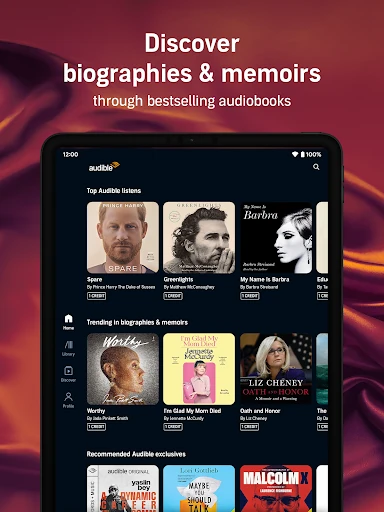
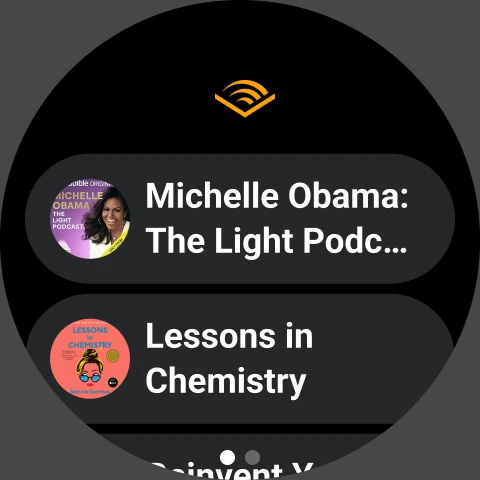
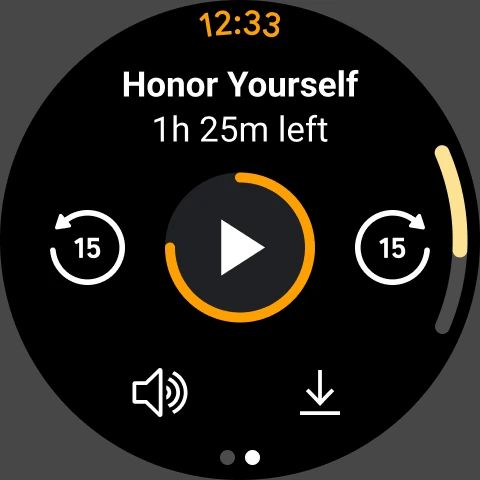
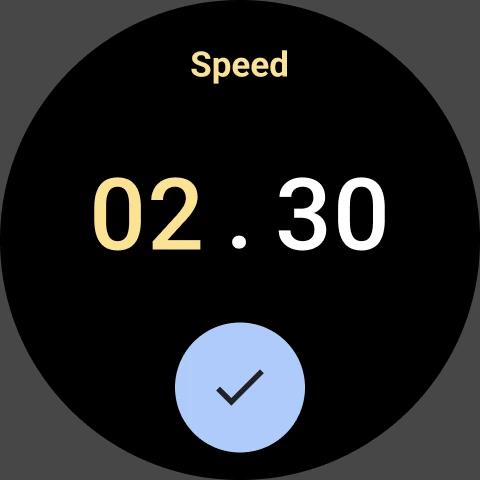
Overview
Audible is worth installing on Android if you want a deep audiobook catalog and are prepared to pay for it through a membership or individual purchases. The download costs nothing and browsing is free, but the library you actually get depends on which of Audible's payment routes you use. Before starting the 30-day trial, understand one split: titles bought with a credit or cash stay in your library after you cancel, while Plus Catalog titles do not.
Free app, paid library: how Audible membership works
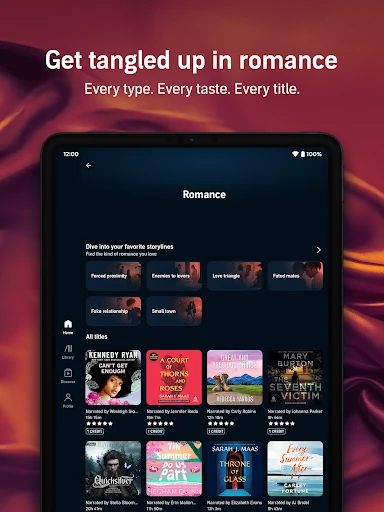
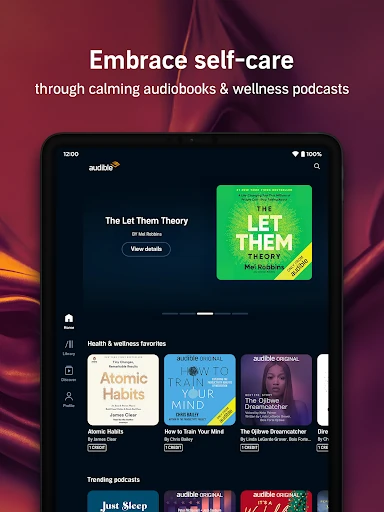
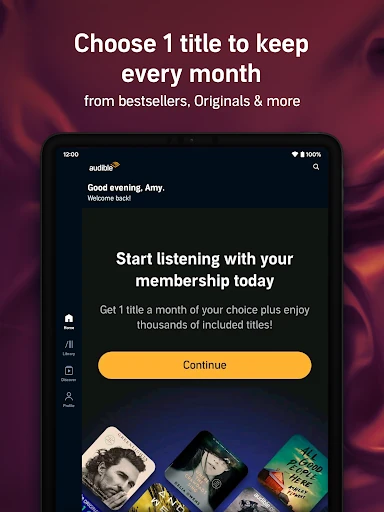
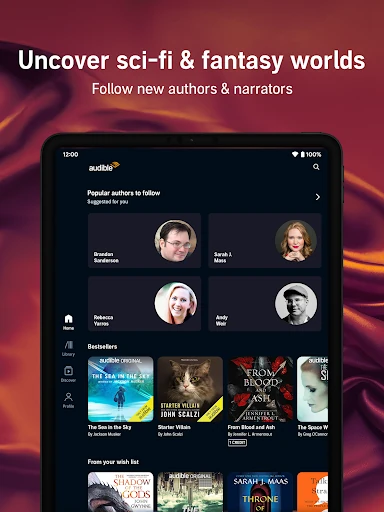
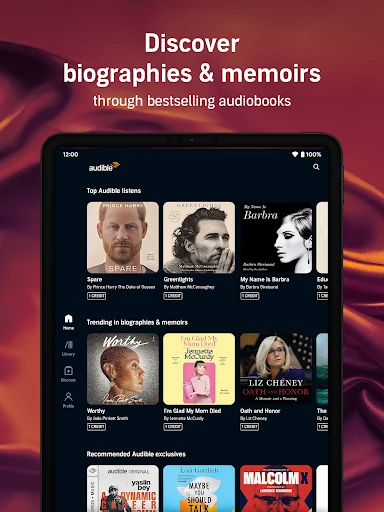
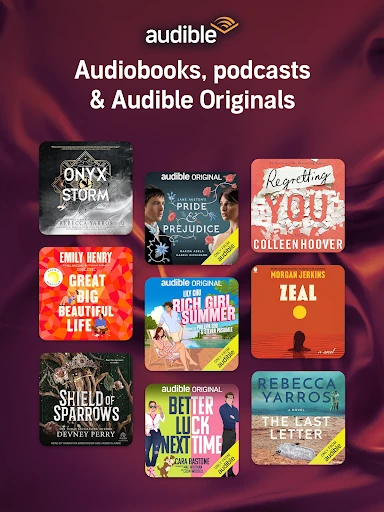
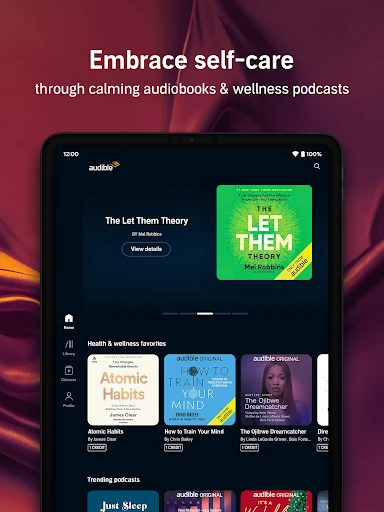
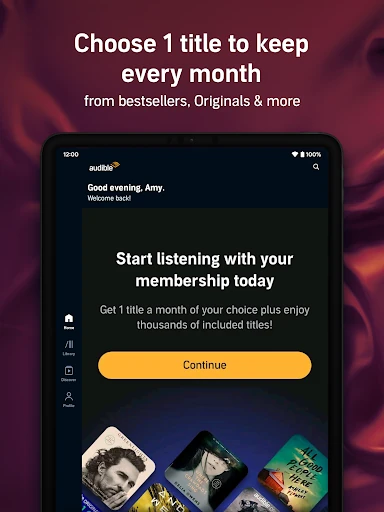
Installing Audible and looking around costs nothing. Listening to most of the catalog does. Premium Plus bundles a monthly credit with access to the Plus Catalog, a large pool of audiobooks, podcasts and Originals you can play without spending that credit. Cash purchases and extra credits bought in the app are the other ways to add a specific title.
New accounts can try membership free for 30 days, and Amazon Prime members get two free credits with their first Audible trial, usable on any two titles from the premium selection. Prices change by region and plan, so treat any figure you see quoted elsewhere as a snapshot rather than a fixed cost.
Credits vs. the Plus Catalog: which audiobooks stay in your library
This is the distinction that matters most before you commit. A title you buy with a credit or with cash is yours permanently; it remains in your library even if you cancel, and you can keep listening to it later.
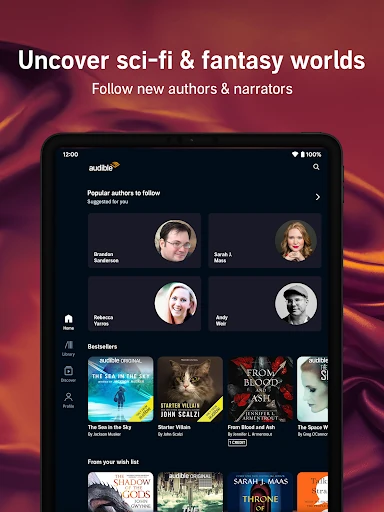
Plus Catalog titles work differently. You can download them for offline listening without spending credits, but that download is access, not ownership. Once the membership ends, those titles stop playing, including copies already sitting on your phone. If a Plus Catalog book matters enough that you would want it in five years, spend a credit on it. If you are trying a series or a new genre, the catalog is the cheaper way to explore.
Offline downloads, Android Auto, and Wear OS listening
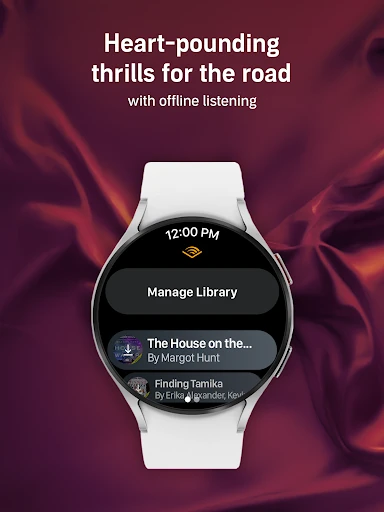
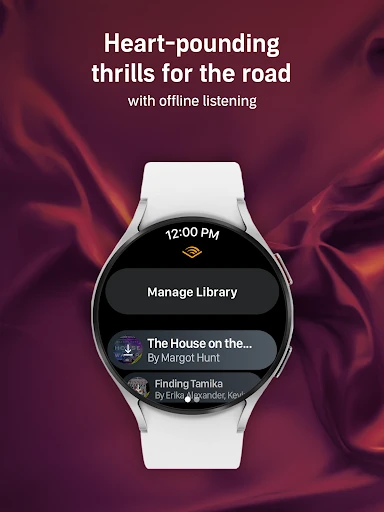
Downloads make the app useful on flights, on the subway and anywhere the signal drops. The caveat above applies: Plus Catalog downloads require an active membership to keep working.
Car Mode runs through Android Auto, so you can pick up a novel or a podcast series while driving without handling the phone. Playback also extends to Wear OS and to Bluetooth or Alexa-enabled speakers, which helps if you move between the car, the kitchen and a workout. If you read a book on a Kindle, Audible lets you switch to listening on your phone, tablet or watch and pick up from the same place.
Narration speed, sleep timer, and everyday playback controls
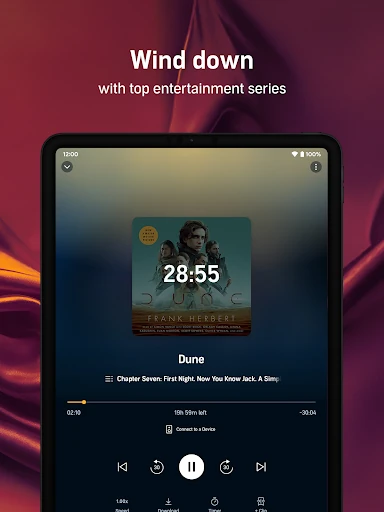
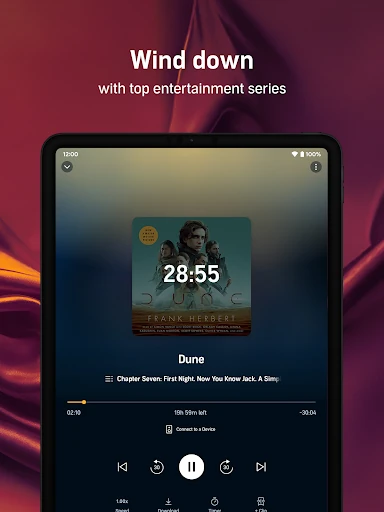
Narration speed adjusts up to 3.5x, which is enough to get through a long nonfiction title on a commute or slow a dense passage down. The sleep timer stops playback after you drift off, and bookmarks and notes let you flag a passage without hunting for it later. You can also build playlists that mix podcasts and audiobooks, handy when you want a queue for the week rather than a single title.
Podcasts and Kids Profiles beyond the audiobook shelf
You do not need a membership to listen to a limited selection of free podcasts, and anyone with an Amazon account can buy titles. Premium Plus members can listen to any podcast in the Plus Catalogue, while some Audible Original podcasts sit behind that membership only.
A Kids Profile is created inside the app for a child and shares family-friendly audiobooks, podcasts and Originals from the children's catalog, all managed under the main account. That keeps a child's listening separate from yours without a second subscription.
If you want a rotating library of audiobooks and podcasts for a monthly fee, Audible's structure is straightforward. If you mainly want to own a handful of specific books, buying them outright and skipping the membership avoids paying for catalog access you will not use.