- Installs
- 500,000+
- Ratings
- 1,576
- Price
- Free
- Developer
- Monkey AI Studio
Screenshots



Overview
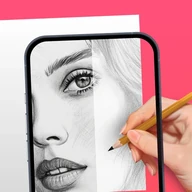
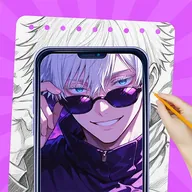
AR Drawing: Learn How To Draw is a practical fit for a beginner who wants to trace references onto real paper using a phone-camera overlay, as long as you can keep the phone parallel to the page. It is a guided tracing and practice tool, not a route to instant freehand skill, so the free install makes sense when that paper-and-phone workflow matches how you want to learn.
How tracing with a phone overlay works on real paper
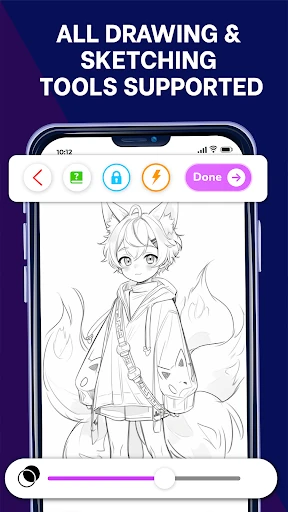
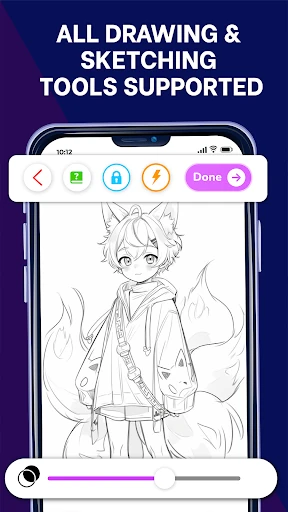
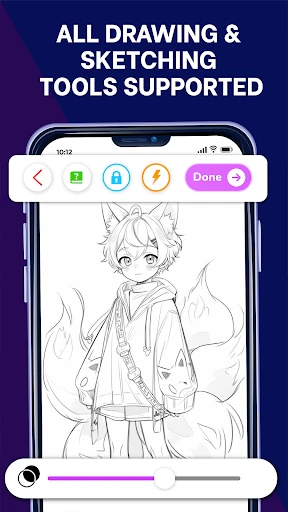
You choose a reference, place the phone so its camera looks down at your paper, align the overlay with the page, and trace the outlines by hand. The drawing happens on paper, not on the screen. That sounds simple, but the guide only stays aligned if the phone stays put; a nudge to the phone or the paper shifts the overlay and breaks the alignment. The app's instructions suggest resting the phone on a stack of books or a stand so the camera sits parallel to the paper.
Templates, photo imports, and web search for drawing references
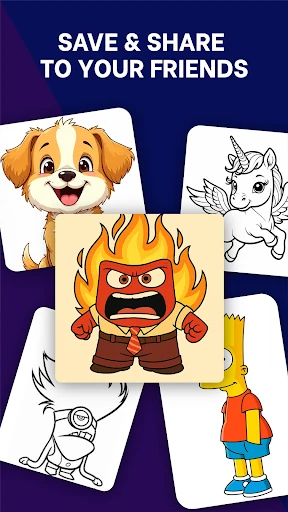
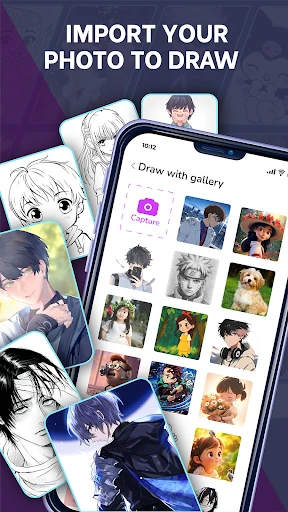
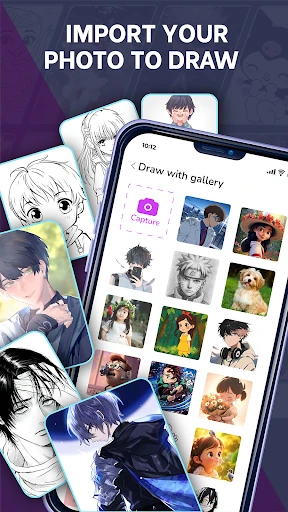
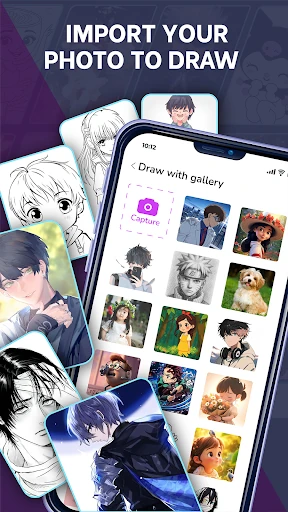
The built-in library offers more than 250 templates across animals, objects, characters, and shapes. You can also import a photo from your device, which turns portraits, pets, or everyday scenes into traceable references. When neither option covers what you want to draw, the app includes a web search for finding new images. That combination matters because it keeps practice from being limited to a fixed template list.
What the step-by-step lessons cover for beginners
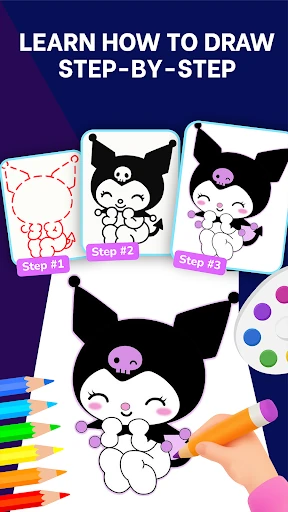
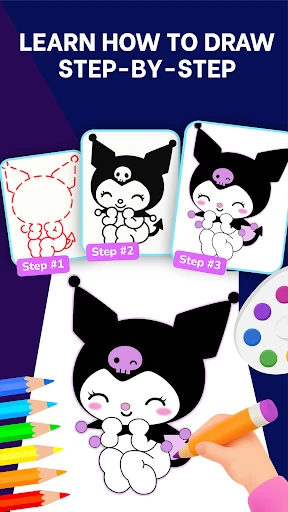
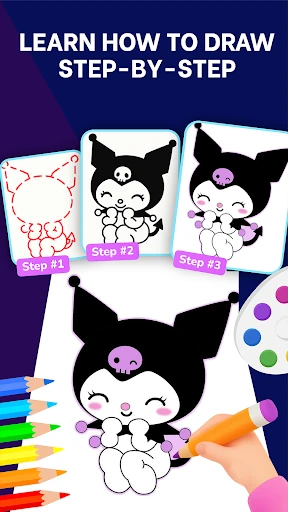
Lessons are built around proportions, contour, and light and shadow, presented in short steps for beginners and people improving their skills. They work best as technique prompts to use alongside tracing: you trace a reference, then apply the lesson's idea to the next attempt. Tracing gives you a guide for the hand, but progress still depends on repeated practice and gradually relying less on the overlay.
Saving drawings in My Collection and tracking progress
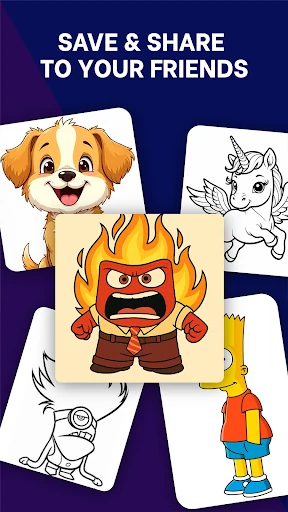
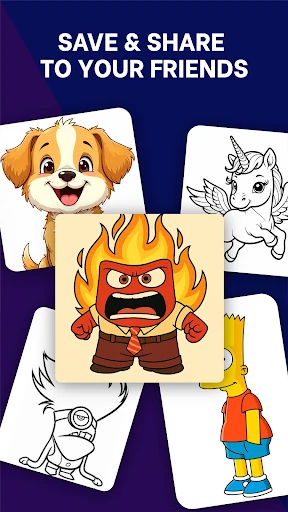
My Collection autosaves finished work and lets you revisit earlier drawings. Use it as a simple practice log: draw the same subject after a few weeks and compare the saved versions to see where your line control or shading has changed. It is not presented as a public portfolio or social feed.
Setting up a stand or book stack for steady AR tracing
A dedicated stand is the more repeatable option because you can return the phone to the same position each session. A stack of books costs nothing extra and works, but it is easy to bump and harder to keep level. Whichever you use, the camera needs to be parallel to the page and the overlay aligned before you start tracing. Get that setup right once and the rest of the session is mostly about following the lines and building control.