- Installs
- 10,000,000+
- Ratings
- 160,273
- Price
- Free
- Developer
- 3D Medical OU
Screenshots
Overview
Anatomy Learning by Dr. Blanco is worth installing if you want a free, visual way to explore human anatomy on Android—rotating 3D models, hiding layers, and testing yourself on where structures sit. It works as a study companion rather than a full course, and the free download includes in-app purchases.
What the 3D models let you do
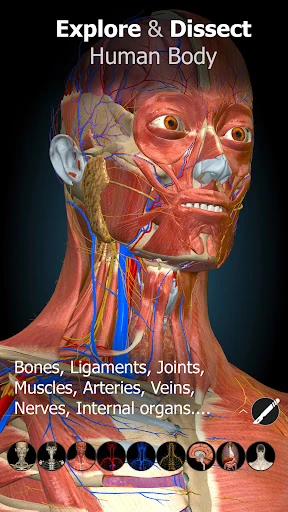
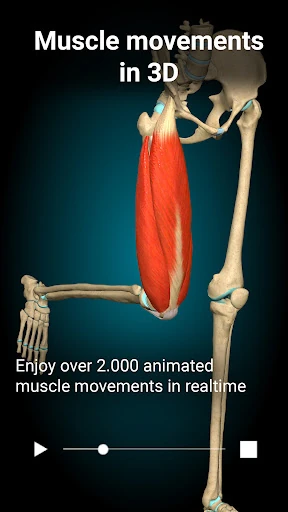
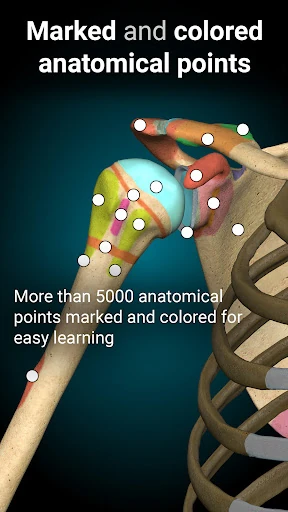
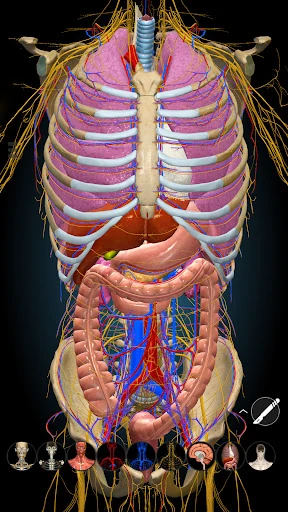
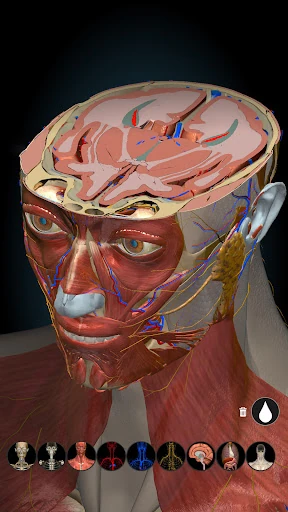
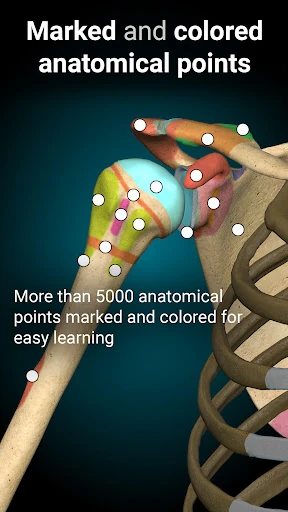
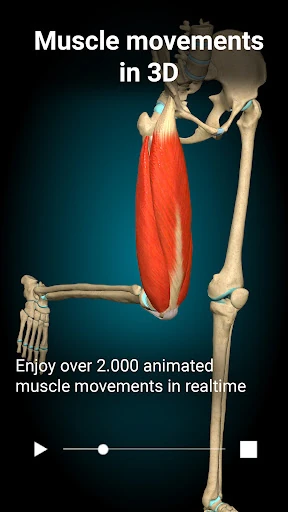
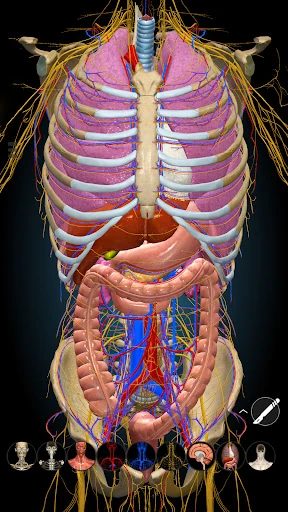
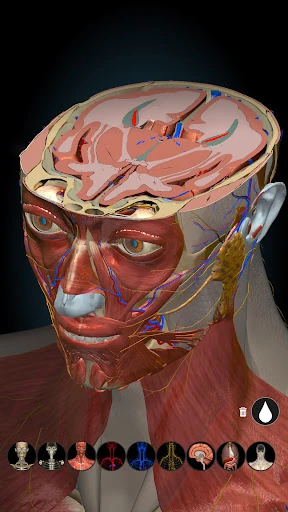
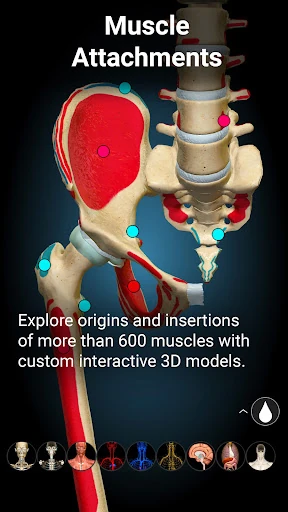
The core of the app is spatial exploration. Models respond to touch, so you can turn them to any angle and zoom in on a joint, vessel, or region that a flat diagram flattens into labels. Removing a structure reveals what lies underneath, which is useful when a textbook chapter describes relationships that are hard to picture. If you are reading about the thorax, for example, rotating the rib cage and taking away a section can make the position of the lungs and heart easier to hold in mind.
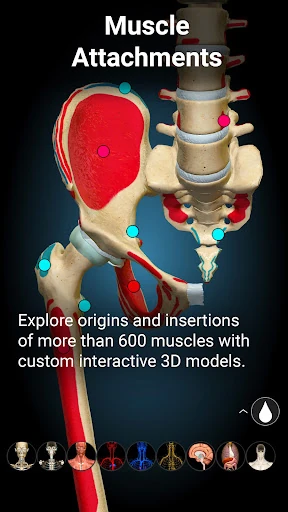
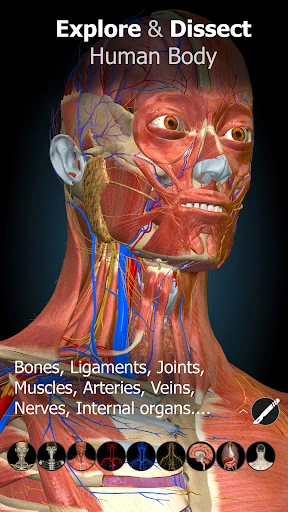
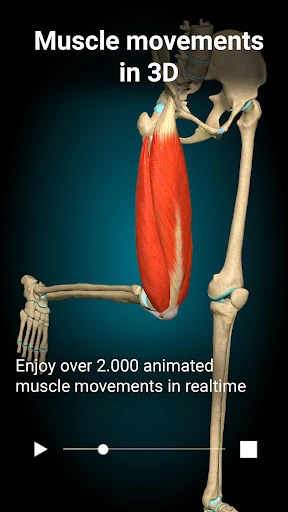
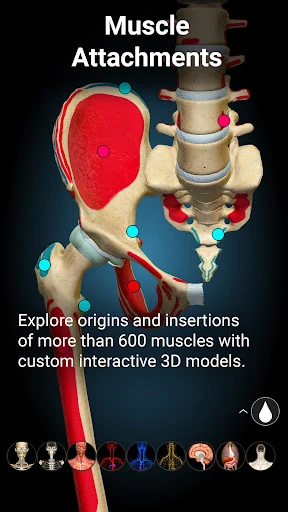
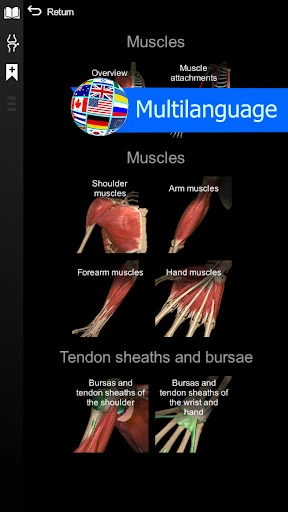
You can also switch individual systems on and off. That turns a crowded model into a cleaner view: bones only, then muscles, then circulation. The content covers bones, ligaments, joints, muscles, circulation, the central and peripheral nervous systems, sense organs, respiratory, digestive, urinary, and reproductive anatomy, including both male and female reproductive systems.
How the location quizzes support recall
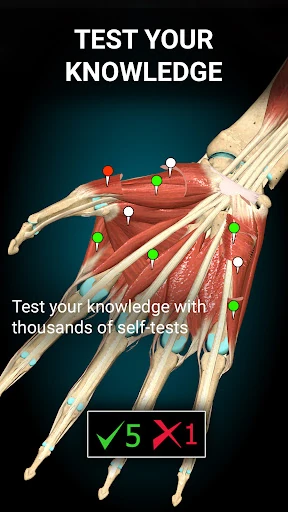
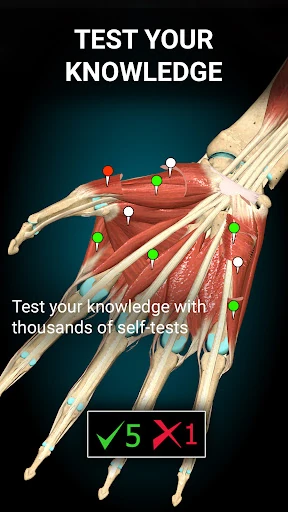
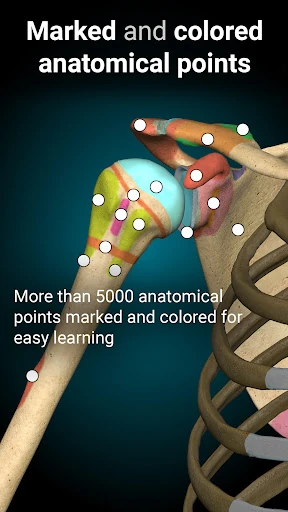
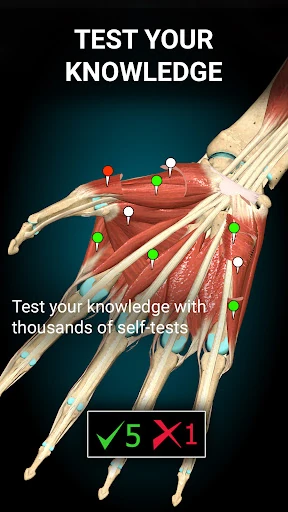
Location quizzes ask you to identify structures inside the 3D model, so you are recalling position rather than matching a term to a flat diagram. That makes them useful immediately after reviewing a region, while the spatial context is still fresh. Review the bones of a region, then use the quiz to check whether you can place the structures without labels.
Recent update notes mention new quiz modes, so there is some variety beyond a single format. Treat the quizzes as quick self-testing, though—not a full exam simulator or a replacement for a question bank. Their value comes from repeated, low-stakes recall in the same visual environment you used to study.
Free access, in-app purchases, and language options
The app is free to download and offers in-app purchases. That makes it easy to try, but it is a freemium tool rather than an entirely open atlas. If you need every feature available without further payment, the paid layers are the main drawback to weigh before building a study routine around it.
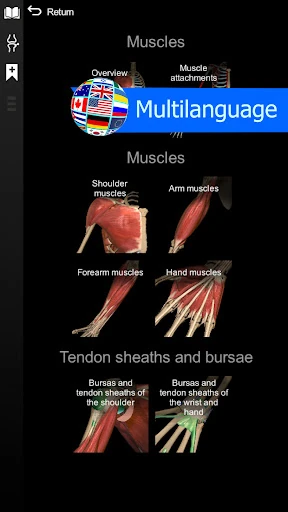
Language support covers Spanish, French, German, Polish, Russian, Portuguese, Chinese, and Japanese, which is helpful for multilingual students or classrooms. Update notes also mention accessibility options, language revisions, and model enhancements—practical maintenance rather than headline features. Screen size matters too: detailed models are easier to inspect on a tablet, though rotation and zoom work on a phone.
Using the app alongside lectures and textbooks
A practical study loop is to preview a region before class, then open the app after reading to hide superficial layers and see what sits underneath. Toggle only the system you are studying so the model does not become a tangle. Finish with a location quiz to check whether you can place the structures without labels.
This is where the app earns its place: it reinforces location and spatial relationships. It does not replace explanatory text, since it offers models and quizzes rather than a narrative account of function or clinical context. Used that way, it can be a useful companion for anatomy students, teachers preparing demonstrations, or self-learners who want to revisit structure placement.