- Installs
- 1,000,000+
- Ratings
- 19,075
- Price
- Free
- Developer
- IGames BR
Screenshots
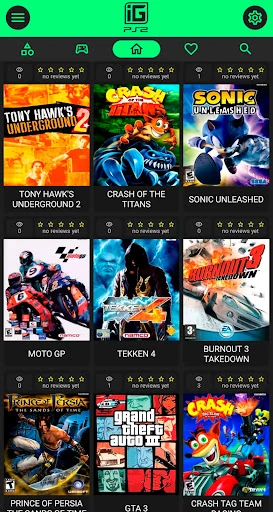
Overview
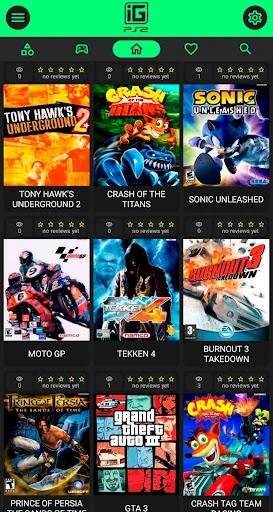
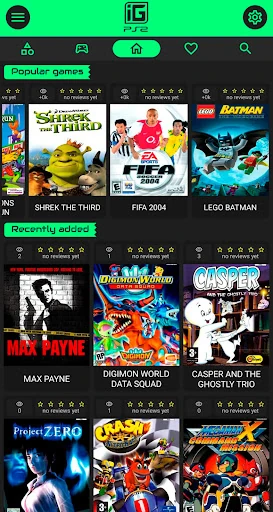
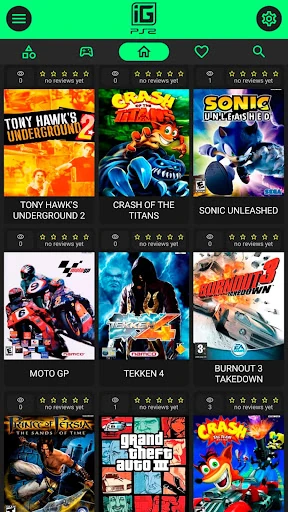
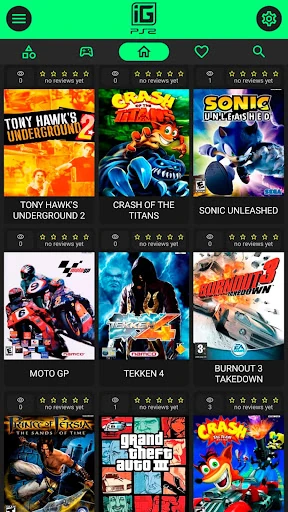
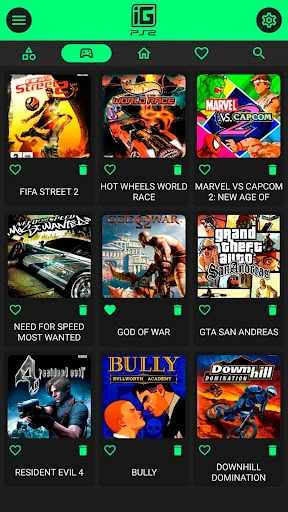
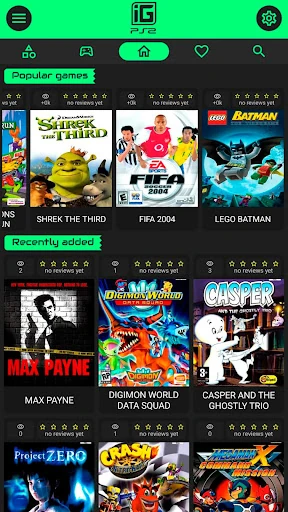
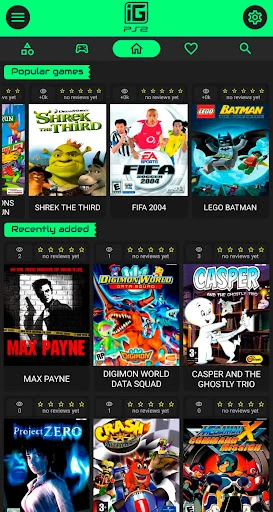
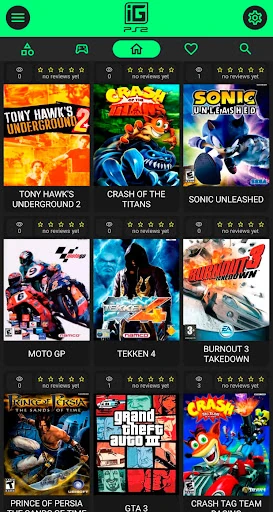
IGAMES PS2 is a reference app for browsing PlayStation 2-era games on Android, not an emulator that runs them on your phone. It collects descriptions, images, trailers and recorded gameplay clips for a library of titles, along with favourites and genre browsing, so it fits looking up a game or revisiting a generation rather than playing it.
A PS2 catalogue, not a PS2 emulator
The store description's phrase about having PS2 games “right on your cell phone” can suggest that the app launches or installs games. It does not. Each entry is a reference page built around media and information, and the listed controller support does not change that: a gamepad can help you move through the app, but it won't make the PS2 titles playable inside it.
The Play Store still labels the app beta. Treat that as a note about rough edges and changing content, not as a hint that playable games are hidden somewhere. If your goal is to run PS2 software, this app is the wrong tool. If you want a place to read about titles, watch clips and keep a shortlist, the catalogue approach makes sense.
How the library is organised
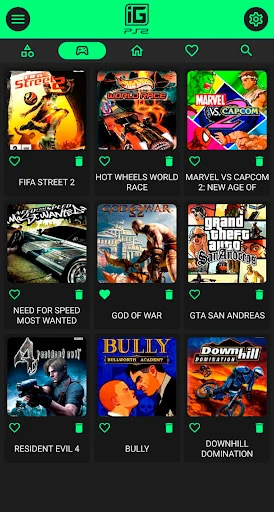
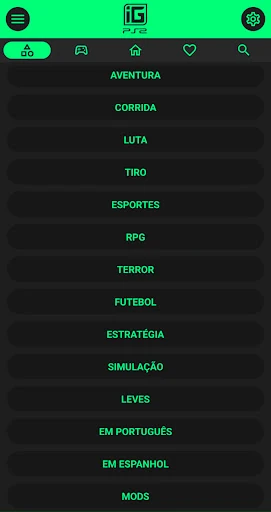
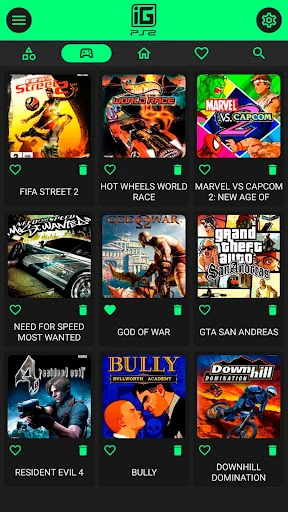
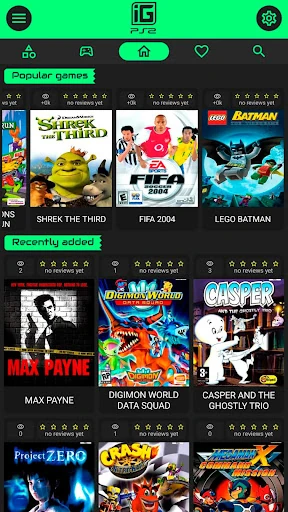
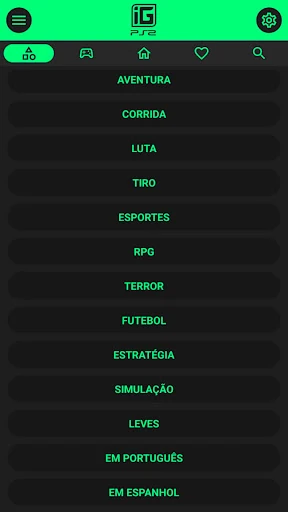
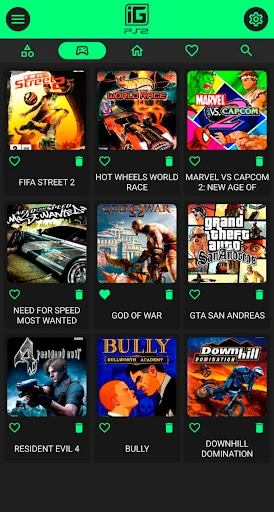
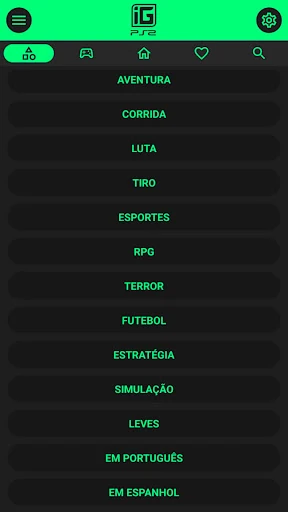
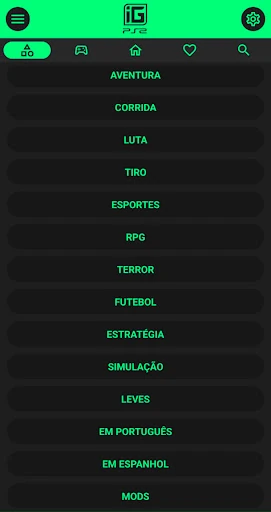
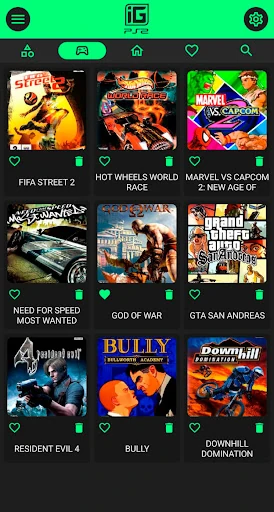
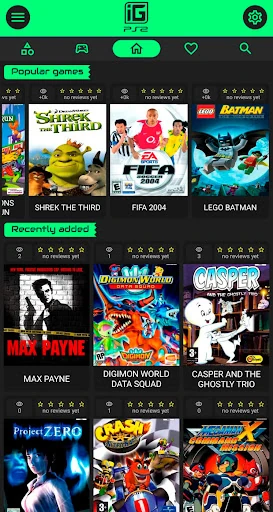
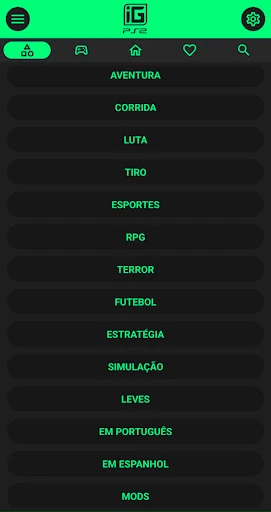
The library holds more than 300 games, sorted into categories such as action, adventure, fighting, racing, languages and mods. You can search by name or genre, or browse a recommended section when you don't have a particular title in mind. A favourites list is useful for keeping track of games you want to return to without searching for them again.
Each entry centres on descriptive material and media rather than a store listing or download link. That makes the app most useful when you remember a title vaguely, want to check what a game looked like, or want to compare a few options in a genre before deciding what to read more about. The mods category sits alongside the standard genres, which helps if that is the part of the PS2 scene you are curious about.
Offline browsing and weaker-phone use
Offline access covers many of the app's assets rather than everything, so some trailers or images may still need a connection. The app is also described as optimised for weaker phones, which matters if you want a lightweight reference tool rather than a media-heavy game client. Controller compatibility is listed and covers common Bluetooth and wired gamepads, but it affects navigation and input in the app, not whether PS2 games themselves can be played.
Ads, in-app purchases and data sharing
The app is free to install, and store data reports both ads and in-app purchases. Its data-safety disclosure also says the app may share location, personal information and three other data types with third parties, while noting that data is encrypted in transit and that users can ask the developer to delete their data. Those are worth weighing before installing, particularly for an app whose main job is browsing a game catalogue. If advertising and data sharing are acceptable, the library is straightforward to use; if not, the trade-off may not be worth it for reference material alone.