- Installs
- 10,000,000,000+
- Ratings
- 14,166,839
- Price
- Free
- Developer
- Google LLC
Screenshots
Overview
The official Gmail app is worth installing as a main Android inbox if you already use a Google account and want Gmail, Outlook, iCloud, Yahoo, or work mail in one place. Before installing, check the Gemini caveat: its writing and inbox tools need a paid Google AI or eligible Workspace plan, and some personal-account features are US-only.
What the inbox does beyond sending and receiving mail
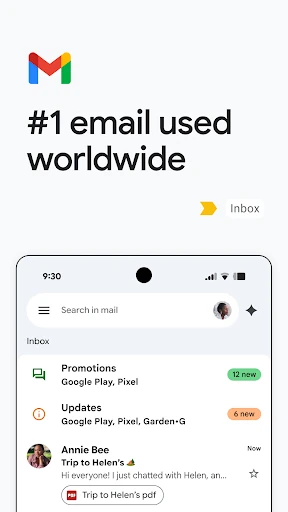
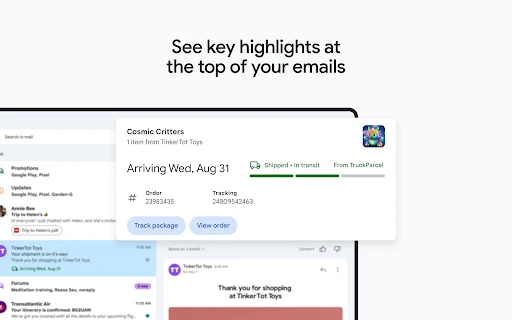
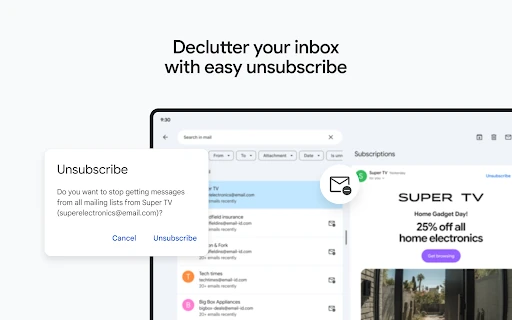
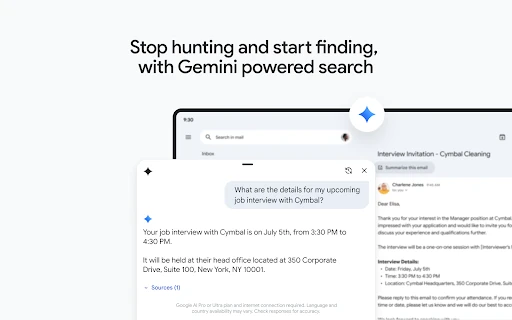
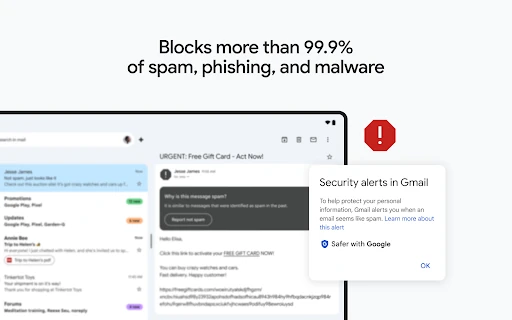
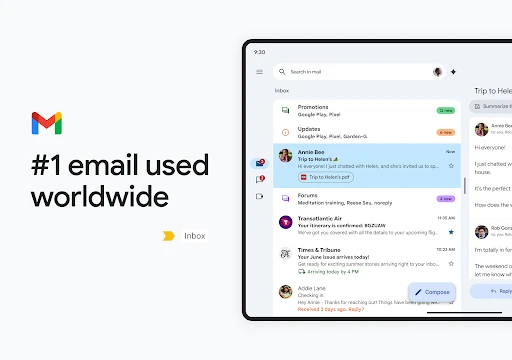
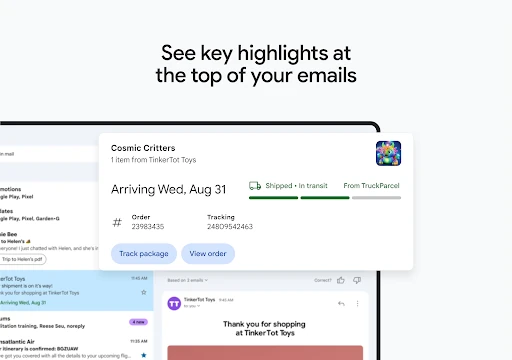
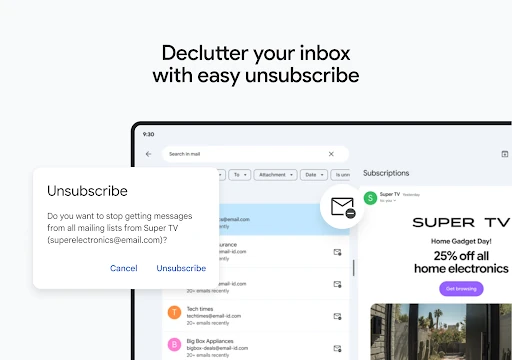
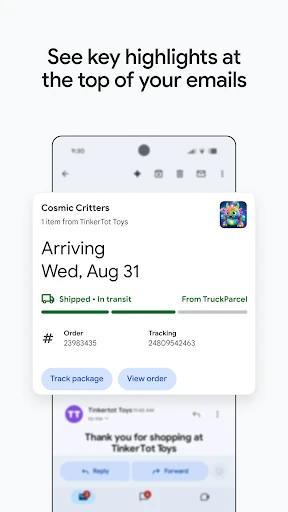
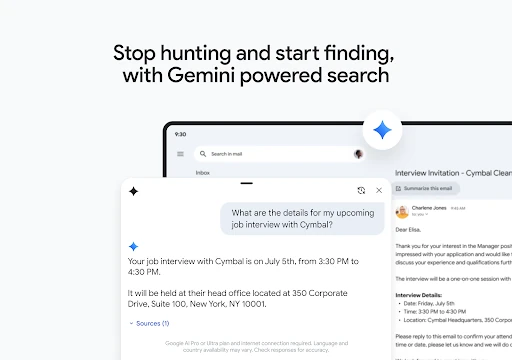
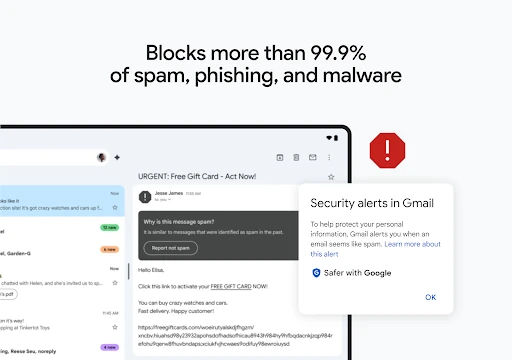
Even without paying for Google AI, the free app handles the core job well. Search is the centerpiece: you can look up messages by keyword, sender, or phrase, and summary cards at the top of emails pull out the details that matter without making you read the whole thread. A single unsubscribe control gathers unwanted senders so you can clear clutter in one place, and undo send gives you a short chance to cancel a mistaken message after tapping send. Spam, phishing, and malware filtering happens before mail reaches the inbox.
For Google Workspace users, Chat, Spaces, and Meet links sit inside the app, which cuts down on switching between communication tools. These are mature, useful basics rather than a unique reason to abandon another capable email client.
Adding Outlook, iCloud, or a work address
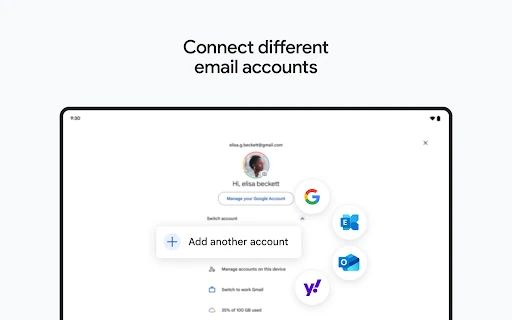
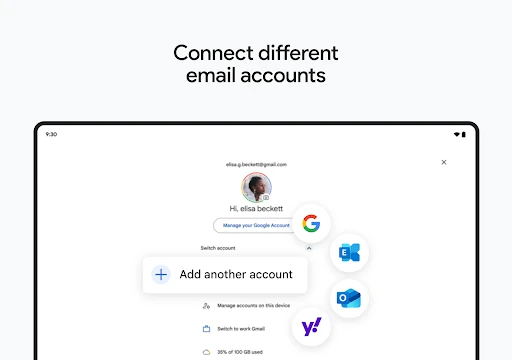
Multi-account support is the most practical reason to choose Gmail on Android. You can add up to five addresses to one Gmail account, including other Gmail addresses and non-Google providers such as Outlook, iCloud Mail, and Yahoo. Listed providers usually configure automatically. If yours is missing or automatic setup fails, you need the provider's IMAP server and security details to add it manually. Manual setup can warn that the connection is unsecured or that a certificate is untrusted, so have the correct settings ready and understand the trade-off before proceeding.
Once connected, All inboxes combines mail from every added account in one view. The limitation is that you are still working inside a Google account, not running separate native clients for each provider. If you want strict separation between work and personal mail beyond the account switcher, this is not that setup.
Which Gemini tools need a paid Google AI plan
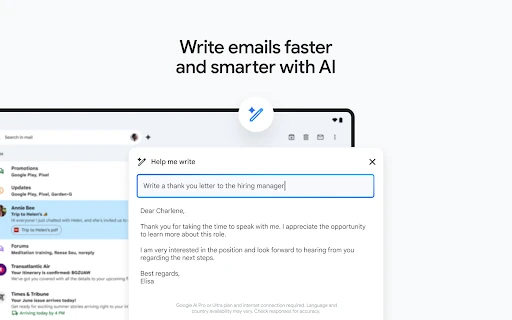
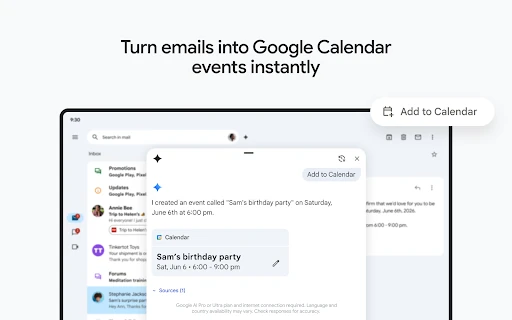
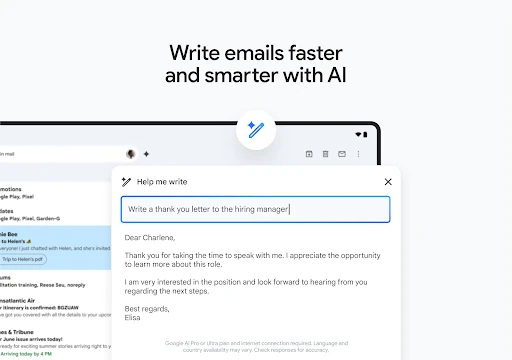
Gemini is the part most likely to disappoint someone who installs Gmail expecting free AI assistance. Writing help, voice Q&A, and AI Inbox require a paid Google AI Plus, Pro, or Ultra plan, or an eligible Workspace plan, and availability varies by feature and country. For personal Gmail accounts, Help me write and AI Inbox are currently US-only; Gmail Live is available in English globally on paid Android plans. Paid Workspace access is broader for eligible plans, but it is still not the same as a free personal account.
If AI drafting or inbox triage is why you are installing Gmail, confirm your plan and region first. If you mainly need reliable mail, ignore the Gemini upsell and use the free inbox. Gemini can make mistakes, so check generated text and answers before sending or acting on them.
Reading mail from a Wear OS watch
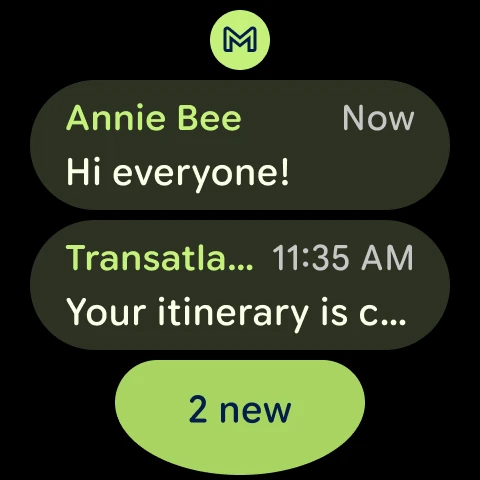
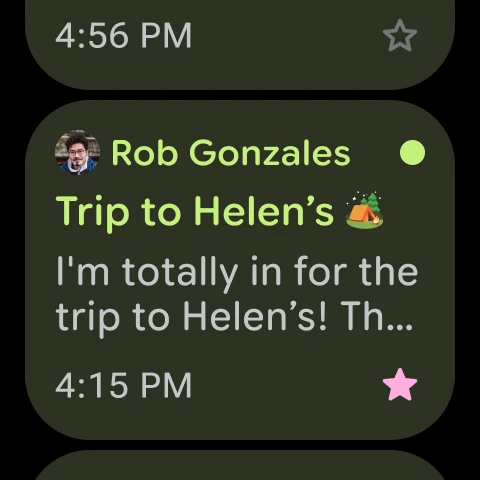
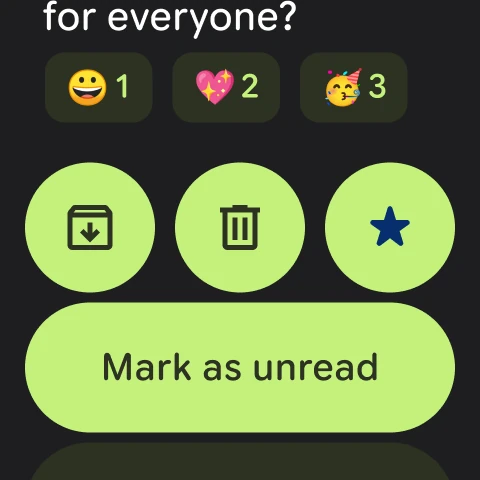
On a Wear OS watch, Gmail adds a tile and complication for a quick overview of emails. Treat it as a glanceable companion: useful for seeing whether a message needs attention without reaching for your phone, but not a substitute for managing a full inbox from your wrist. If you do not use Wear OS, this has no bearing on the phone app.