
- Installs
- 100,000,000+
- Ratings
- 3,715,944
- Price
- Free
- Developer
- Flextech Inc.
Screenshots
Overview
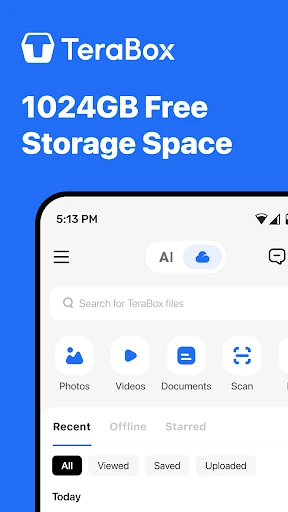
Yes — a signed-in TeraBox account on Android includes 1TB (1024GB) of cloud storage at no charge, enough for a large photo and video library without a subscription. The trade-offs are an ad-supported app, mandatory sign-in and server-side encryption rather than a key only you control.
What the free 1TB actually covers
The 1024GB is a free allocation tied to the account rather than a short trial. The listing illustrates the space with millions of photos, thousands of videos or millions of document pages; those are sizing examples, not a promise about upload speed or how quickly everything is indexed. Files can be reached from a phone, tablet or computer, so the capacity is most useful when you want one library across devices.
How photo and video backup works on Android
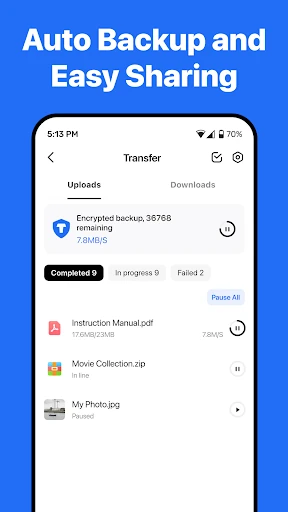
Automatic upload can run in the background for photos, videos, documents and folders. The cellular-data setting is the one to check before the first big upload: it determines whether syncing may use mobile data, which matters on a limited plan. Intelligent albums group photos for browsing once they arrive. On the free tier, the main friction is the ad-supported app around the backup, not a small storage allowance.
Finding and managing files in the free app
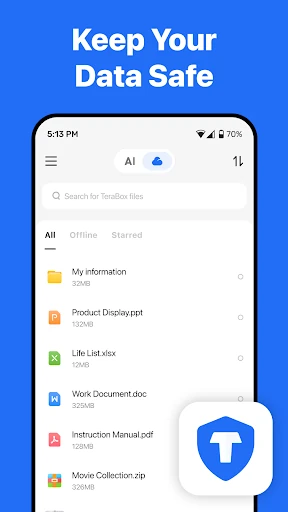
Search matches file names and keywords, not the contents of documents or metadata such as date or author, so a consistent naming habit helps if you need to find something months later. The app covers ordinary upkeep: create folders and move files, download several at once, sort by date, size or alphabet, filter by type, mark items and keep selected files offline.
AI editing, transcription and scanning: what Premium adds
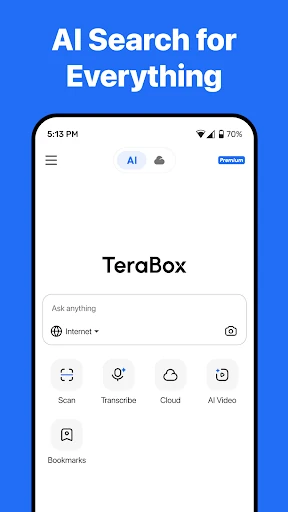
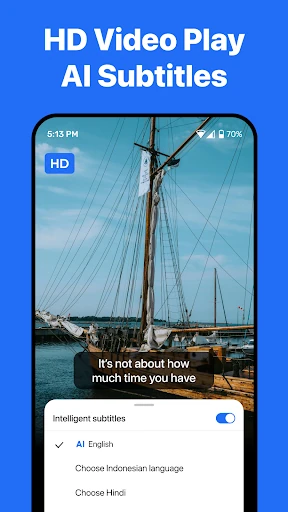
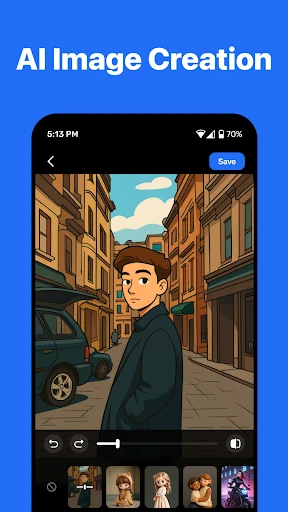
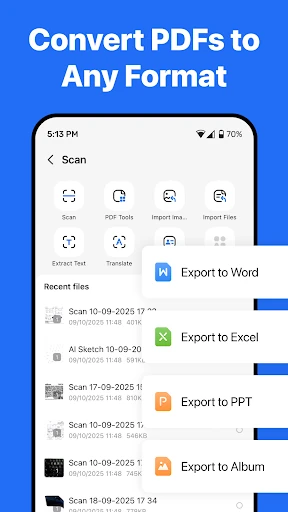
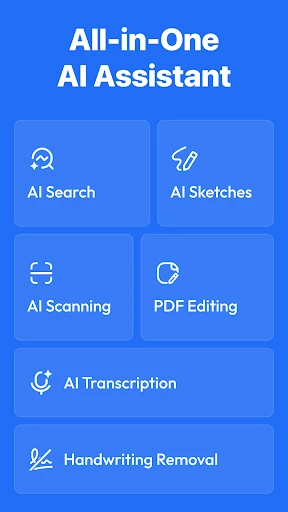
The AI tools sit on top of backup rather than replace it: image restyling and portrait enhancement, audio or video transcription with summaries, document scanning with text recognition, sketch, translation and compression. The listing ties access to AI features to Premium, and lists AI photo editing, transcription and scanning among Premium Plus privileges. Treat them as a paid extension, not a reason to choose the free app. The HD player is useful for lectures or foreign-language video, and automatic subtitles make that material easier to follow; the jump to 2TB matters only if the free allowance fills.
Ads, account rules and encryption before you upload
The free Android app can show full-screen ads on opening, putting an interruption between you and your files; removing them requires a paid subscription. There is no guest mode. Sign-in is through Facebook, Google or Apple ID, and the profile itself is minimal. Play's data-safety section says no data is shared with third parties, while personal and financial information and six other data types may be collected, with a deletion request option. Encryption applies in transit and on the server, not end-to-end: the provider holds the keys. That is the trade-off to weigh before uploading an entire photo library — convenient recovery if a phone is lost, but not a private vault that only you can open.