- Installs
- 5,000,000+
- Ratings
- 57,723
- Price
- Free
- Developer
- Litera Games
Screenshots
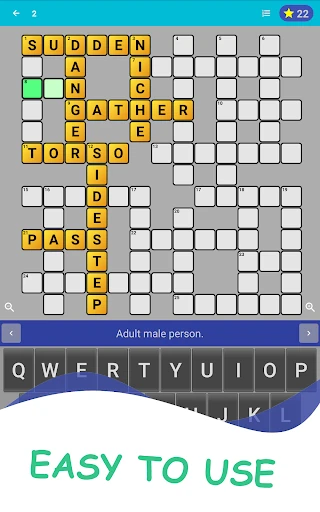
Overview
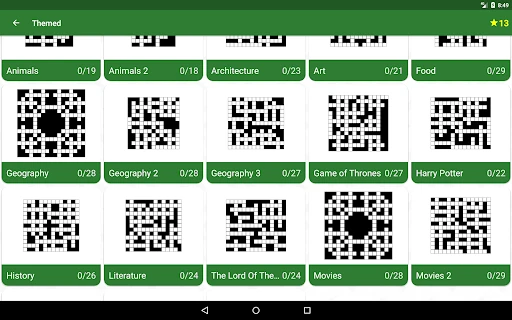
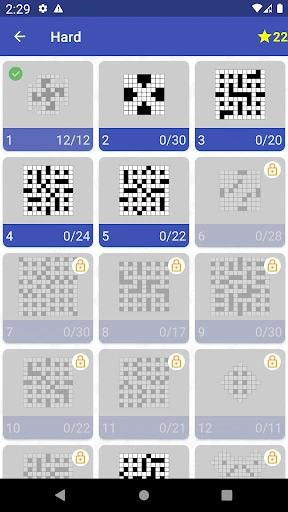
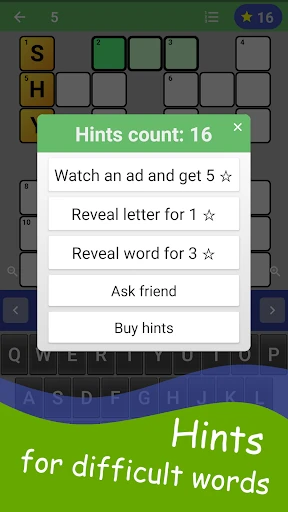
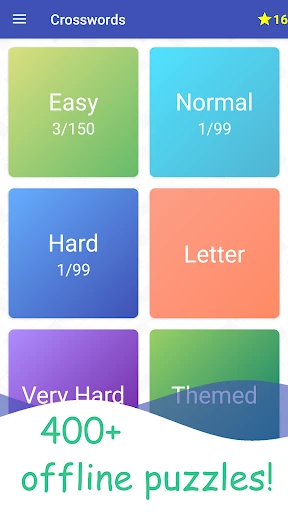
English Crossword Puzzle is a sensible Android choice for short, offline vocabulary practice, especially if you want easy grids and unlimited help rather than a tough newspaper-style puzzle. The free app offers 100+ easy levels and two hint types, which lowers the barrier for learners; the trade-offs are ads, occasional progress bugs and clue wording that can lean American.
What a short offline crossword session looks like
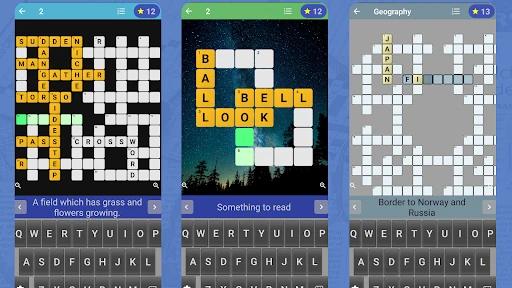
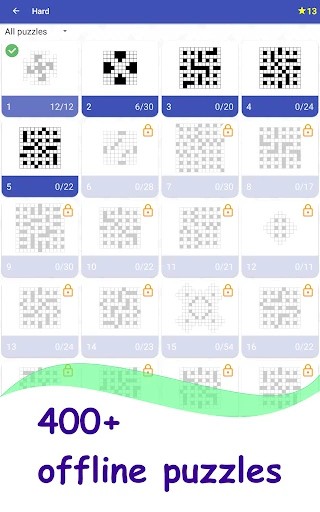
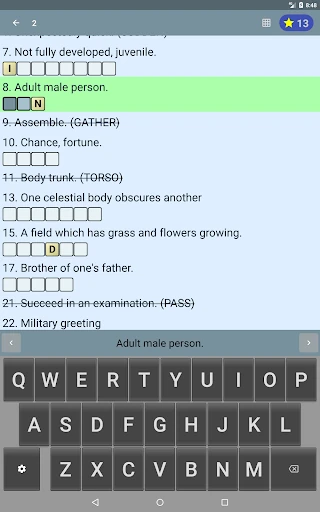
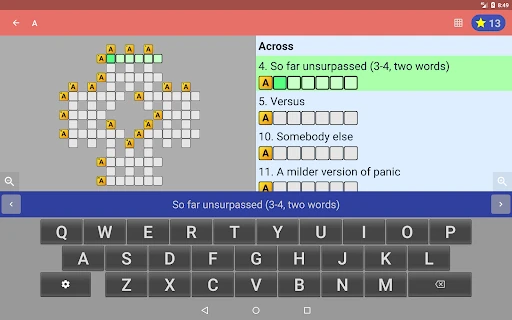
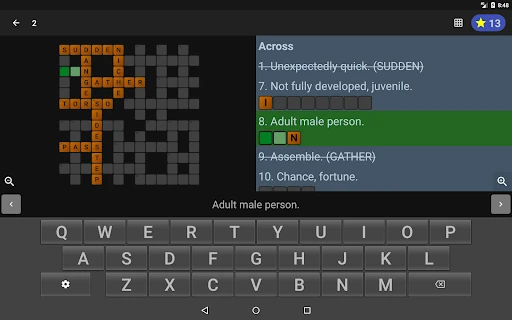
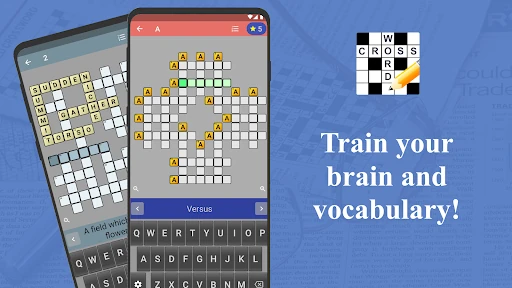
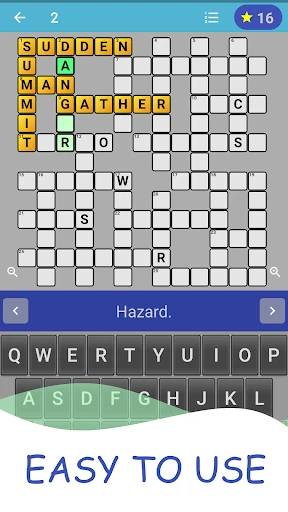
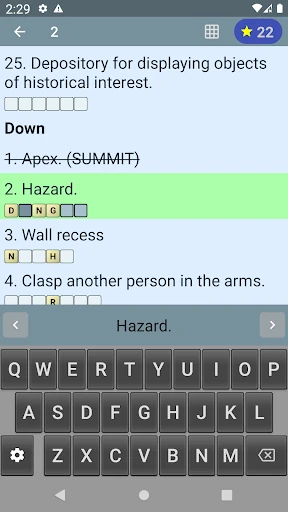
A session begins by choosing one of the easy levels and working through a grid that fits the phone screen. You read a clue, type the answer into the squares, and move on; the app works without an internet connection, so it suits a commute, a flight or a few minutes between tasks. The board resizes to the device rather than forcing a fixed newspaper layout, and the overall loop is built for quick pick-up play. It is not a long, cryptic solve, and the early levels are deliberately approachable.
Are the clues easy enough for English learners?
The 100+ levels are pitched at an easy level, so they work more as vocabulary recall and spelling practice than as tricky crossword solving. That is the right fit if you are learning English and want repeated exposure to common words without hitting a wall every few clues. The level count gives you a long runway of beginner practice, not a promise of cryptic difficulty later.
Clue wording is the one area where fit can vary. Some player reviews describe the clues as Americanised, and UK solvers may notice that; others welcome British spellings, so expect a mix rather than a consistently neutral English. That is a wording annoyance rather than a reason to avoid the app, but it matters if you want practice in a specific variety of English.
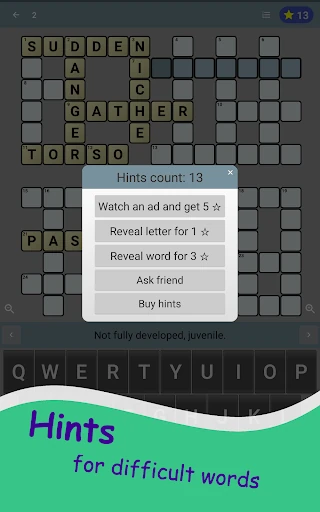
How unlimited hints change the learning value
The reveal-letter and reveal-word hints remove dead ends, which is useful when a clue is on the tip of your tongue or when a spelling pattern refuses to click. Unlimited hints also mean a stuck puzzle never becomes a reason to close the app. The risk is that using them immediately turns the session into copying: reveal a letter, then another, and you can finish without recalling the word.
A better rhythm is to read the clue, try the answer, and only reveal a letter when you are genuinely stuck; save the full-word reveal for the cases where the clue wording itself is the problem. Used that way, the hints support confidence and keep a short session moving without replacing the vocabulary practice.
Ads, bugs and data-sharing questions around the free app
The free version is ad-supported. Player reviews report ads interrupting play or appearing after a level, with frequency varying by app version; some see relatively few, while others find them disruptive. Occasional bugs can require reinstalling, which risks losing progress, so it is not a safe archive for a long run of completed levels.
Privacy is the bigger caveat. The Play data-safety text says the app may share app activity and device or other IDs with third parties, but it also says no data is collected; it states that data is encrypted in transit and cannot be deleted. That inconsistency does not prove anything about day-to-day use, but privacy-sensitive readers should weigh it before installing.