- Installs
- 10,000,000+
- Ratings
- 31,935
- Price
- Free
- Developer
- WECHOICE MOBILE
Screenshots
Overview
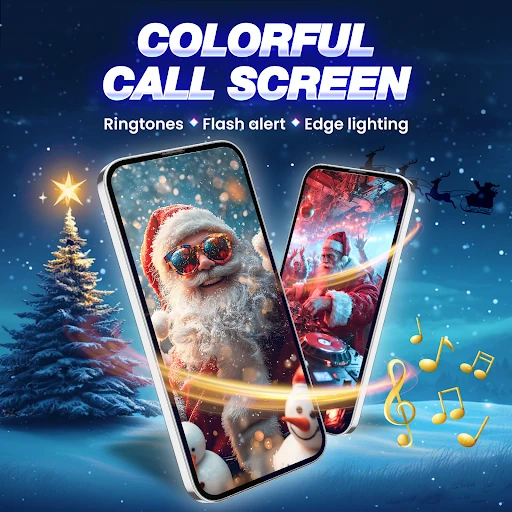
Call Screen & Ringtones Music is a free Android personalization app that changes the screen you see when a call comes in, adds flashlight and vibration alerts for calls and notifications, and lets you set ringtones. The practical question is whether your phone will allow a call-screen overlay to work consistently and whether the app's data-sharing terms are acceptable to you.
Custom call screen themes: what actually changes
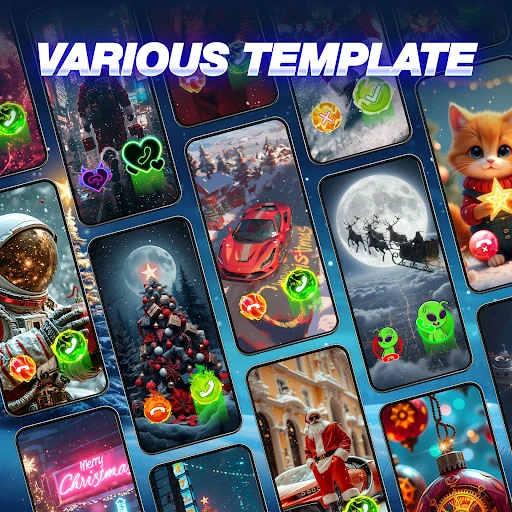
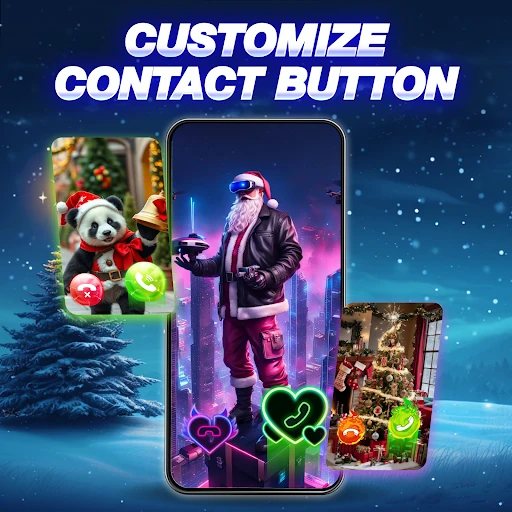
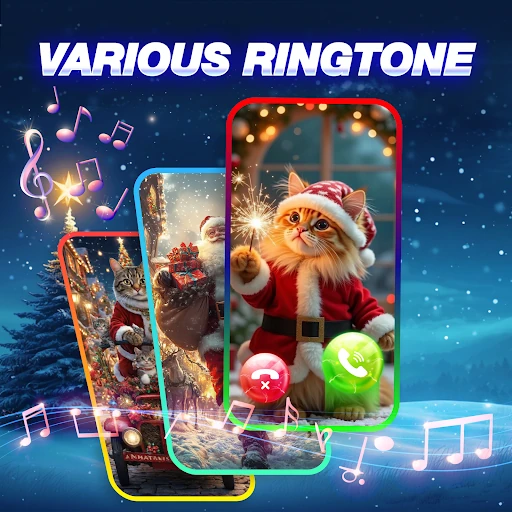
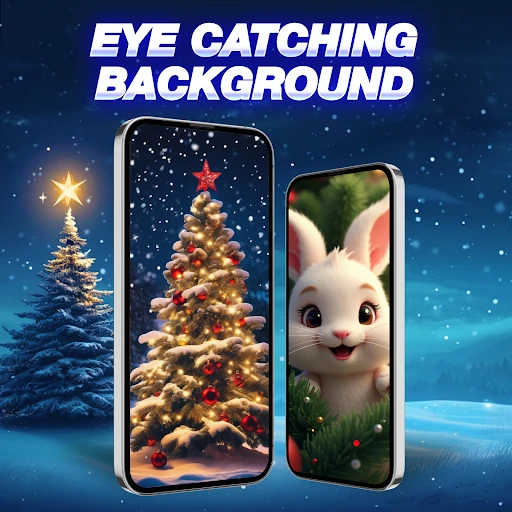
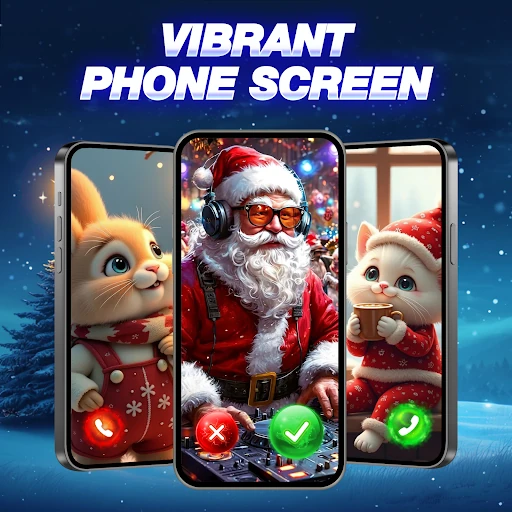
The main feature is a replacement incoming-call screen. You choose from more than 100 templates grouped by style—cars, anime, animals, love and similar themes—or use a photo from your gallery. You can also style the Accept and Decline buttons separately, which makes a theme feel more finished than a single wallpaper swap. A preview shows the live call layout before you commit, and the app keeps a history of themes you have tried, so experimenting does not mean losing a design you liked.
The limit worth understanding is that this changes your own incoming-call screen, not what the caller sees. It also depends on Android granting the app display-over-other-apps access; without that, a theme may not appear over the system call screen. That makes the app a better fit for someone who wants a decorative call screen and is willing to grant that access, rather than someone looking for a subtle system tweak.
Flash alerts for calls, texts and app notifications
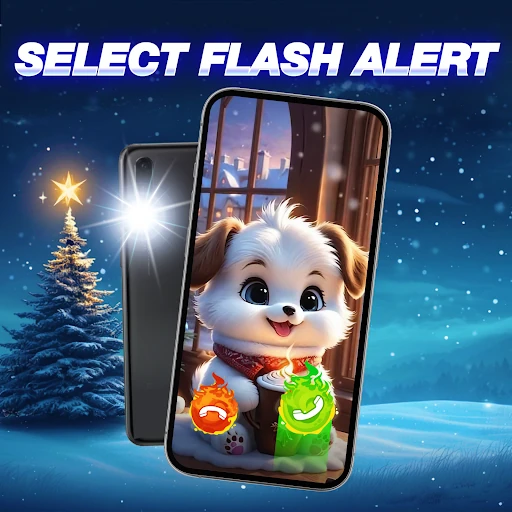
Flash notifications cover incoming calls, SMS and app notifications. You can set how long each flash lasts, how many times the light blinks for a call, and choose vibration and flash types. That is more practical than a fixed blink: a short flash suits a quiet office, while a longer, repeated alert is easier to notice from across a room. The obvious use case is a phone left on silent—the light gives you a second cue without turning the ringer back on.
These alerts rely on notification access and, for calls, the same kind of background access a call-screen app needs. Check the permission prompts when you enable them instead of assuming every alert will fire on every phone.
Ringtones you can assign by contact or notification
The app includes more than 100 preset ringtones and message tones in categories such as abstract, space and nature. You can set one as the default ringtone, use another for notifications, or assign a specific tone to a contact. Device upload is supported too, which matters if you already have an audio file you want to use. Contact-specific assignment is the most useful part here: it lets you recognize important callers without looking at the screen. Preview a tone before saving it, since a sound that seems fine in a list can be hard to hear in a noisy room.
Data sharing and access before you install
The Play data safety section is the part to read before installing. It says the app may share location, app activity and device or other IDs with third parties; it may collect location, audio and other data; data is encrypted in transit; and users can request deletion. That is separate from the runtime access used for call-screen themes and flash alerts. If location or audio collection is a dealbreaker, this app is easy to rule out. If you mainly want themed call screens and assignable ringtones, the feature set is clear, but the data terms deserve the same attention as the permissions.