- Installs
- 1,000,000+
- Ratings
- 20,604
- Price
- Free
- Developer
- Cards
Screenshots


Overview
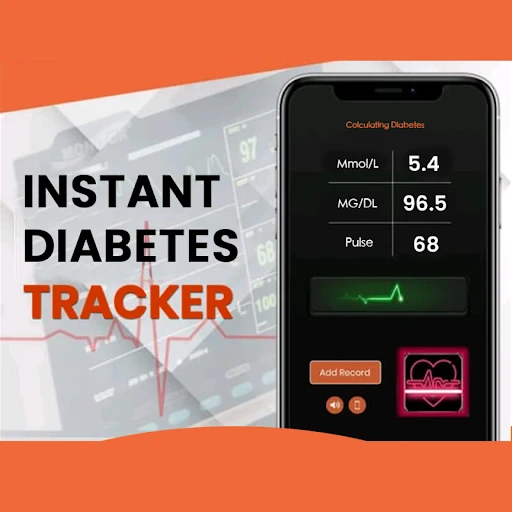
Blood Sugar Diary for Diabetes is a manual glucose logbook for Android, not a meter or CGM, and it covers the practical core of a diabetes diary: readings in mg/dL or mmol/L, insulin and carb entries, meal tags, charts and exports. It fits if you already get readings from a meter or sensor and want to type them into one place for pattern review and doctor visits.
Logging a reading: units, tags and the everyday routine
A typical entry starts with a glucose number you enter yourself. You can set the preferred unit to mg/dL or mmol/L, then add a tag such as Before Meals, After Meals, Morning or Evening, and optionally record weight or medication. That structure matters when you check several times a day: the tags keep a day's entries readable, so a before-breakfast reading is not mixed up with a post-dinner one.
The flow is built around manual input. The diary does not pull readings from a meter or CGM, so it is only as current as your last entry. If you want automatic syncing or prompts to test, this is not that kind of app. If you want a quick place to put numbers you already have, the unit switch and meal/time tags are the useful parts.
Insulin, carbs and notes: how much context the diary captures
Beyond glucose, you can log insulin doses, carbohydrate intake recorded as XE, mood, medication, hemoglobin readings, weight and free-text notes. XE is a specific carb-counting convention used in some diabetes education; if your routine counts grams or exchanges differently, make sure the label matches how you think about food before you rely on it for pattern review.
Tags and notes turn a series of numbers into something you can review later. You can compare a before-meal reading with what you ate, how much insulin you took and how you felt. That is useful context for a conversation with your clinician, but it is not a complete clinical record.
Charts and export: what a doctor's visit actually gets
The app lists more than seven charts, including views that place glucose alongside hemoglobin, well-being and other logged factors. Charts help you spot changes across days or weeks, especially when meal tags and insulin entries are filled in consistently. They are a reading aid, not a diagnosis.
For appointment preparation, the export options matter more. You can send the diary by email or save it as .txt or .XLS. A spreadsheet export is handy if your clinician wants to scan dates, times, readings, tags and notes in one file; email or text suits a quick share. These are records you created, not a clinical analysis, and the app does not describe a cloud backup or sync service. Export a copy before changing phones or clearing app data if you want to keep the history.
Ads, in-app purchases and the limits of a manual diabetes diary
The app is free to download with in-app purchases. A recurring complaint in user feedback is excessive advertising, along with subscription billing or refund issues, so it is worth knowing what you are getting before you commit to the free version. The listed minimum is Android 8.0, which may matter on older devices.
The bigger limit is conceptual: the app records what you enter. It does not measure glucose and is not a substitute for medical advice. Treat it as a logbook you can discuss with your clinician, not as a treatment tool.