All Video Downloader & Saver Review: Features, Pros & Cons
Sky Vision Apps Lab
- Installs
- 5,000,000+
- Ratings
- 8,979
- Price
- Free
- Developer
- Sky Vision Apps Lab
Screenshots
Overview
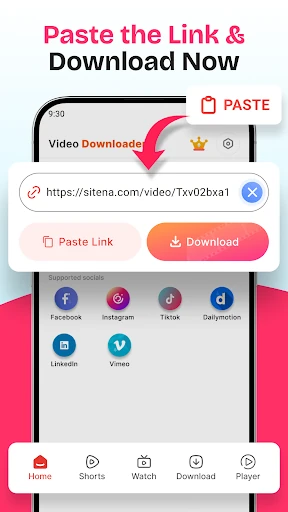
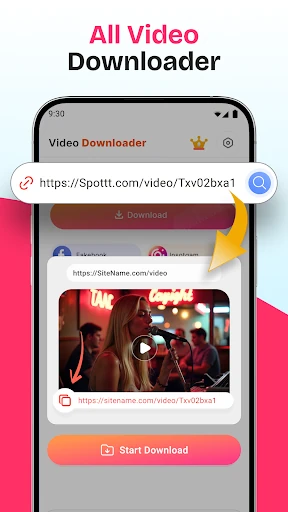
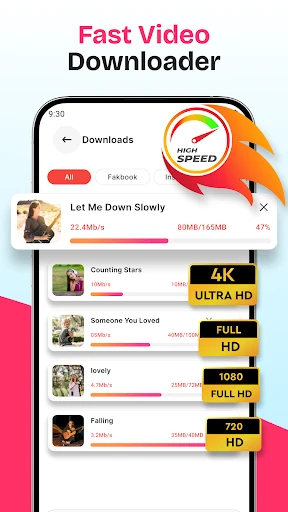
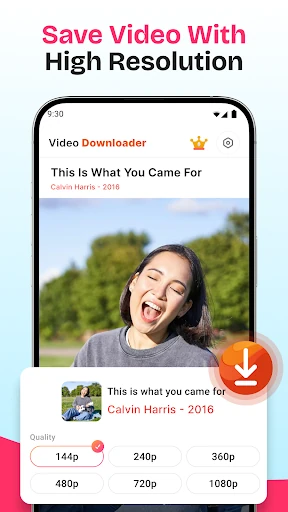
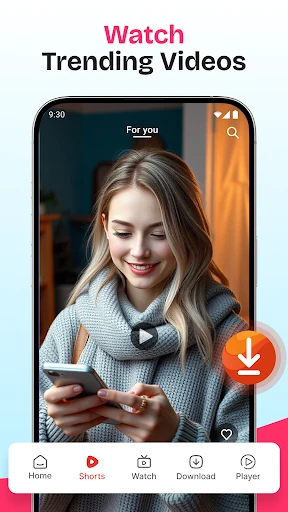
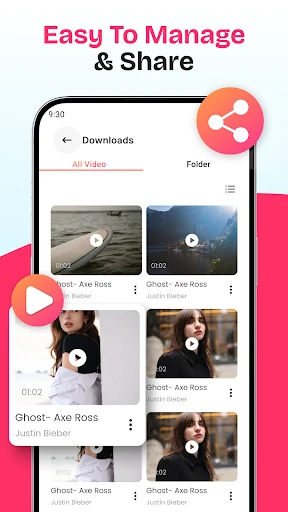
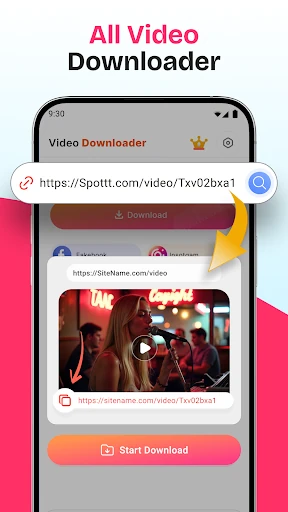
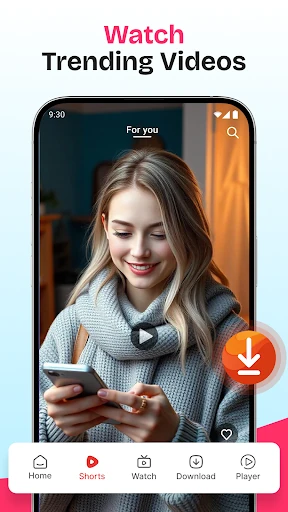
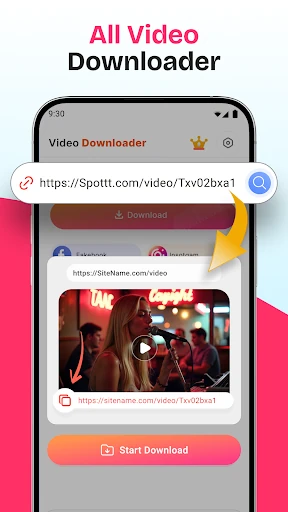
All Video Downloader & Saver is a free Android app that saves public online videos by pasting a copied link into its built-in browser and tapping download. It suits the case where you already have a shareable video URL and want a copy to watch offline, without an account or a subscription.
How the copy-and-paste download flow works
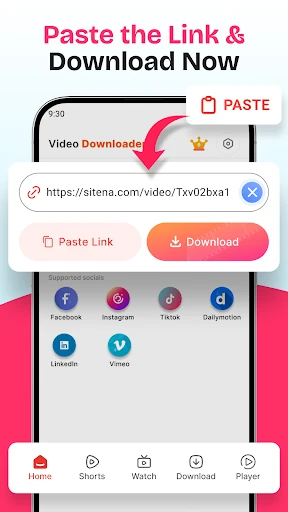
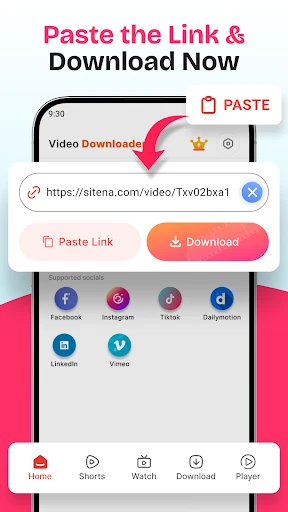
The app's only documented workflow is short. Copy the address of the video you want, open the app, paste the link into the browser window it provides, and start the download. The listing mentions no sign-in, no playlist import and no queue management, so treat it as a one-link-at-a-time tool.
Keeping the browser inside the app means you don't have to switch between a separate browser and a downloader, which is convenient on a phone. It also means the download still depends on the source page loading normally. If a page is slow, asks you to log in, or presents a consent wall, the download can stall the same way it would elsewhere.
What the "HD" and "all platforms" claims cover
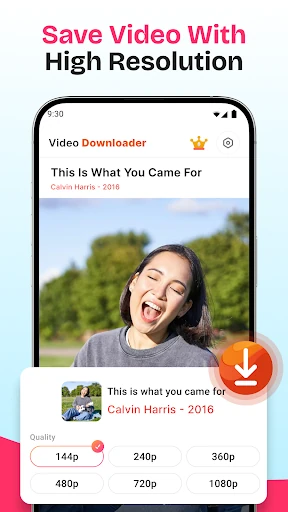
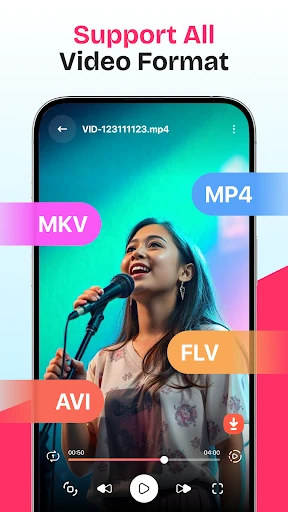
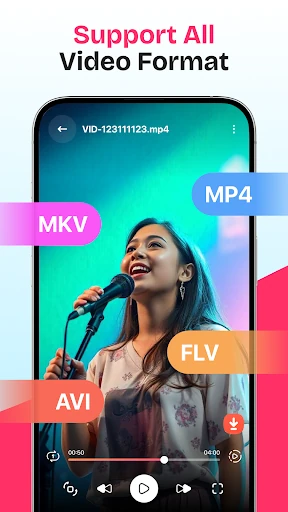
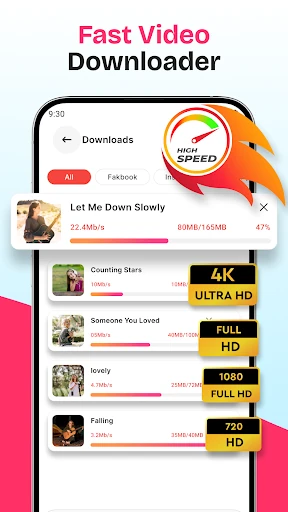
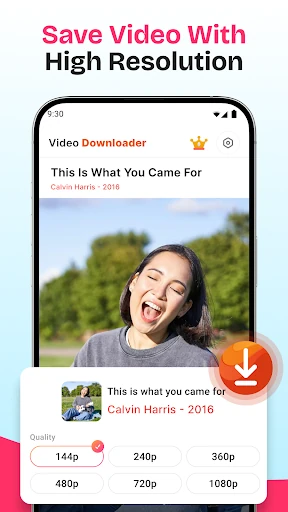
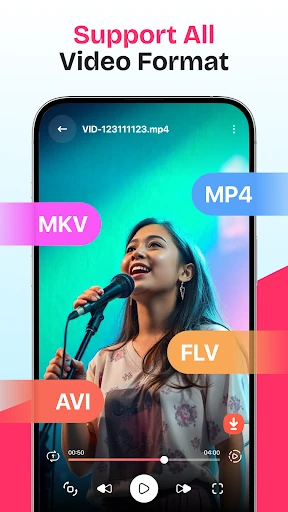
The concrete part of the feature list is format support: the app states it handles MP4 and other common video formats. That is a reasonable expectation for a link-based saver, and it covers most of what people actually want to keep.
Quality is less fixed. "HD" and "4K" describe what the source serves and what your phone can store and play, not a guarantee that every link yields a high-resolution file. A video uploaded at 480p cannot be pulled down at 1080p, and a large file may be more than you want on limited storage.
"All platforms" is the broadest claim and the one to test against your own habits. The listing names no services, so there is no way to confirm in advance that the site you use is supported. Public links — including the stories and reels the app advertises saving — are the realistic case. Anything behind a login, a paywall or an age gate is a likely failure, and some sites actively block this kind of download regardless of the app.
Safety before installing: permissions, data and the free-app trade-off
More than five million installs and a rating around four stars show the app is widely used, but popularity is not a privacy review. What matters is what the app asks for on your device.
Check the permission list on Google Play before installing and read the Data safety section. A downloader legitimately needs network access and somewhere to write files. Requests that don't fit the job — contacts, location, SMS, broad account access — are the signal to look more carefully or pick a different app. Permissions can also change between versions, so the list at install time is the one that counts.
The app is described as 100% free with no hidden fees, but free does not necessarily mean ad-free. Expect that a tool like this may show advertising or collect usage data, and confirm the current arrangement on the store page rather than assuming. If you are saving sensitive material, that trade-off deserves a second thought.
Private videos and copyrighted content: limits to know
The phrase "private video downloader" refers to keeping files on your own device, not to reaching content inside someone else's private account. The app cannot bypass privacy settings, and no reputable downloader can.
The listing's own disclaimer notes that videos and images belong to their owners. Use the app for clips you made, content you have permission to keep, or material whose licence allows it — not for redistributing someone else's work.