- Installs
- 1,000,000+
- Ratings
- 35,118
- Price
- Free
- Developer
- FutureDream Lab
Screenshots

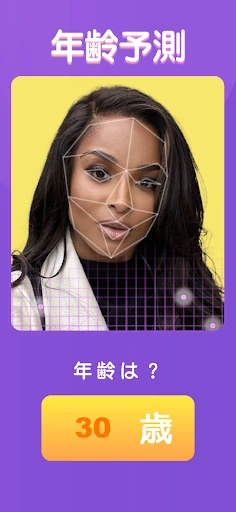
Overview
Future Face is a free Android app from FutureDream Lab that takes one photo of a face and re-renders it as an older version of you, a younger one, a cartoon or anime portrait, or the opposite gender. It is worth installing if you want a fast novelty result for a prank or a profile picture, and not worth it if you expect a layered photo editor you can fine-tune afterwards.
What each of the four face modes actually produces
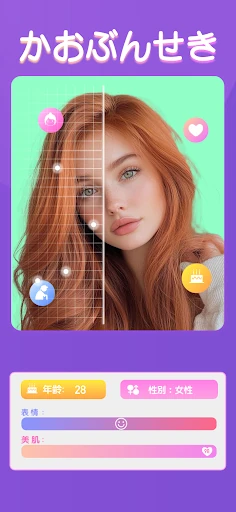
Every mode starts the same way: you take a shot with the camera or pick an existing image from your gallery, and the app returns a finished portrait. There is no mask, layer or adjustment slider to work with — the output is the product.
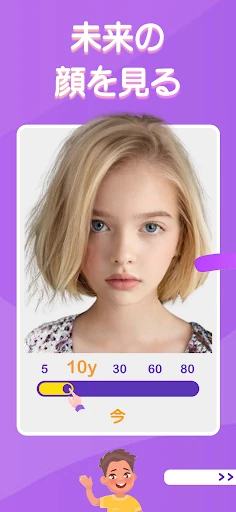
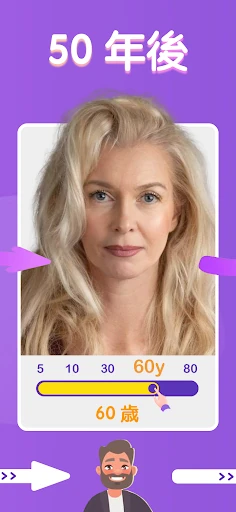
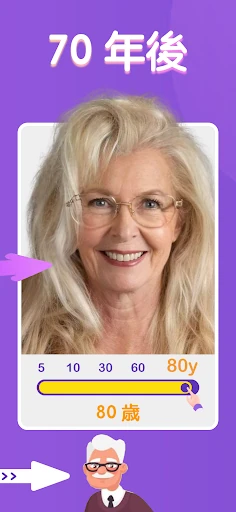
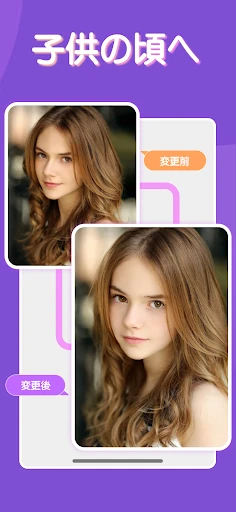
Aging forward is the headline trick. You feed in a current photo and get back a face pushed decades ahead, with the app's own idea of how skin, hair and features would settle. De-aging works in the opposite direction, producing a childhood or young-adult version, which is the mode most people reach for when they want to see an old photo of a partner or friend reimagined.
Cartoon and anime conversion is a different job altogether. Instead of predicting a plausible person, it redraws the face in an illustrated style, so the appeal is how good the drawing looks rather than how closely it matches you.
Gender swap is the most visually aggressive of the four. Expect the app to rebuild bone structure, hair and styling rather than apply a light filter, and expect the result to look like a distinct person who shares some of your features.
How convincing the aged and cartoon results look
The aging effect reads as a stylised prediction, not forensic age progression. Skin tends to come out smoother than a real 60-year-old's, and the eyes can sit slightly off, but the overall impression usually looks like a plausible relative of the person in the photo. Treat that family-resemblance feel as the realistic target.
Cartoon mode should be judged on a different scale. It is supposed to look illustrated, so complaints that the output is unrealistic miss the point; what matters is whether the line work and shading suit the face you gave it.
Free download, ads, and where the app may ask you to pay
The app installs free, and the listing does not spell out whether saving or sharing a finished result is gated. If an unlock or credit prompt appears mid-flow, treat that moment as the real decision point rather than as a hidden cost you were promised up front.
Photo privacy: the data-safety label contradicts itself
The Play data-safety panel is worth reading before you upload anything, because it does not tell a clean story. It carries a "No data collected" label while also stating that app activity, app info and performance data, and device or other IDs may be shared with third parties. Both statements sit on the same page.
The mitigating details are real: data is encrypted in transit, and the listing says you can request deletion of your data. Even so, the sensible approach is to use a throwaway selfie rather than a photo of someone else, a child, or anything that identifies where you live or work.
Choosing a photo that gives a usable result
A front-facing shot in even daylight, with a neutral expression and your face filling most of the frame, gives the cleanest output. Skip sunglasses, heavy shadow and anything covering the face, and use a picture with only one person in it for the gender swap. Saved images go straight to your album at whatever resolution you supplied, so start with the photo quality you actually want to keep and share.