- Installs
- 100,000,000+
- Ratings
- 1,243,341
- Price
- Free
- Developer
- Google LLC
Screenshots
Overview
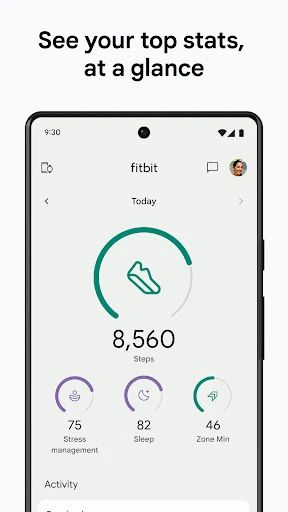
The Fitbit app is worth using on Android if you want a low-friction step counter and food diary on your phone, with the option to turn it into a broader health dashboard later. It becomes a much more useful sleep, heart-rate and workout tool when paired with a Fitbit tracker or Wear OS watch; Fitbit Premium is optional and mainly adds guided content and deeper recovery insights.
Can the Fitbit app track steps with only an Android phone?
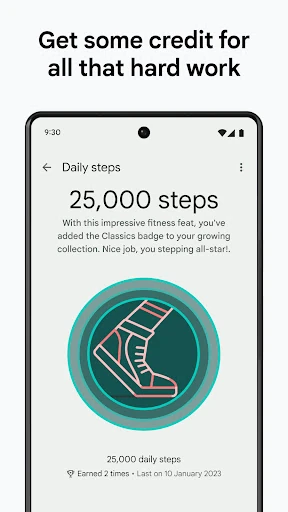
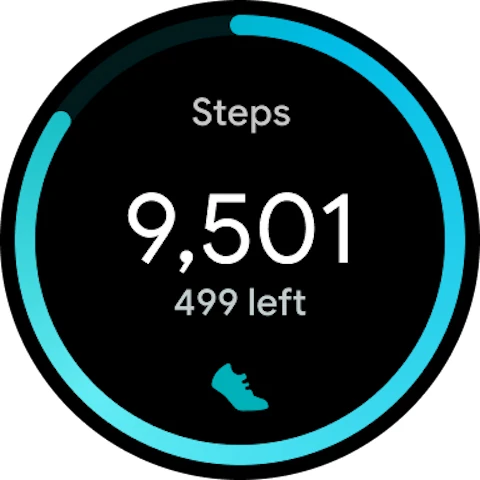
Yes, but only as a basic tracker. Without a device, the app uses the phone itself to record steps, distance and estimated calories. Distance is calculated from stride length, which the app derives from profile details such as height and gender, and calories are estimated from your basal metabolic rate. The phone-only mode does not record sleep, floors or active minutes, so it is closer to a pedometer than a full health tracker. It also keeps about seven days of phone-tracked data with regular internet access, which makes it suitable for everyday movement checks rather than a long-term standalone health record.
What a paired tracker or Wear OS watch adds
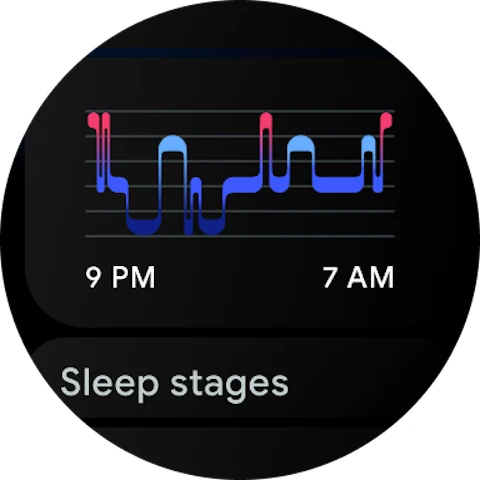
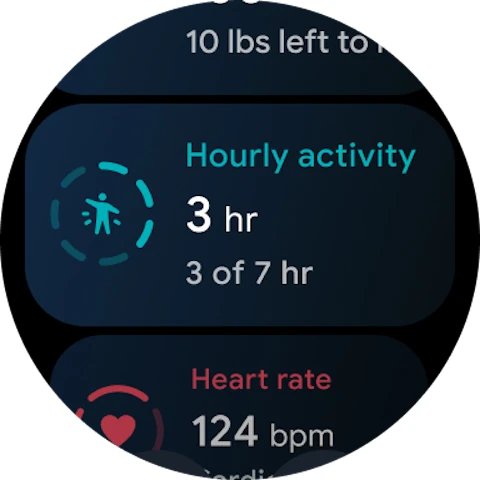
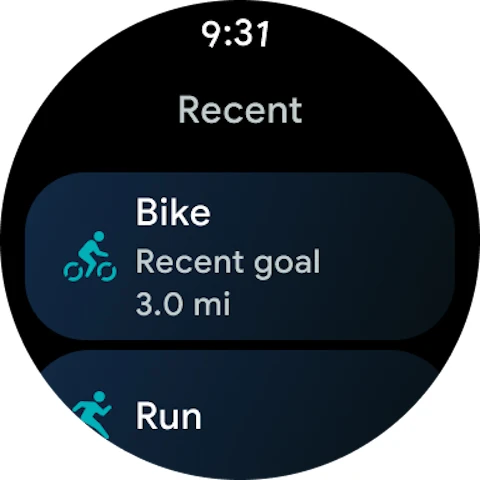
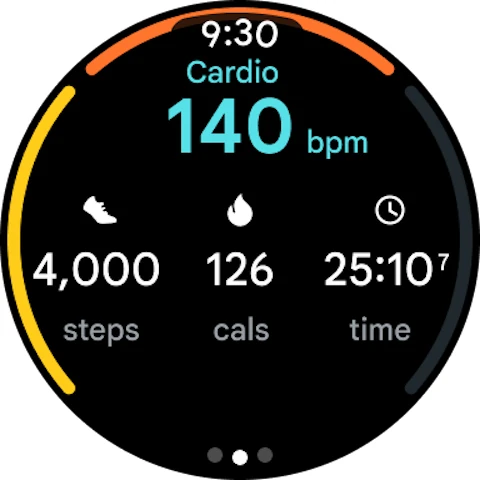
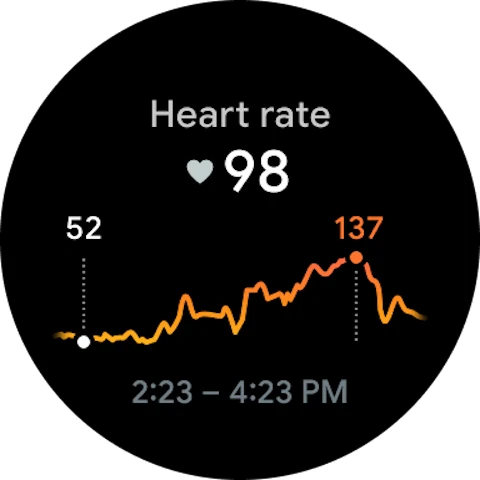
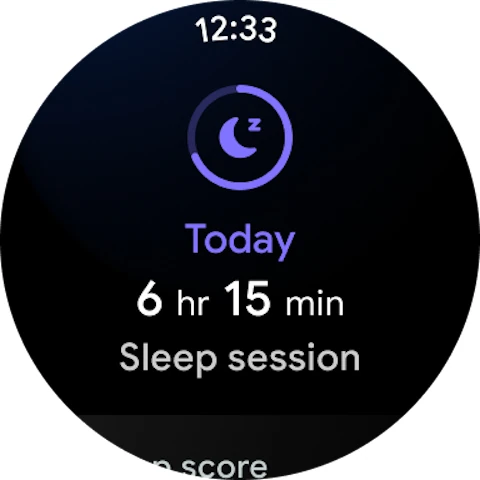
Pairing a Fitbit tracker or Wear OS watch is what turns the app into the dashboard described in its broader health pitch. A compatible device adds 24/7 heart rate, Active Zone Minutes, resting heart rate and sleep stages. Those are the inputs behind the app's view of activity, sleep, nutrition and stress, rather than just steps. This matters most if you already own or plan to buy compatible hardware; if you do not, the phone-only experience marks the practical ceiling of what the free app can show you.
Free food, water and weight logging
Basic logging works without Premium. You can record food, water, weight, blood glucose and menstrual cycle information, and the food diary breaks down protein, fat, fiber and carbohydrates. For someone without a Fitbit device, this is the clearest standalone use: it supports diet and weight goals without depending on heart-rate or sleep data. The logging tools are straightforward, and they do not require a subscription to be useful.
Health Connect and other Android health data
On Android 9 or higher, Health Connect can give the app an overview of data from other connected apps and devices. That helps if you already use another tracker or health app and want one place to glance at the numbers. Its value depends on what those other sources record, and it does not replace the Fitbit-specific heart-rate and sleep features that come from paired hardware.
Fitbit Premium: which features change the experience
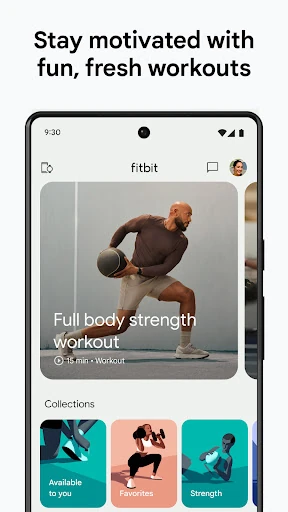
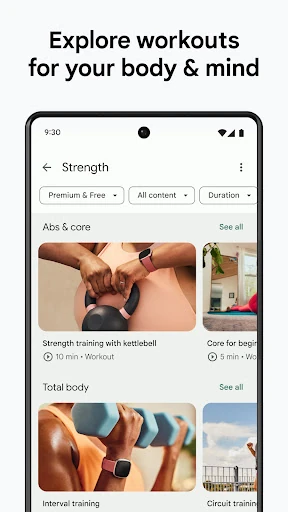
The clearest change with Premium is access to the full workout, mindfulness and recipe libraries. Free users get previews rather than the whole content collection, so Premium is the difference between sampling guided sessions and following a larger library for HIIT, strength, yoga, meditation and similar content. Premium also adds Daily Readiness Score, Sleep Score and Sleep Profile. Those insights are most useful when a paired device is feeding sleep and heart data into the app, since they depend on recovery signals rather than phone steps alone. Premium is not needed for basic step counting or the food and water diary. The subscription decision comes down to whether you want guided workouts and mindfulness sessions plus deeper readiness and sleep analysis, and whether you have compatible hardware to make those insights meaningful.